

Known Participant
August 5, 2026
Question

Side bar disappearing

  • August 5, 2026
  • 3 replies
  • 11 views

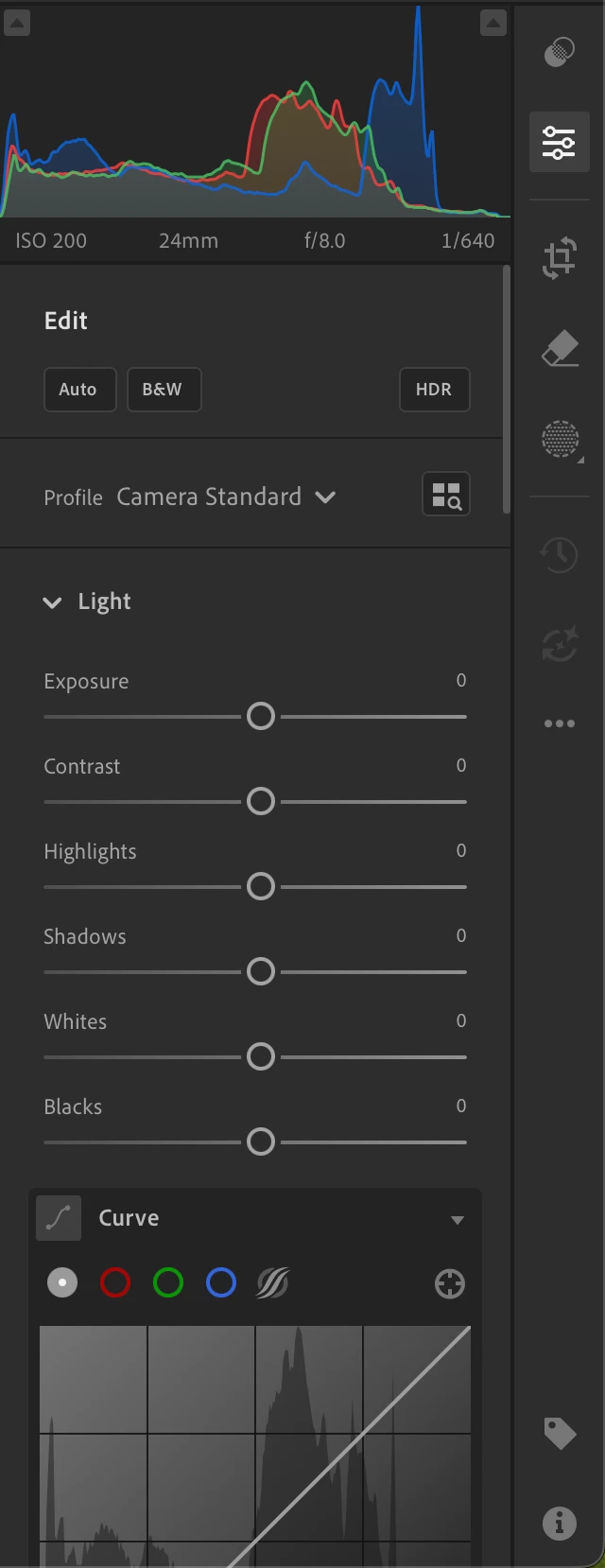
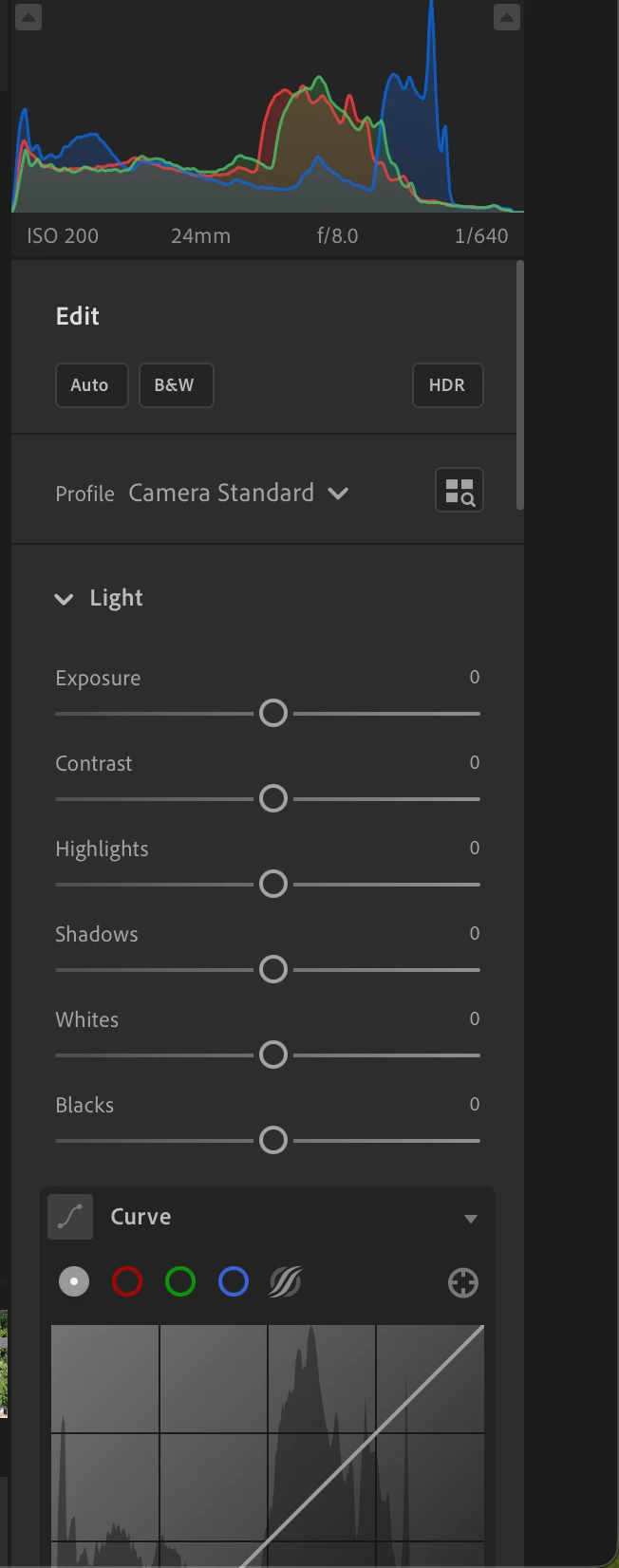
After few minutes of working the sidebar (where you can click and open edit mode, or info mode, or crop) disappear and only a solid grey rectangle is present


    3 replies

    Known Participant
    August 5, 2026

    Hi ​@Srishti Bali

    thank you for looking into it.
    1 - the sidebar disappear after few minutes WITHOUT defined actions as far ass I can see
    2 - yes, restarting Lr restore the sidebar (and the masks handling 

    )

    3 - 
     

    Lightroom version: 9.5 arm64 [ 20260728-0500-db8bf00 ] (Jul 27 2026)
    NGL Version: 1.43.0.5
    WF Version: 8.5 20b9f90
    VF Version: 1.0.164
    HIL Version: 40501
    CAI Version: adobe_api/1.66.1
    PH Version: 6.1.1
    Adobe GSDK Version: 1.4.0.213
    CR Version: 29.5.0.202509162212_6e7a997
    Catalog ID: 0eab27ecd9f645059e5621ca0636f7ab

    Operating system: macOS
    OS Version: macOS 26.5.2 (25F84)
    Application architecture: arm64
    Computer model: MacBookAir10,1 / Apple M1
    Logical processor count: 8
    Real memory available to Lightroom: 16.384,0 MB
    Real memory used by Lightroom: 841,0 MB (5,1%)
    Peak memory used by Lightroom: 3.929,0 MB
    Memory cache size: 3.839,7 MB

    Internal Camera Raw version: 18.5 [ 2673 ]
    Maximum thread count used by Camera Raw: 5
    Camera Raw SIMD optimization: Neon
    Camera Raw virtual memory: 21MB / 6144MB (0%)

    Display: 2880x1800
    Dark Mode: Yes

    Graphics Processor Info: Metal: Apple M1
    Graphics Processor Detail: loaded: Yes, supported: Yes, compute: Yes, init: I4_GPU4, hard: success, soft: success, al: Yes, dl: No
    OS Media Capability: true

    Application Folder: /Applications/Adobe Lightroom CC
    Settings Folder: /Users/bmz/Library/Application Support/Adobe/Lightroom CC
    Library Folder: /Users/bmz/Pictures/Lightroom Library.lrlibrary
    4 - I’ll try but I don’t know the exact moment

    Known Participant
    August 5, 2026

    I already tried the reset with past problems and it never worked

    Srishti Bali
    Community Manager
    Community Manager
    August 5, 2026

    Hi ​@biemmezeta 


    Thanks for reaching out, and I'm sorry you're experiencing this issue. To help us investigate, could you please provide a few more details?

    • Does the sidebar disappear consistently after a few minutes, or does it happen only after performing certain actions?
    • Does restarting Lightroom temporarily restore the sidebar?
    • Could you share your System Info? (Go to Help > System Info, click Copy, and paste the details here.)
    • If possible, could you share a short screen recording/ or screenshot of full screen showing the sidebar turning into a solid gray rectangle? That would help us better understand the behavior.


    In the meantime, I'd suggest resetting Lightroom preferences. To do this, press and hold Shift + Option (macOS) or Shift + Alt (Windows) while launching Lightroom, then let us know if that makes any difference.


    Looking forward to your reply.

    Thanks, Srishti Bali | Community & Engagement Strategist, Digital Imaging | Adobe
