
"Some Items Invalid": Lightroom lost my photos, both Cloud & Backup
I had some very worrying issues today with Lightroom CC (I don't use Classic).
- First, some photos of mine started to show with horizontal or vertical "glitchy stripes", all messed up. These are older photos that I successfully imported, edited and exported month ago without any issue. I found copies of the RAW files for the affected album in my local Lightroom backup. I was able to export the settings, delete the bad photos, and reimport the RAW files with the correct settings. Phew!
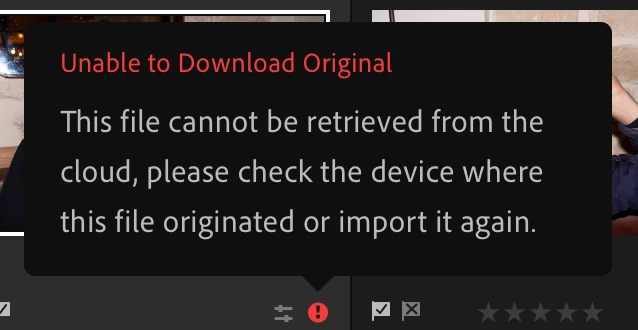
- Then, I got a sync error saying "Some Items Invalid". 145 other photos are missing from my library. I DIDN'T EVEN TOUCH THEM. They are several years old! Some are wedding pictures, which I never delete. Ro make things worse, the files, AND OTHERS which are not marked as "syncing issues", seem to be missing from even my Local Lightroom backup (MacOS)! WTF?
Does that mean we can't trust either the Adobe Cloud, nor the Lightroom backup feature? I am appalled that a paid service could be that untrustworthy. Please help—I hope this is a temporary issue in some data center.



 AdChoices