Participant
April 23, 2020
Question

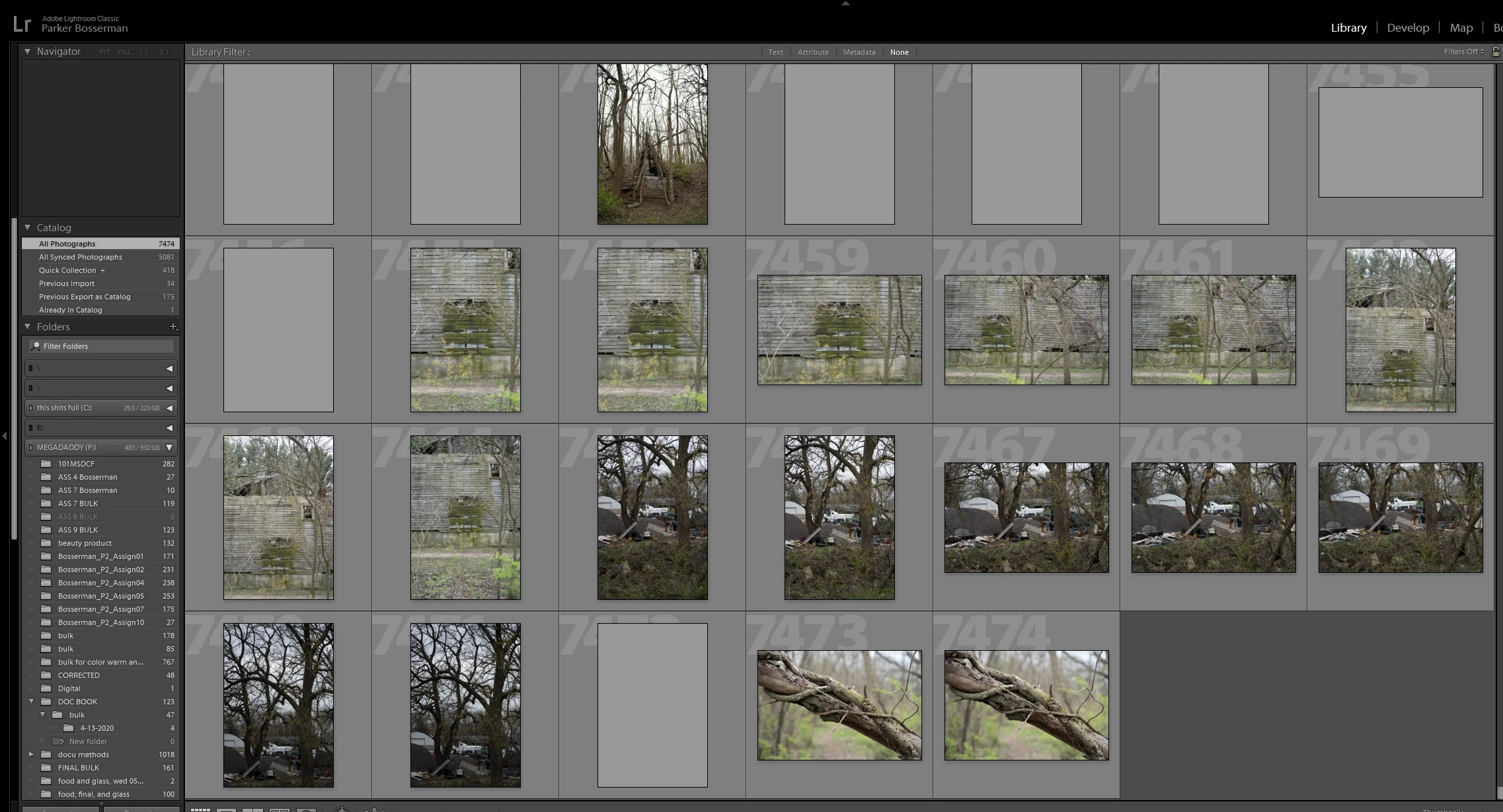
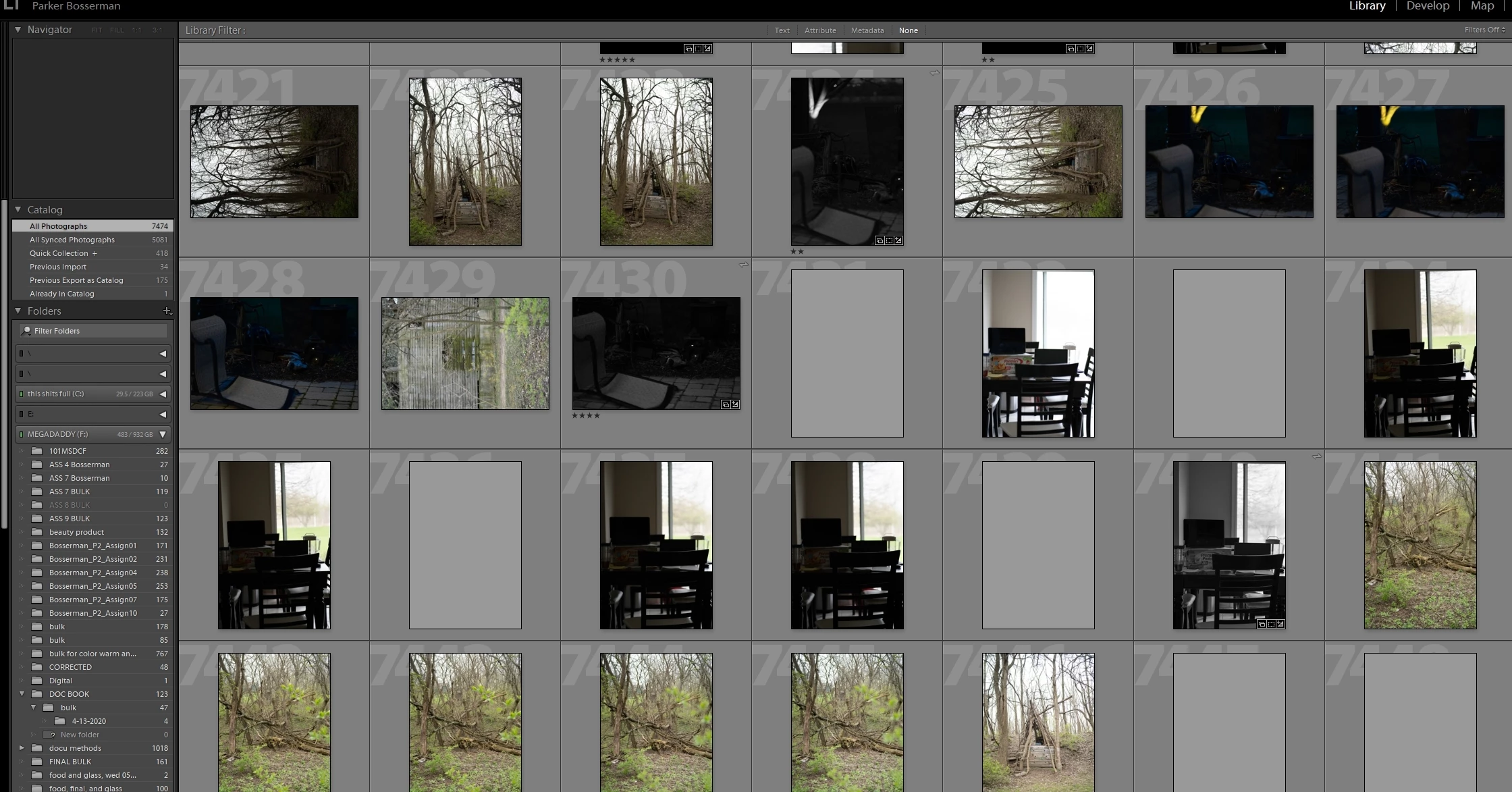
Some of the images are grayed after importing from External HD

  • April 23, 2020
  • 1 reply
  • 427 views

Hi all, 
I recently started importing photos again to my LR catalog on my computer at home. Lightroom and the adobe suite is on an HDD inside my computer. I have my LR catalog(s) on my external SSD. When I imported photos last week, some were grayed out and others were rotated in some weird way. Now, I imported more photos and they are mixing with a previous important but with the same issue of either being grayed out or rotated. What should I do to try to fix this? Here are some screenshots. 
This topic has been closed for replies.

1 reply

Akash Sharma
Legend
April 24, 2020

Hi there,


Sorry that Lightroom Claassic is showing gray thumbnails while importing images.


It it most probably a sign of hardware malfunction. However, I'd give a try to reset the oreview cache. Please checkout the steps mentioned in this article https://helpx.adobe.com/in/lightroom-classic/kb/lightroom-gives-error-preview-cache.html and empty the preview cache. 


Let us know how it goes. 

Thanks,

Akash

Participant
April 24, 2020

hi, 
unfortunately, it did not work. I  just installed some new ram.
Thanks,
Parker

Akash Sharma
Legend
April 29, 2020

Hi Parker,


Thanks for the heads up.


Did installing some additional RAM helped sorting the problem?


Also, which version of Lightroom Classic are you working with?


Regards,

Akash