

Participant
Sep 12, 2023 4:40 AM UTC
Question

Something went wrong. Please try again after some time.
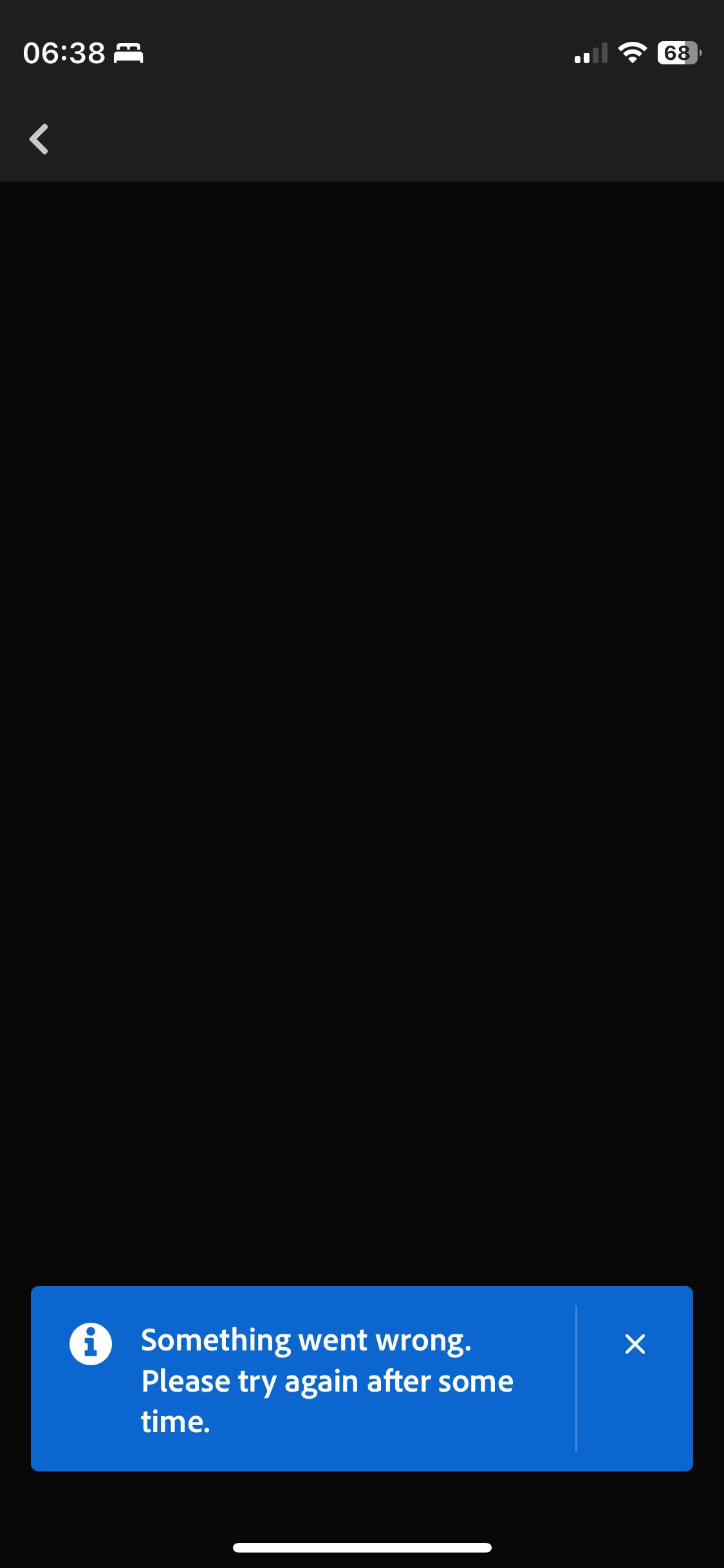
On Lightroom iOS app. On the discovery page. I tap my icon on the top right and I always get this error. Can't access the page.

6 replies

Participant
Jan 12, 2025 10:03 AM UTC

Happenimg to me on iPad pro M2. Tried reinstalling, relogging. Doesnt work.


Translate
Adobe Employee
Jan 13, 2025 6:34 AM UTC

Hello @Yunthas 

Please share more info about what you are trying to do.  Replying to an old thread like this for an error message that may be shown for multiple reasons does not give us enough info to offer help.

Translate
Participant
Jan 13, 2025 6:43 PM UTC

When I open community tab on my Lightroom for iPad, and go to top right to open my profile, 'Sorry, something went wrong...' error appears, trying for days but nothing works. Video attached.

Translate
Adobe Employee
Sep 12, 2023 4:32 PM UTC

Hello @EnriErgoSum 

Are you still able to reproduce this problem?  I cannot in my own iPhone.  


Does it help if you quit and relaunch the app?  Or update to the new app version 8.5.1 that's now available in the app store?


If the issue remains, please let us know.  And tell us a bit about your environment--are you inside a corporate network with strict firewall?

Translate