Participant
June 7, 2026
Question

Sony A7RVI Exporting File Issue

  • June 7, 2026
  • 1 reply
  • 11 views

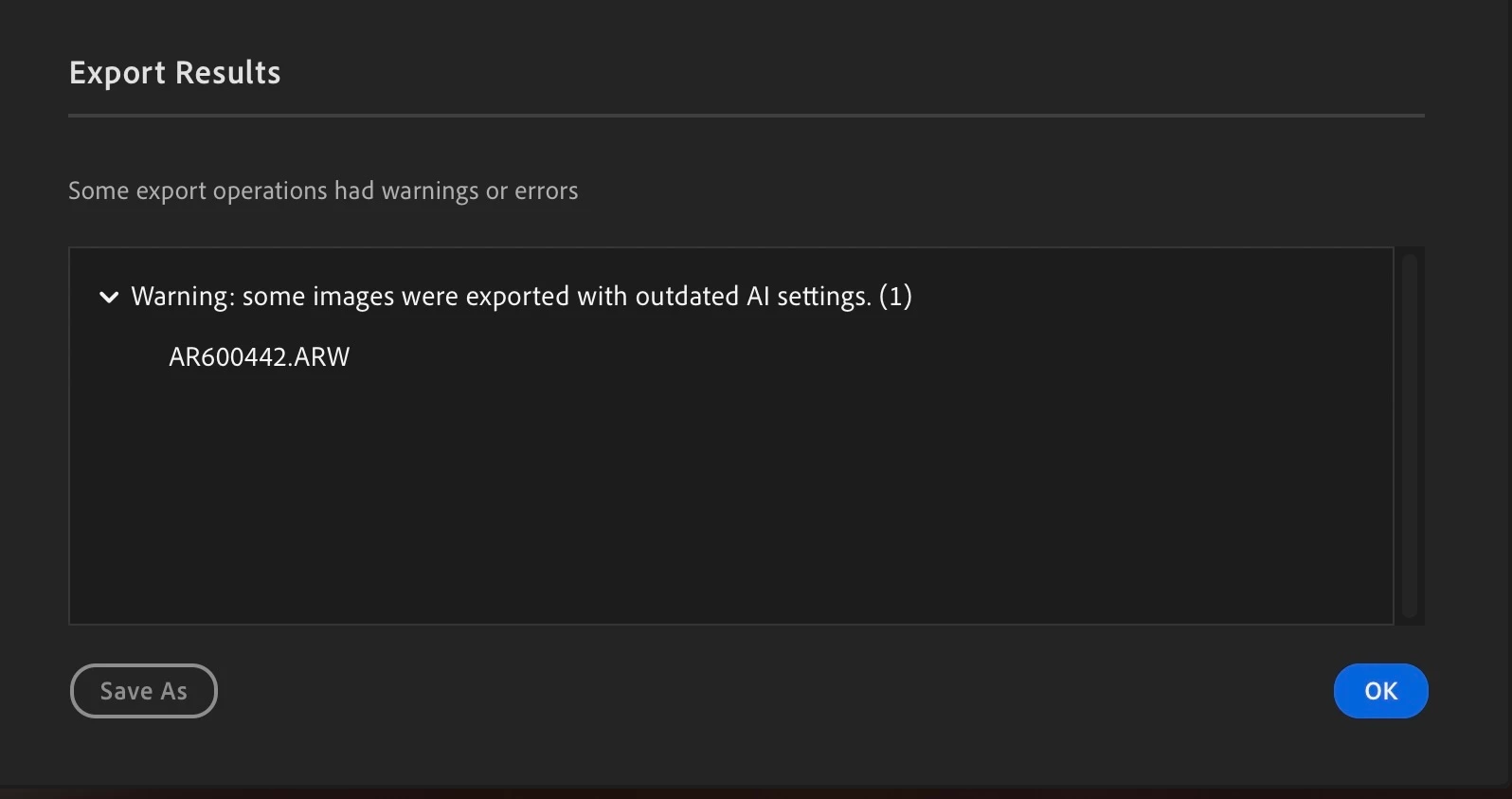
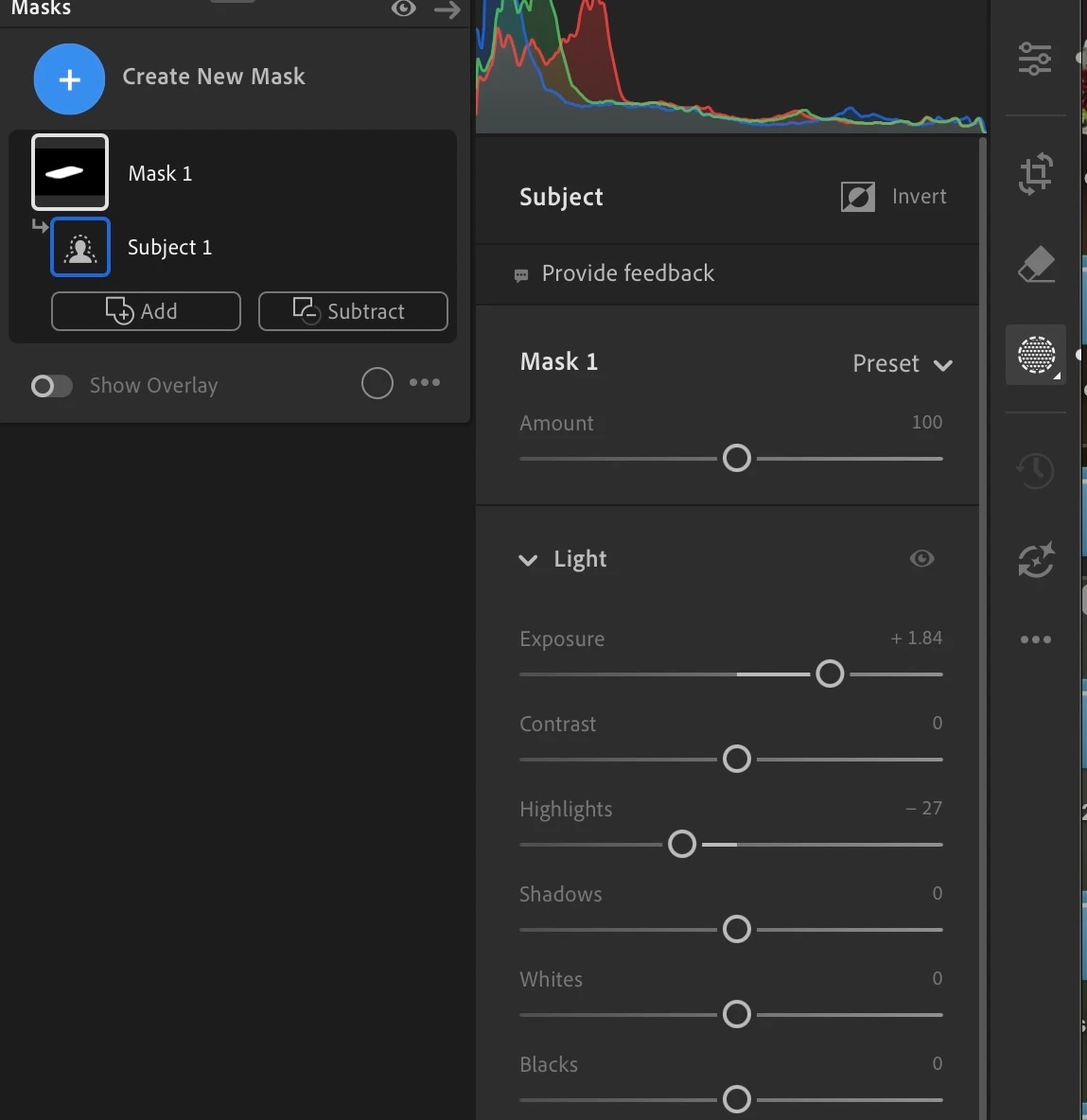
With the new Sony A7RVI, when I go to export raw photos with any mask, it provides the attached error message even though there are no AI edits to update as you can see by the no yellow icon. Seems to be triggered anytime you apply a mask to a file. Have tried multiple file updating AI edits for all files and that does not work either. Have had others with Lightroom desktop try the same workflow and are receiving the same error, so there seems to be some raw file compatibility issue. 


    1 reply

    Cletus
    Known Participant
    June 7, 2026

    I tied the OPs ARW file on my Lightroom Desktop and got the following:
    If I export with no update I get the warning message that you question.

    Since in converting to RAW Lightroom has applied a subject mask, The message is normal and to be expected. What is not expected is what happened next. I updated the AI edits and proceeded to export. When I did the following message appeared:
     

    1780833784170.png


    Nothing I did after that would let me delete the Vibrant mask. For if I did, Lightroom automatically recreated it.
    I opened one of my NEFs for edit and found the same Vibrant subject mask and noticed that it needed updating. After updating it exported normally.  So the issue seems related to this Sony Camera model and no other or  any of my NEFs.

    If I imported the same file into Classic, it arrived with no Vibrant AI mask and of course no AI edit reminder. It exports without issue. I’m thinking the problem is the automatically applied subject mask preset called Vibrant