


January 2, 2026
Question

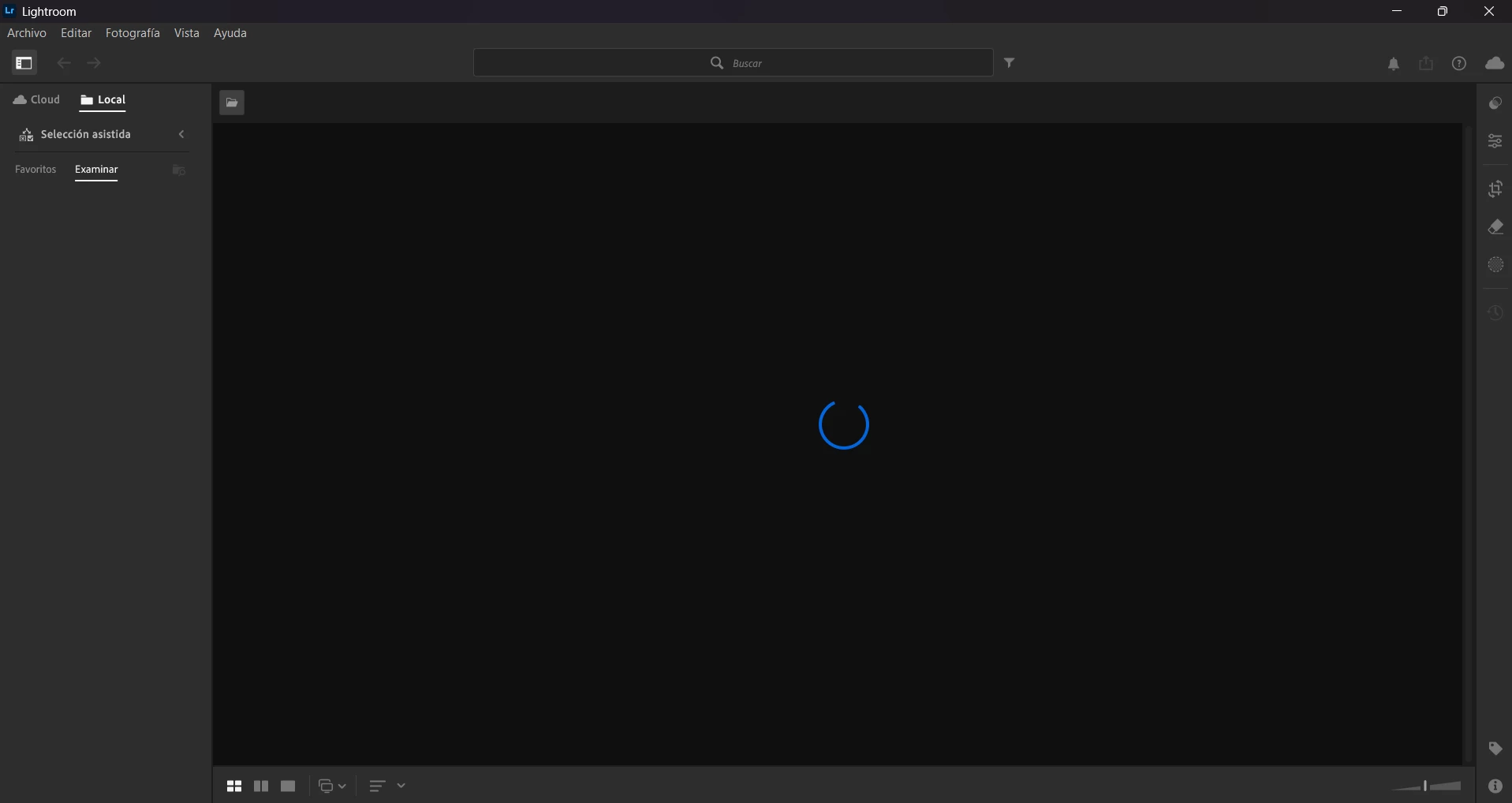
spinning blue circle on local library / loading circle
  • January 2, 2026
  • 1 reply
  • 148 views

 LR CC will not load my local images, it does load the cloud. i use windows 11, i tried uninstalling and installing, reset my laptop, but lightroom just shows the blue spinning circle / loading circle


1 reply

Community Manager
January 2, 2026

Hi @redes_5393, welcome to the community!
Could you let us know which version of Lightroom you’re using? Also, are you by any chance on an unstable connection or using a VPN?
As a first step, it might help to reset Lightroom preferences. Here’s a guide on how to do that:
https://adobe.ly/49jvnOy
Let us know how it goes!
Alek

*(If you mention me with an @, like @Aleke, I’ll get a notification and can respond faster.)*
January 3, 2026

Hi @Aleke! im using Lightroom 9.1, i have an stable connection and i'm not using a VPN. creative cloud files loads with no problem, im only having promblems loading my local files. they're not in an external disk either.

i tried to reset the preferences, but it didn't fix my problem 😞 

Anshul_Saini
Community Manager
Community Manager
January 5, 2026

Hi @redes_5393,


Thank you for confirming the details and sharing the screenshot. Since cloud photos load correctly, and only Local remains on a spinning circle, this suggests a local library index issue. Aleke already helped rule out connectivity, VPN, and preference reset, so let’s try the next focused step.


Please try the following:

• Close Lightroom and the Creative Cloud app
• Go to Pictures on your computer
• Rename Lightroom Library.lrlibrary to Lightroom Library.lrlibrary.old
• Relaunch Lightroom and open Local > Browse


If it still hangs after that:

• Go to Settings > Performance
• Turn Use Graphics Processor OFF
• Restart Lightroom and test again


If the issue continues, please share (copy & paste) Help > System Info so we can take this further with the team.


Best regards,
Anshul Saini