Answered
Still can’t find the delete key for lightroom
Just downloaded some photos I want to delete.How do I delete?

Just downloaded some photos I want to delete.How do I delete?
I'll show using the iPhone, other devices should be similar:
1. From the grid view, choose the 3 dots menu, and choose "Select:"
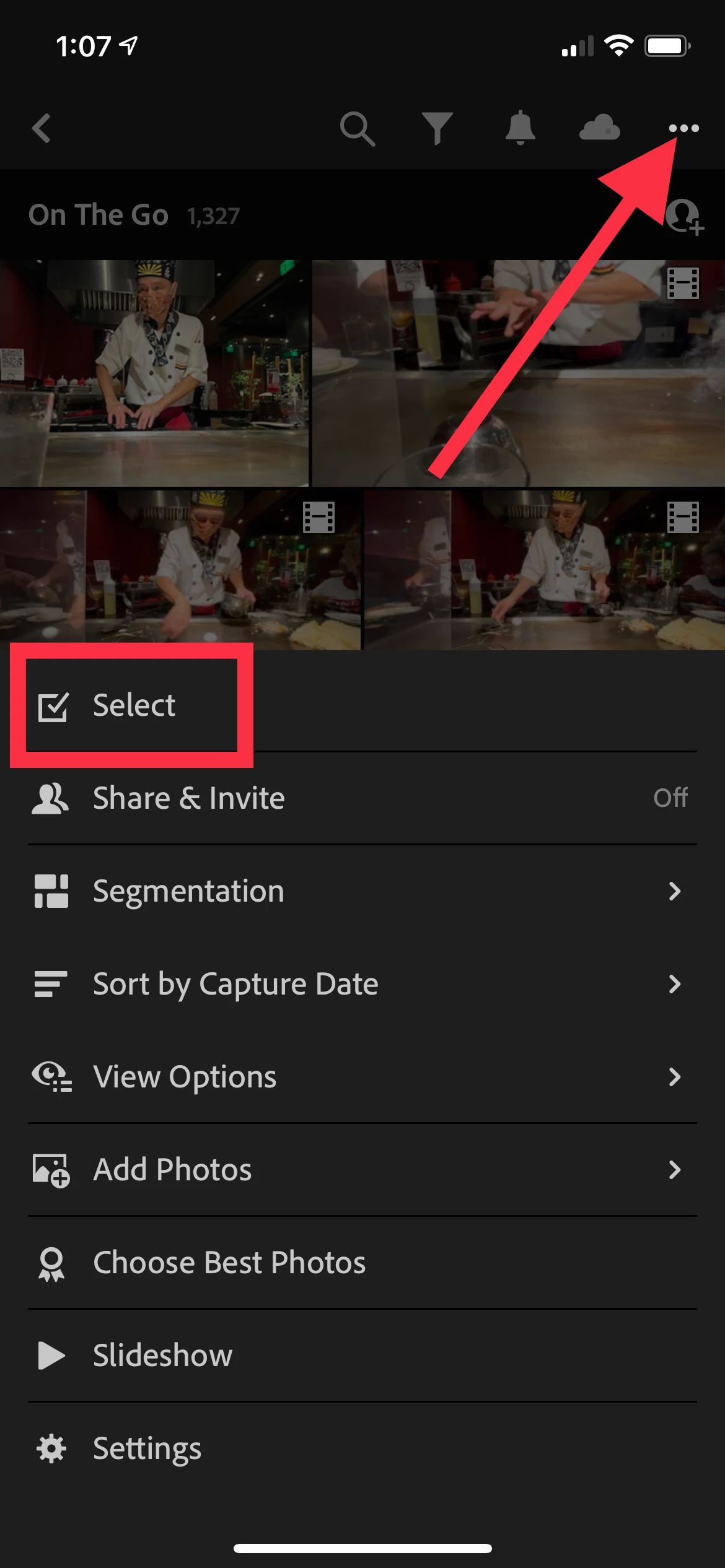
2. Tap the photos to select, then select the trash can icon ("Remove") at the bottom to delete:

Already have an account? Login
Enter your E-mail address. We'll send you an e-mail with instructions to reset your password.
 AdChoices