wade28450307v1ar
Participant
April 29, 2026
Question

Stroke Path option prompts error message

  • April 29, 2026
  • 1 reply
  • 21 views

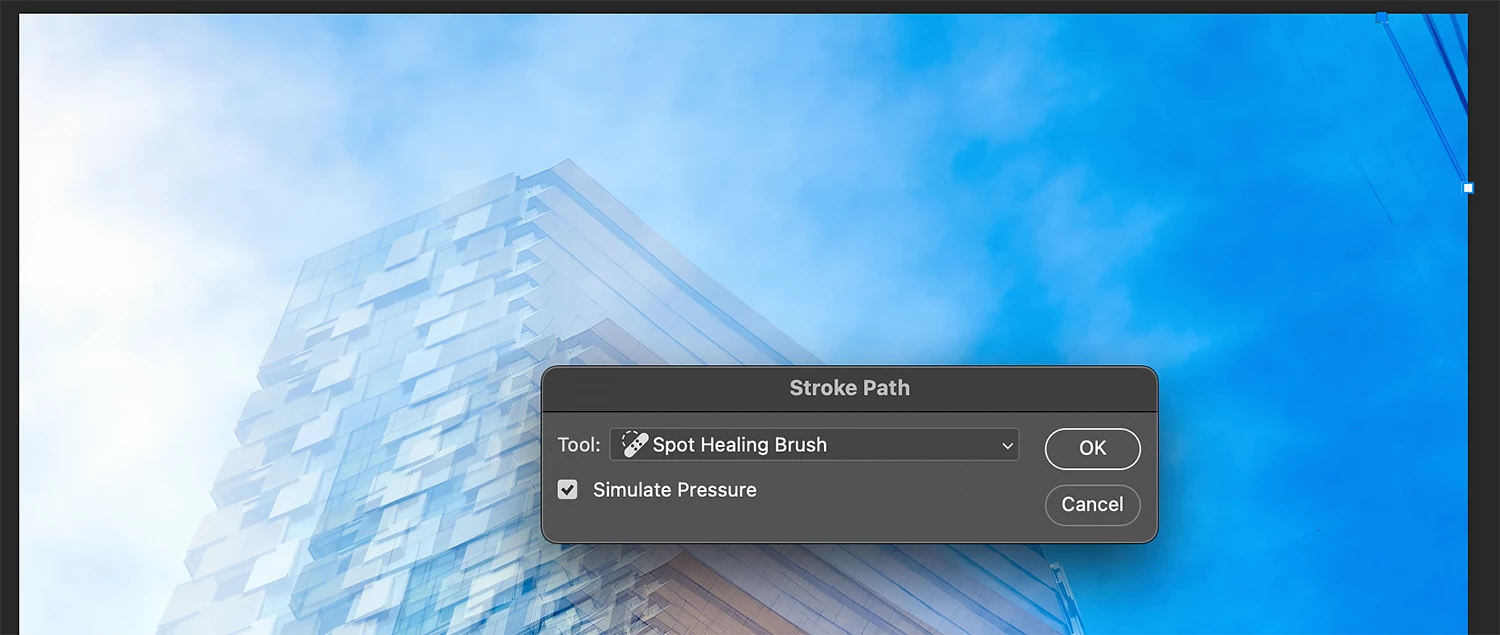
When you create a path with the pen tool, then choose Stroke Path you get the Storke Path options. This defaults to the Healing Brush.


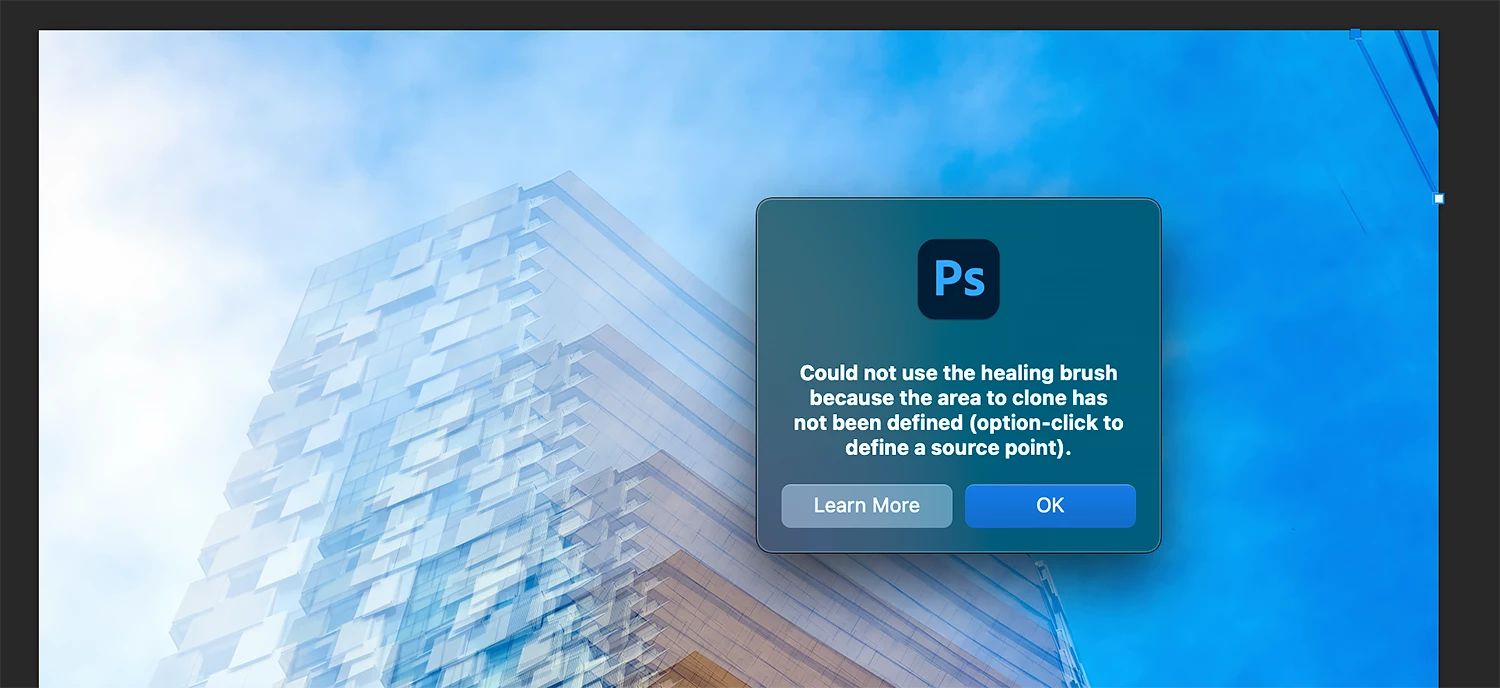
When you click ‘OK’ an error message pops up stating:  

“Could not use the Healing Brush because the area to clone has not been defined.”


Obviously, the Healing Brush does not need to define a sample area prior to working.


Can you please fix? This worked for 20 years. it’s been broken for over 2 years.


Thank you for your time.
 

    1 reply

    Jeff Arola
    Community Expert
    Community Expert
    April 29, 2026

    What version of Photoshop and operating system are you using?


    For me here in Photoshop 2026 (ps ver 26.7), Stroke Path defaults to whatever the last tool used in the Stroke Path dialog.

    I don’t get the error message you posted when using Spot Healing Brush Tool from the Stroke Path dialog.


    The Spot Healing Brush does not require a defined source, but the Healing Brush Tool does.