
Question
Stuck at Updating AI Settings Pop Up (Post Update Bug)
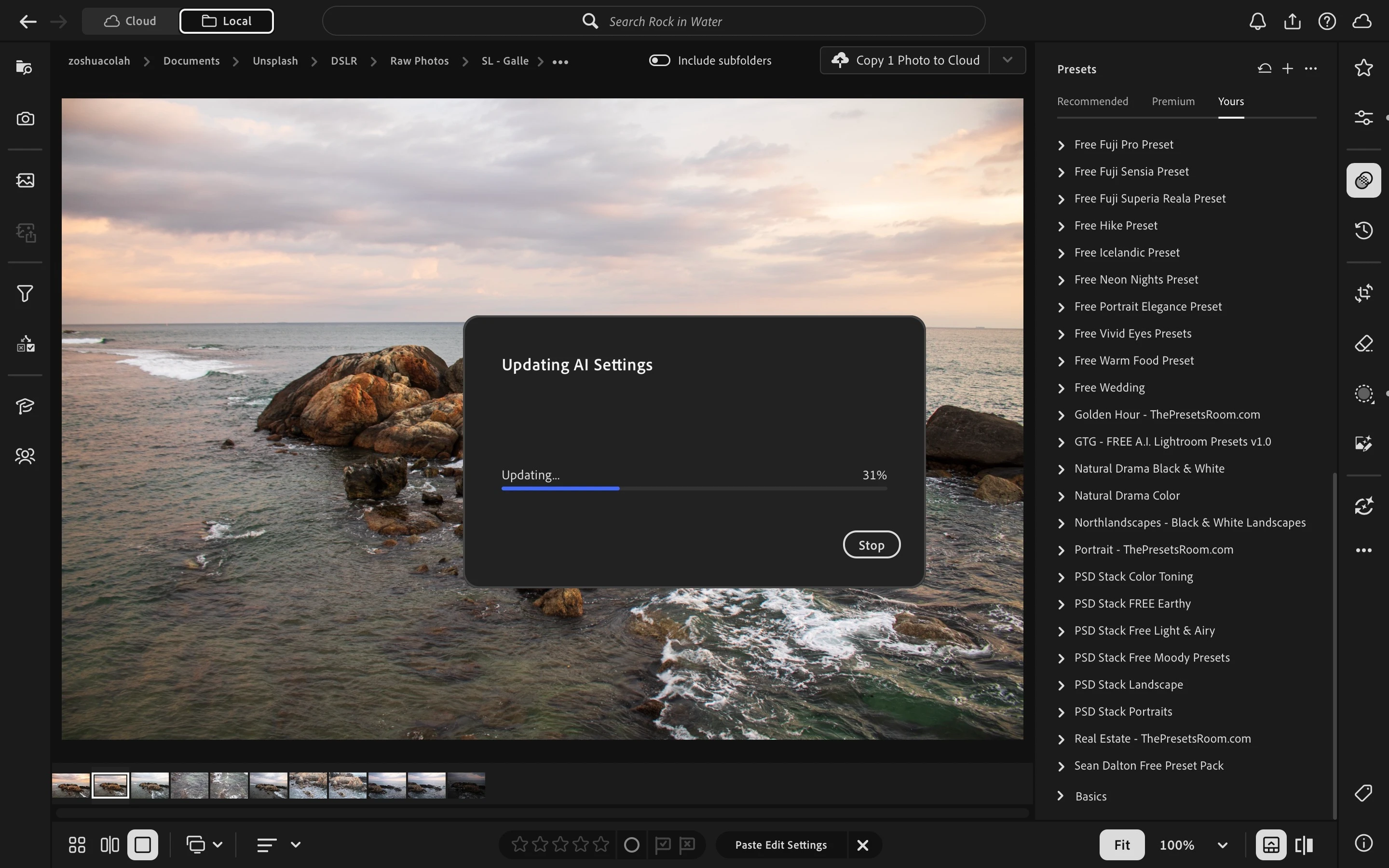
Pasting edit settings that include an AI sky mask onto another photo freezes the “Updating AI settings” progress at 31%. It stays there indefinitely. Further testing shows Select Sky failed on all subsequent photos, not just the initial target photo.
This did not happen in previous versions.
Steps to reproduce:
- Edit a photo and add a sky mask using Select Sky.
- Copy the edit settings, including the mask.
- Paste them onto a second photo.
- Observe the “Updating AI settings” dialog get stuck at 31%.
May you please look into this Adobe Lightroom team?
 AdChoices