


Felipe Osti
Participant
November 22, 2022
Question

Swaped Adobe folder to another hard drive, now all my photos are missing

  • November 22, 2022
  • 1 reply
  • 195 views

As the title says, I alrady tried resyching, everything I could have done, nothing worked so far.
It tells me to delete all m y photos and reimport them all? I mean, all my 60k photos?
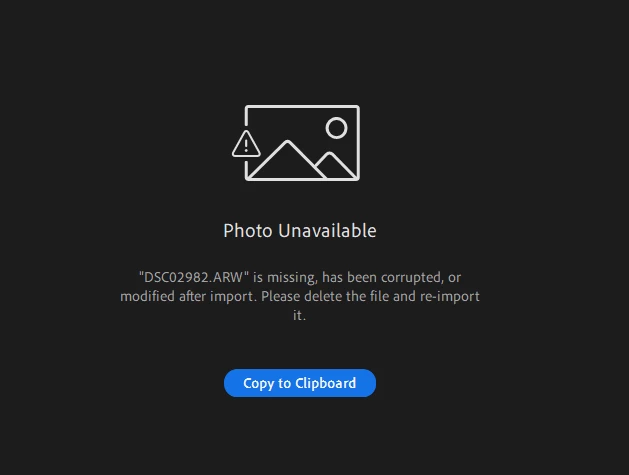
Have anyone gone through this and found a work around?
I am kinda in panic here.

This topic has been closed for replies.

1 reply

Sameer K
Community Manager
Community Manager
November 24, 2022

Welcome to the Lightroom Community. I'll help you figure this out.


Before you make any changes, log on to Lightroom Web (https://lightroom.adobe.com) & ensure everything is synced & backed up correctly. Any unsynced images & edits might be lost in correcting this.


This is a result of manually changing the location of the originals. Did you move the original folder to a different folder on the same drive or an external drive? Lightroom might not recognize changes done externally & as a result, show you what you're seeing. You can go to Preferences > Local Storage > Storage location for originals in Lightroom to set up Lightroom to use a custom location for orignals.


Thanks!
Sameer K