
Sync don't work right on Lightroom Mobile
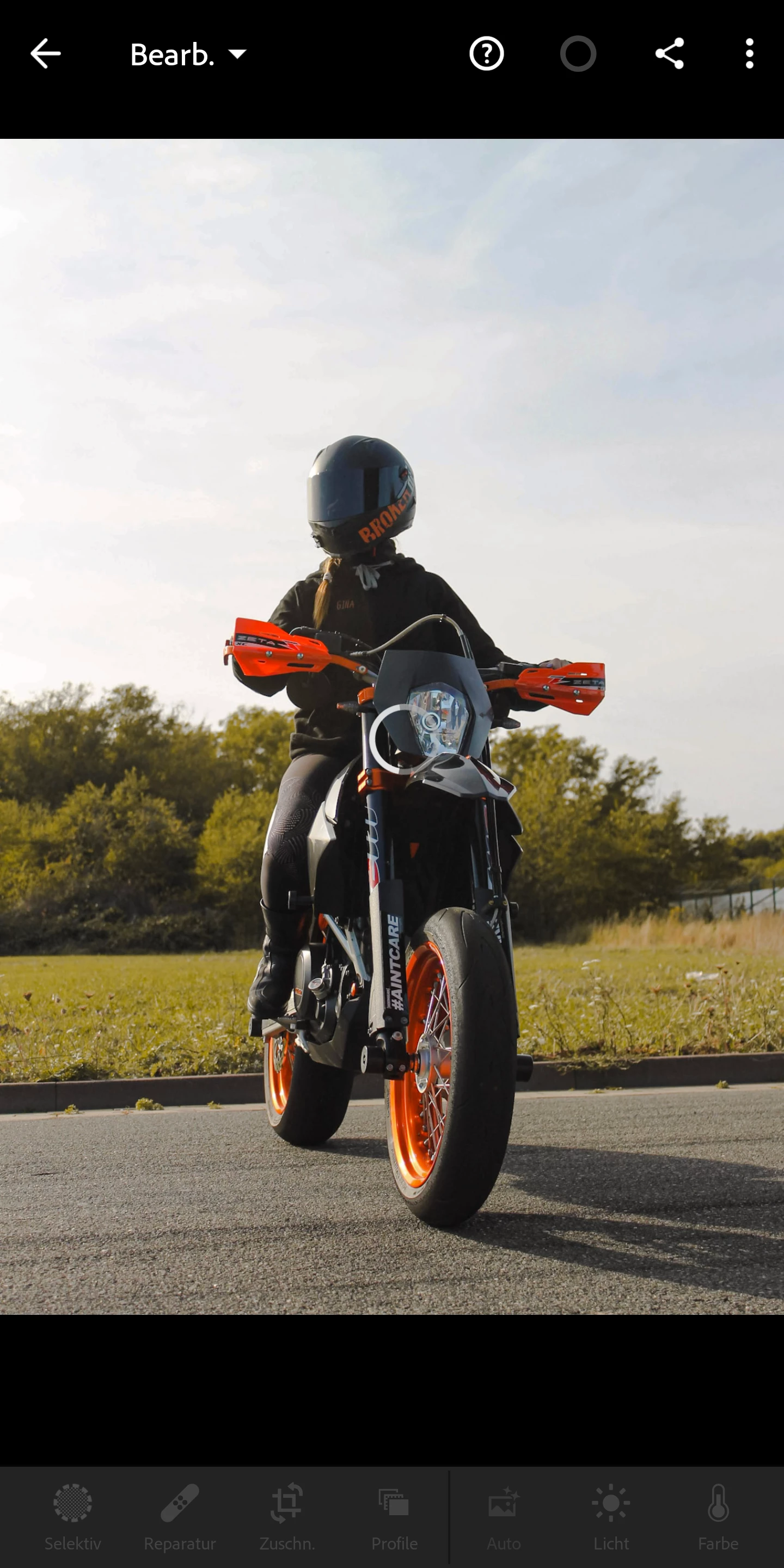
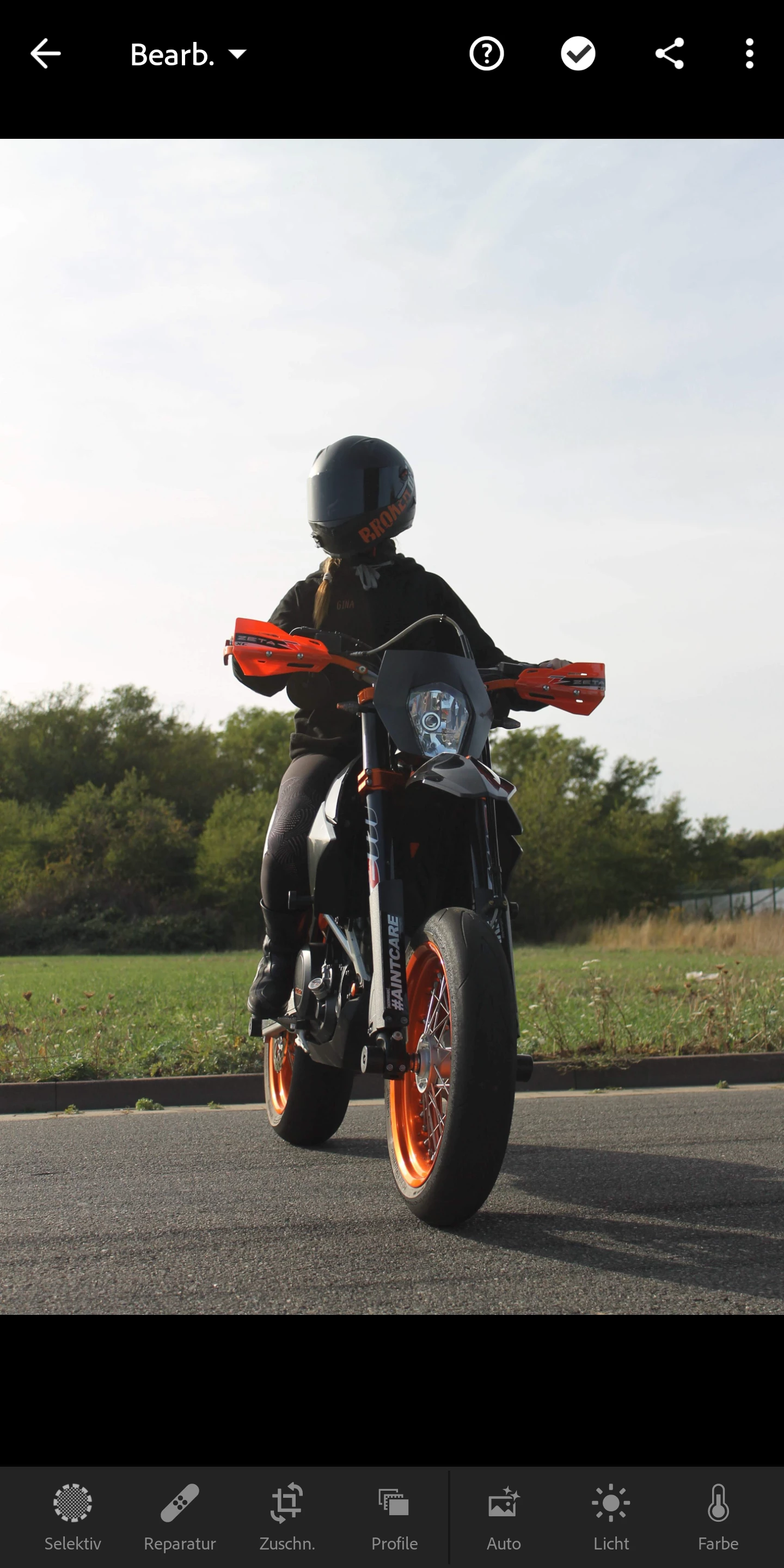
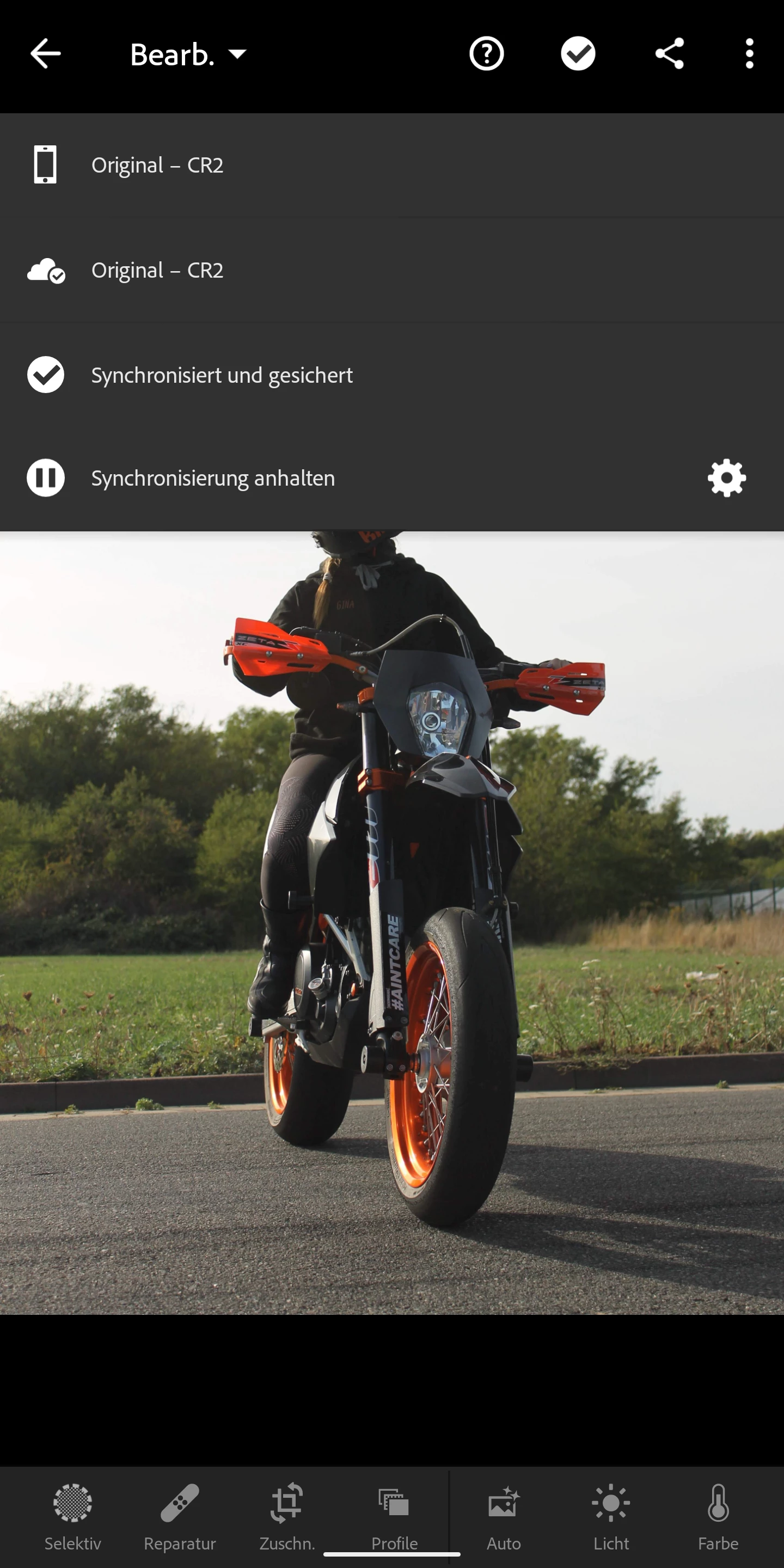
Hey Guys I have a pretty annoying Problem. I edit my Photos on my Ipad and after finishing the editing I click on Force Sync. But if I open the Photo in the Lightroom app on my Pixel 2XL it shows the photo like I edited it as long as it loads. If it's finished loading it shows the original pic. In the Lightroom Web application it shows the edited picture without any Problems. Yes the sync on my phone is activated and always actual. I already delet the app and reinstalled it but that doesn't work. The support says it's because of my phone but it worked the last year without a problem and it shows the edited pic for a short time so I don't think the problem is my phone...
I hope you understand what I mean a
nd sorry my English isn't perfect. Hopefully someone can help me. 🙂


 AdChoices