
Participant
March 30, 2024
Question

Sync failed - LR Mobile - Android

  • March 30, 2024
  • 1 reply
  • 133 views
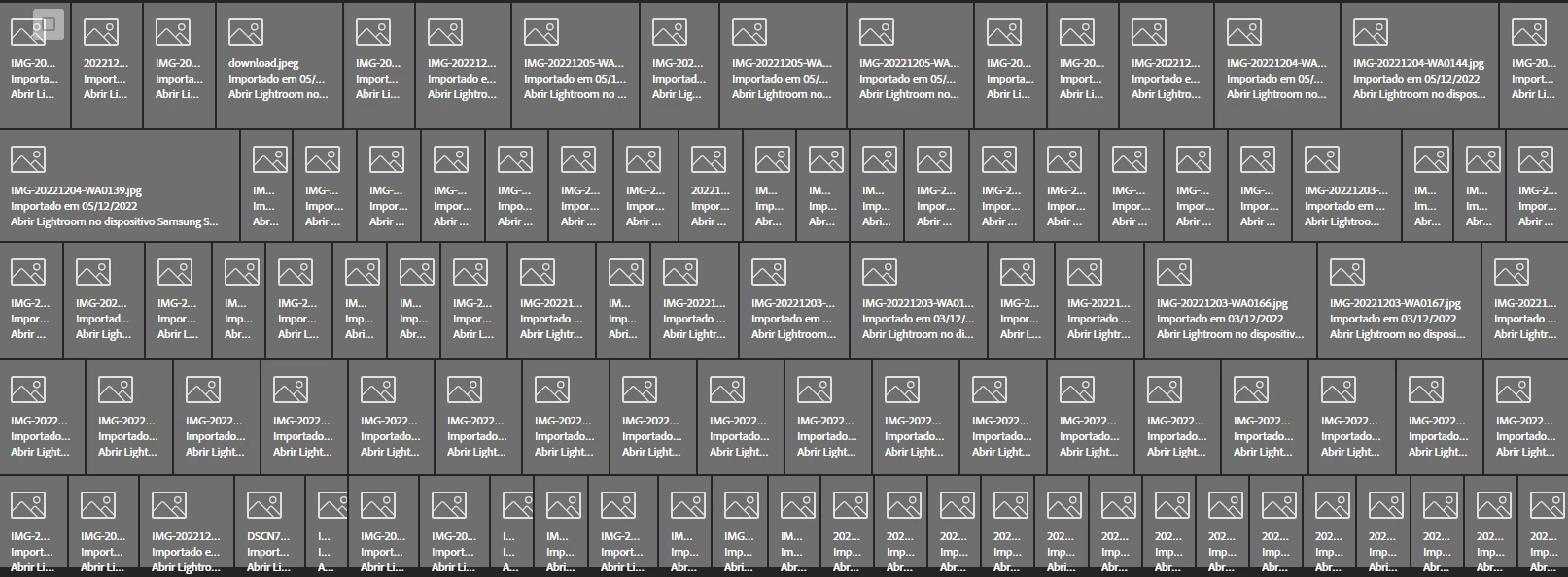
Troquei de celular, e ao reinstalar o LR mobile, percebi que mais de 100 imagens que editei no meu celular anterior estavam com problemas de sincronização.
Como faço para recuperá-los?
Quando tento abri-los, aparece uma mensagem dizendo que deveria abrir o LR no meu celular antigo, mas ele parou de funcionar.


This topic has been closed for replies.

1 reply

Sameer K
Community Manager
Community Manager
April 18, 2024

Hey, @Taison36423139rtrf. Welcome to the Lightroom Community. I'll clarify this for you. 


The assets part of the Sync Issues category did not sync up to the Lightroom Cloud; hence, these images can not be recovered without Lightroom intact on the old device. If you have access to the old device, please ensure Lightroom is kept open & wait for the sync to finish. 


If you don't have access to the old device, you can log in to Lightroom Web (https://adobe.ly/3uv2zCA), and look for the Sync Issues category near the Deleted section on the left part of the screen & clear them out from the deleted section. 

Once the sync issues are removed, you can import the original images again. 


I hope this helps. 

Thanks! 

Sameer K