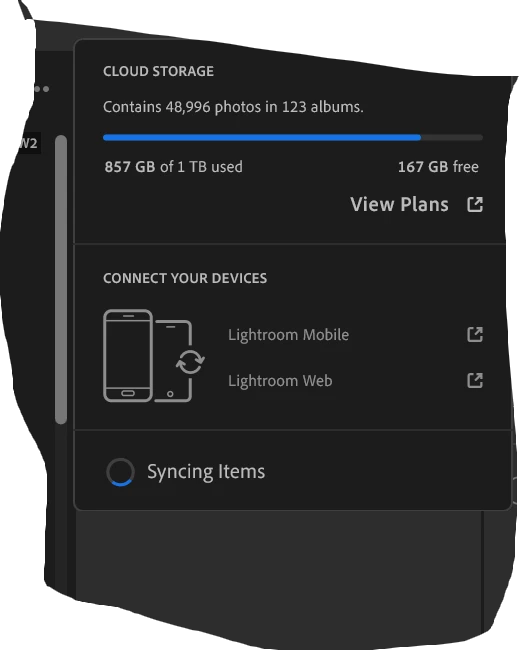
Thanks for sharing the screenshot. I can see that Lightroom is continuously showing "Syncing Items," along with the repeated crashes you’re experiencing.
As a first test, please pause syncing, restart Lightroom, and use it for a few minutes. Does Lightroom remain stable while sync is paused? Then resume syncing and let us know if the crashes start again. This will help determine whether the crashes are specifically tied to the sync process.
Please also try temporarily switching to a different network, such as a mobile hotspot, and see whether syncing behaves differently.
A few other things I’d like you to check:
Make sure the computer has sufficient local disk space available.
Sign in to lightroom.adobe.com and confirm whether your recent photos and edits appear there.
In Lightroom, go to Help > System Info > Copy and paste the complete information here.
If Lightroom crashes again, please submit the Adobe Crash Reporter with the email address you have logged in with on the community.
Also, did this begin after an update or after importing a particular batch of photos/videos?
For now, please don’t delete Lightroom’s local library/cache or remove any photos while we determine what is still pending in sync.



 AdChoices