


Question
Syncing error
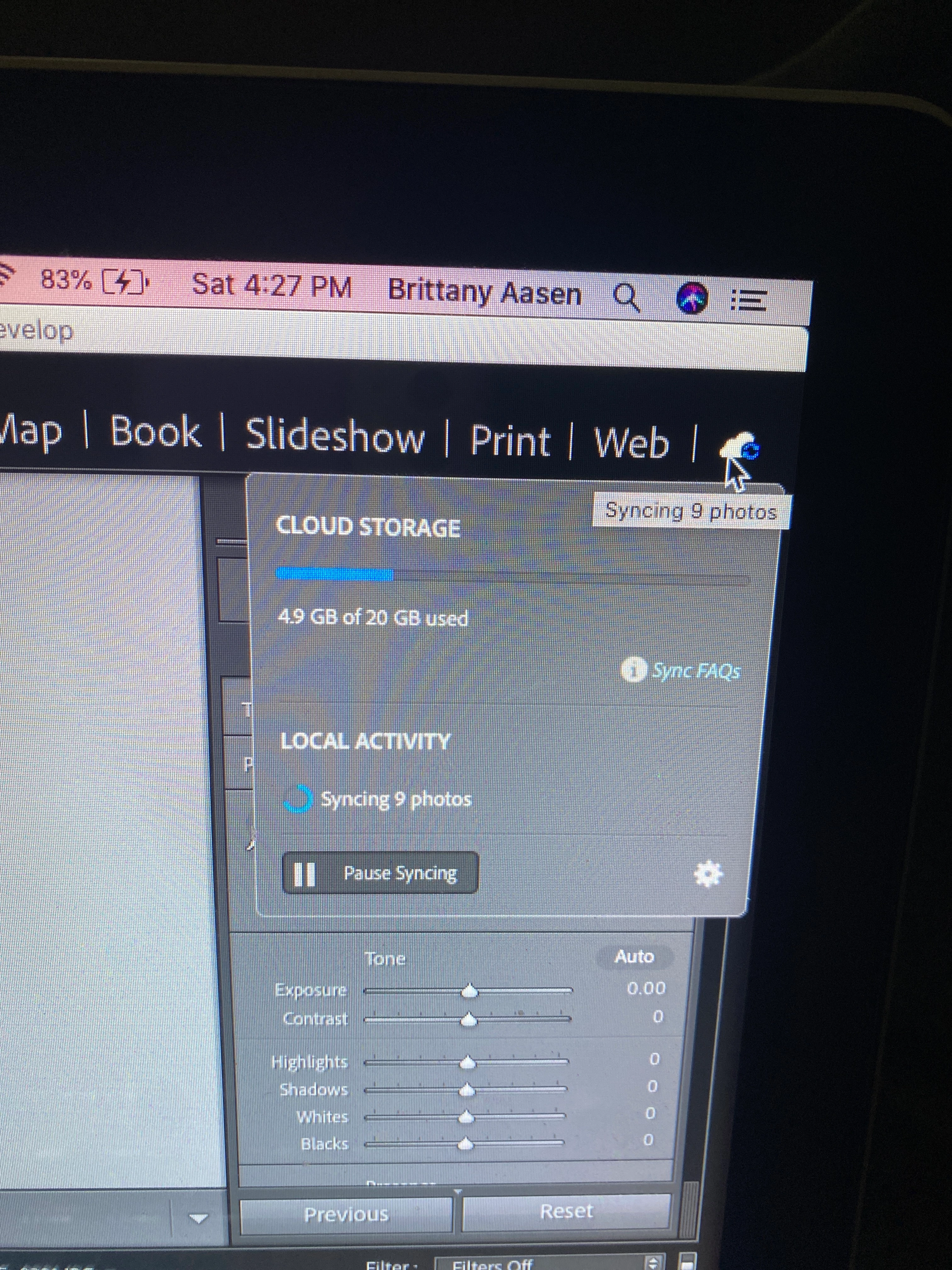
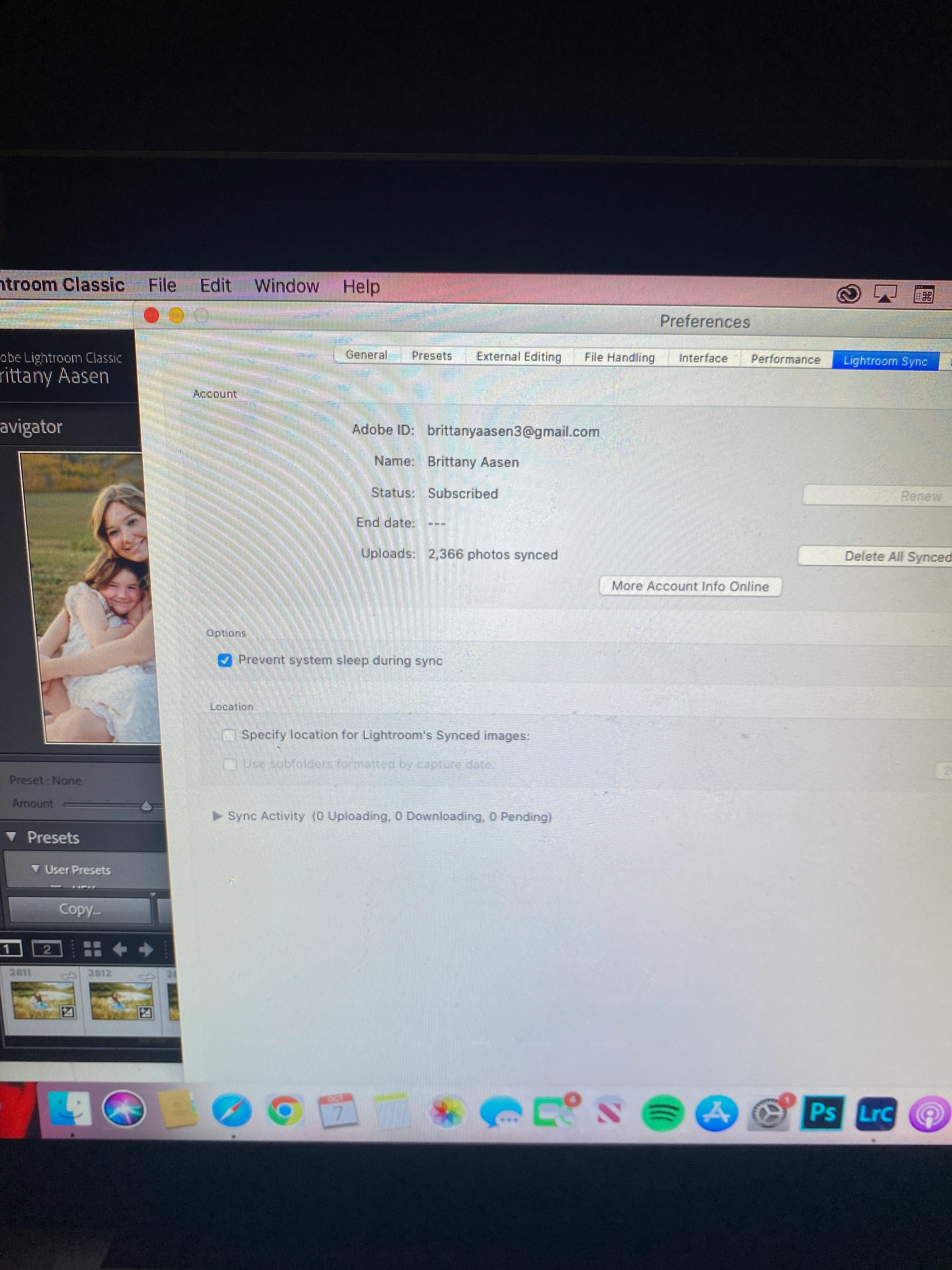
For some reason my images are not syncing. I typically upload my images to my mobile Lightroom and then they sync to my Lightroom classic for me to edit. To my knowledge I haven't changed any of my settings. Everything is updated. I have tried the obvious - restarting devices & signing out and back into Adobe account. Still nothing. It currently says 9 images are trying to sync but when I go to sync activity it say 0 uploading, 0 downloading, 0 pending. This has been on going for 12+ hours.


 AdChoices