
Syncing issue / all photos, edited and newly added
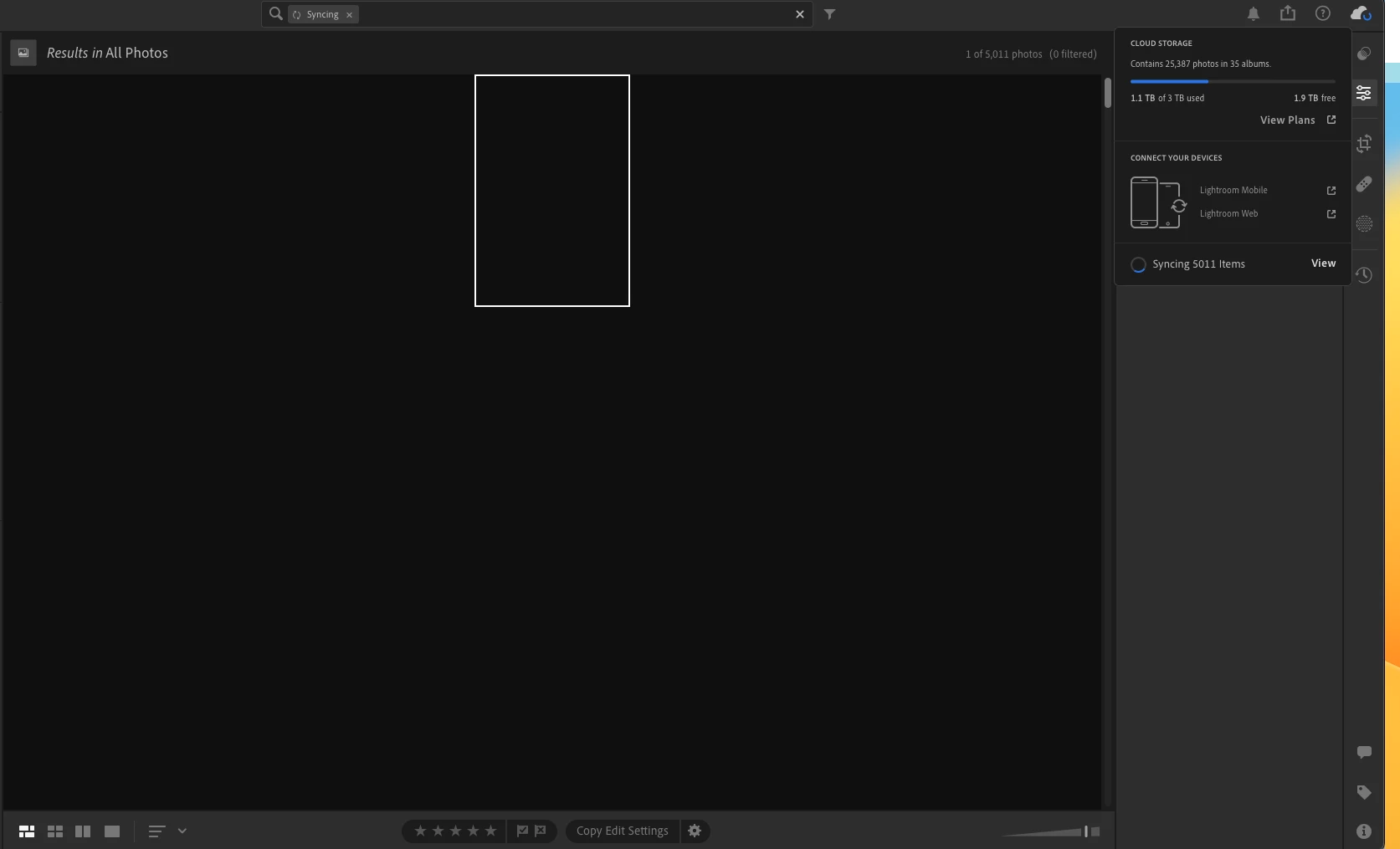
Has anyone else experienced this? It's been about two weeks now since Lightroom started having this issue. It has now progressed to all my edited photos and edits not syncing. I don't want to delete these photos as they have been edited but I cannot export them. Lightroom also does not allow me to add new photos as they take forever to upload. I've tried everything from closing and restarting the program/machine and nothing is working. the syncing number has only gone up and now it won't even download the quick preview on new images. Today, I launched Lightroom to find out it has blank photos of everything I've done. Any help without the delete and re-upload suggestions would be helpful (this has not worked as it's not allowing me to add new photos)


 AdChoices