
Participant
January 9, 2025
Question

The camera does not start in the mobile version of Lightroom

  • January 9, 2025
  • 1 reply
  • 306 views

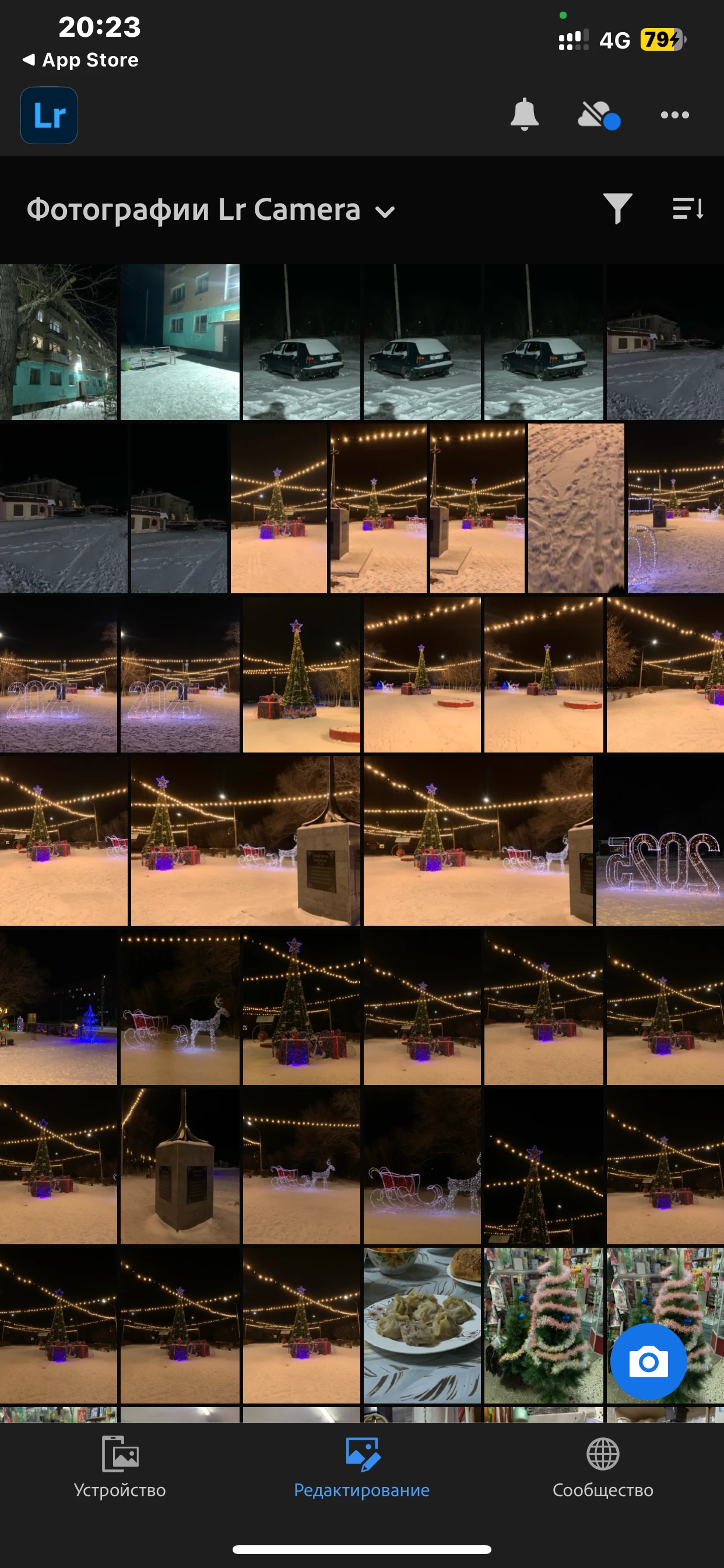
I can't start the camera in the mobile version of Lightroom, it just doesn't start to start it. You have to remove the permission to use the camera and run the application. And then only through the application give permission. This is the only way the camera starts. IPhone XS Max IOS 17.7
1 reply

Inspiring
January 9, 2025

Hello @jeñis_8585 

Trying the latest LR iOS app available on my own XS Max with iOS 17.7, I cannot reproduce this problem.  I even tried with Low Power Mode enabled, like I see in your screenshot.


Since it's so unusual for the camera to have this problem, I recommend trying the various settings -- turn Off and back On:

  • iOS Settings > Privacy & Security > Camera > Lightroom (it sounds like you tried this)
  • iOS Settings > Privacy & Security > Photos > Lightroom > Full Access 
  • iOS Settings > Privacy & Security > Files & Folders > Lightroom 

Note: I think the last two settings should not matter, but it can't hurt to try.


The other troubleshooting I would try is to reinstall the app.  Since it seems you are using the free app, I do NOT

recommend deleting the app to try re-install.  Deleting the free Lightroom app will also delete images that exist inside the LR app.  

Instead, please try offloading the Lightroom app, and then restoring it.  This will preserve the app cache, while re-installing the app.  Here is how do offload/restore Lightroom iOS:

  1. Open Settings > General > iPhone Storage
    2. Scroll down, select Lightroom, and tap Offload App
    3. Tap Offload App again to confirm if necessary


Then to restore/re-install Lightroom:

1. Go to Settings > General > iPhone Storage

2. Find Lightroom, and then select Reinstall app


Please let us know if this helps, or not