
Question
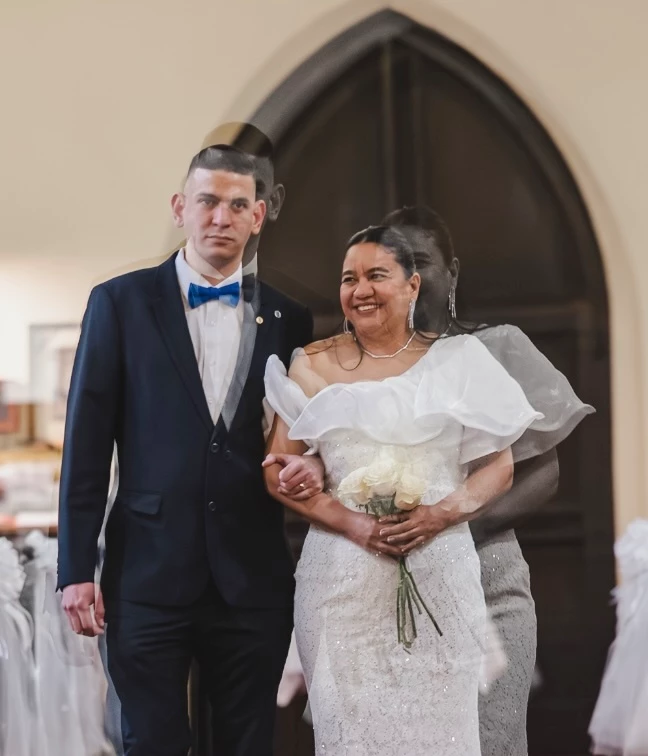
twice while using arrow keys to navigate through images an image gets merged with the last one
Arrowing through a number of images suddenly this image was overlayed with the previous one. Restarting Lightroom Desktop 9.3 on my MacBook Pro M2 Pro did not fix this. I was able to use the Versions tab to revert the image. Then I started arrowing through again and a minute later the same thing happened to a different image. At the time I wasn’t processing anything heavy on my MacBook, but the fan was running pretty fast so something was going on. A few minutes later and I now can’t duplicate the issue.
 AdChoices