
Answered
Unable to add photos from my camera roll
I use Lightroom almost daily and I just went to upload photos from my mobile camera roll and it gives me a pop-up that says I have to go to my settings and enable the camera roll to allow access...but it doesn't give me the option to enable in my settings (see photos)
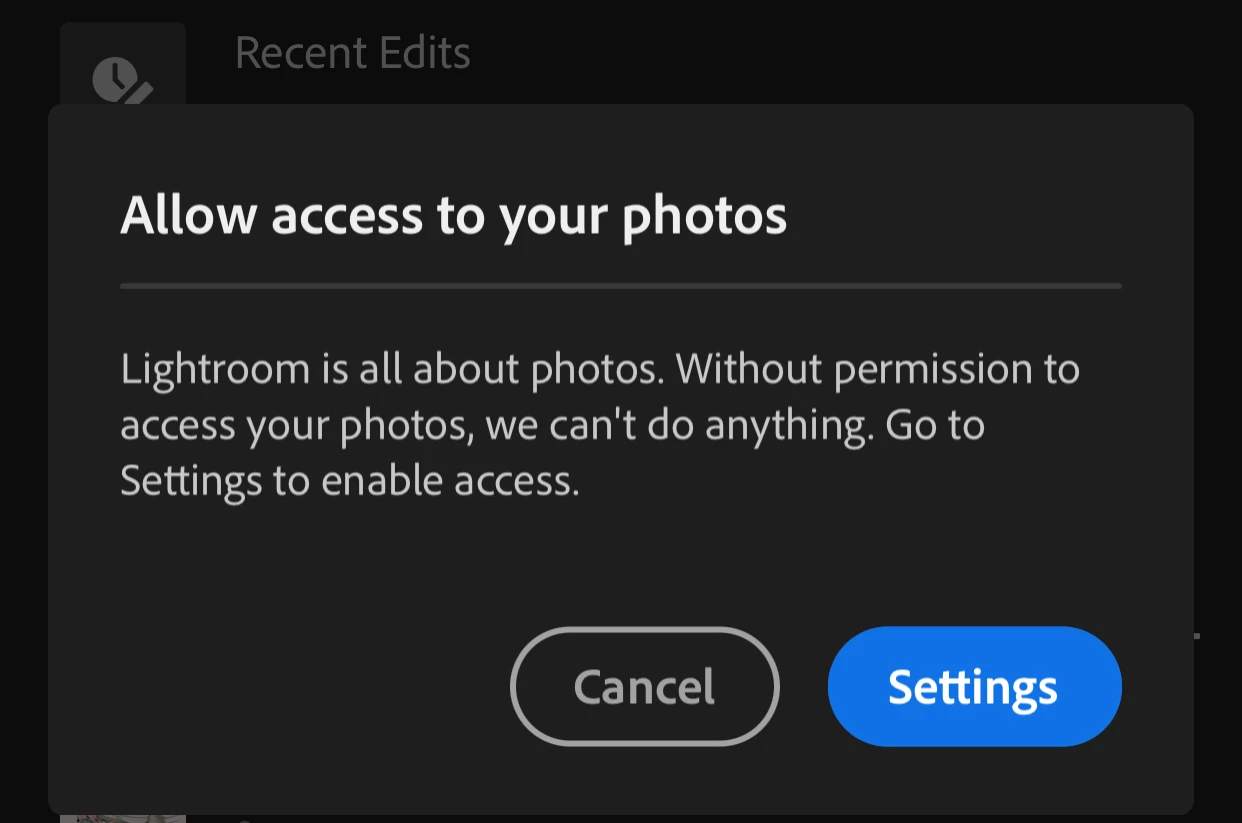
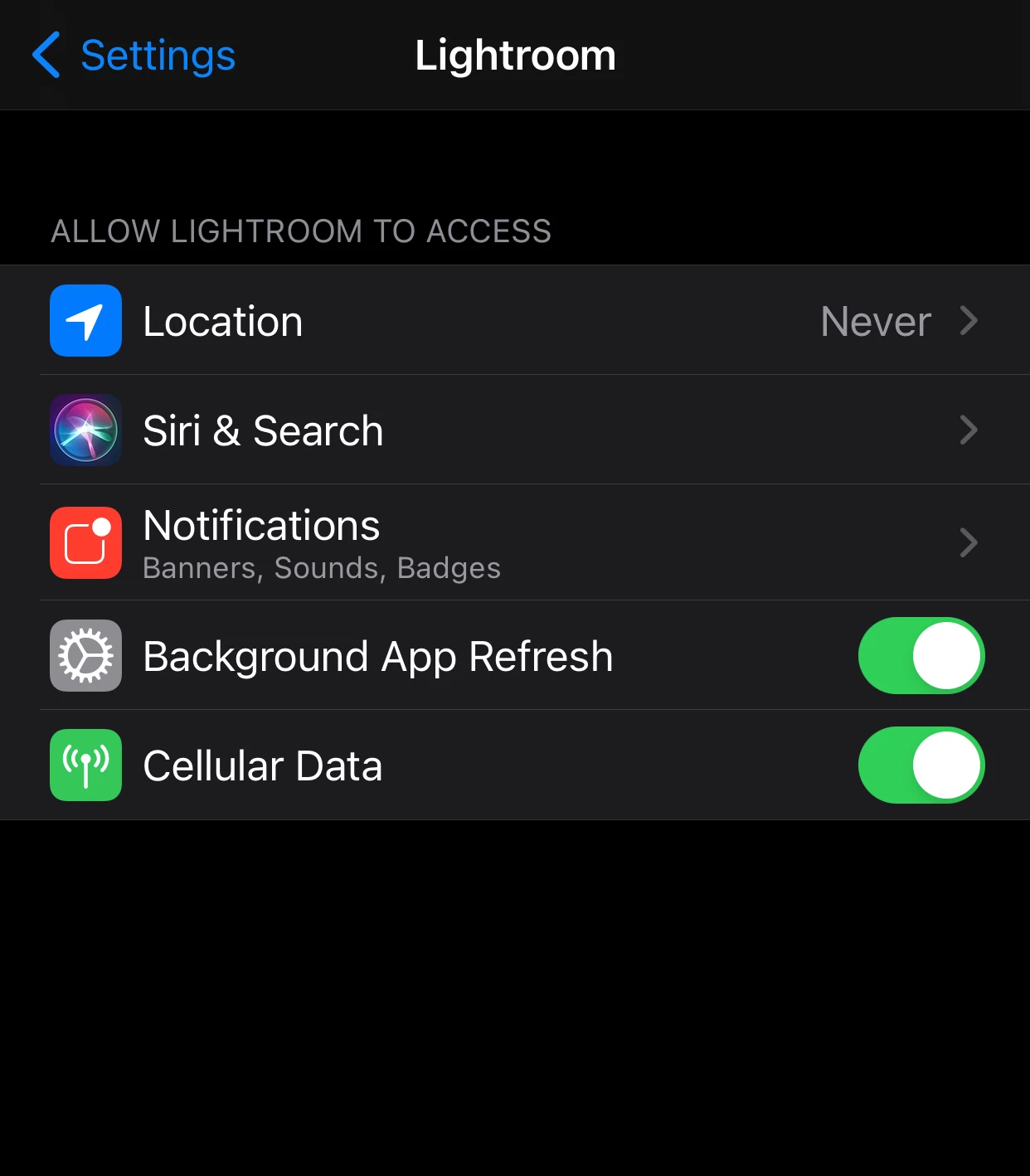
....I'm SO confused. This is the first time I've had this happen.
any help or advice would be much appreciated!!
 AdChoices