

Question
Unable to Export Photos - Permission Error in Lightroom 7.3 on Mac
Hello everyone,
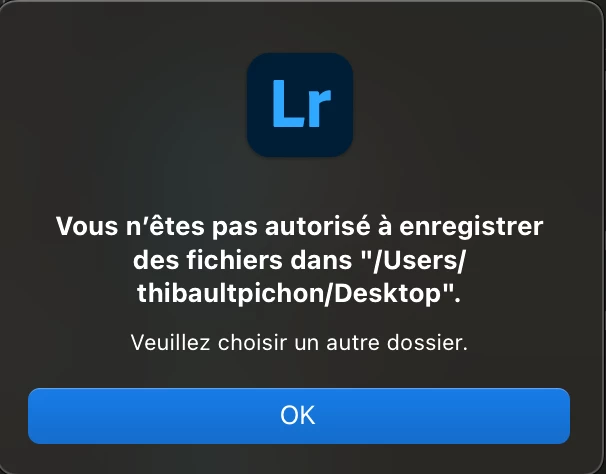
I'm currently using Lightroom version 7.3 from the App Store on my Mac, and I'm encountering a problem when trying to export my photos. I receive the following error message:
"You are not allowed to save files in '/Users/thibaultpichon/Desktop/'."
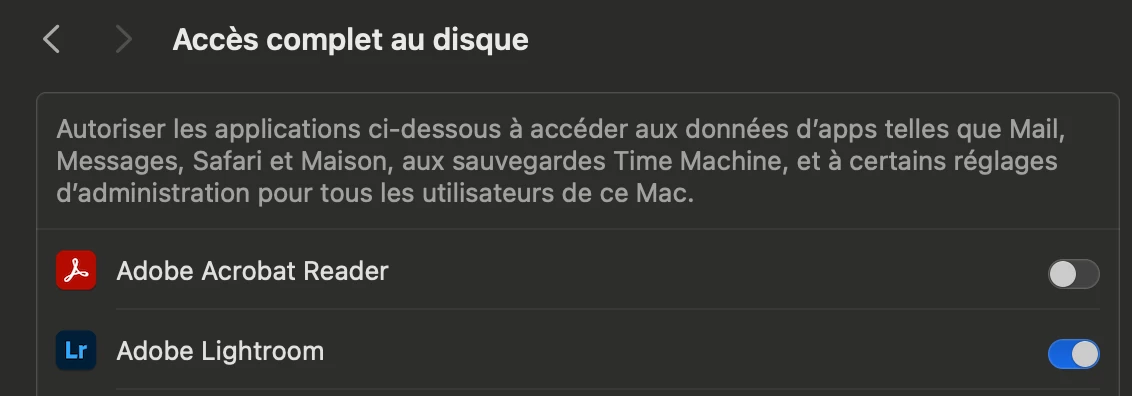
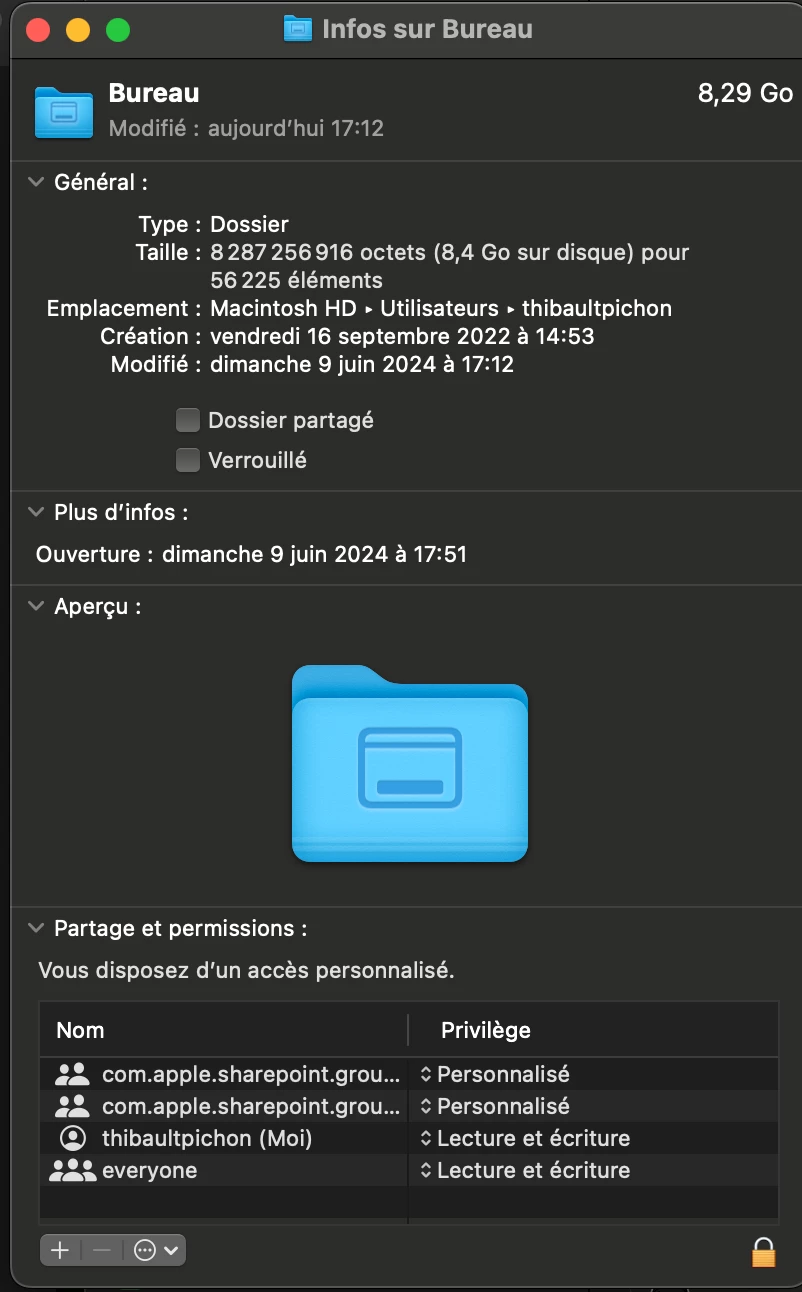
I've already adjusted my Mac settings to give Lightroom full access to my internal drive, and I've changed the permissions for this folder so that everyone has access. Despite these changes, I'm still unable to export my photos.
Has anyone else experienced this issue, or does anyone have suggestions on how to resolve it?
Thank you in advance for your help!
Thibault


 AdChoices