Question
Unable to launch Lightroom on Windows 10 - '' Sorry, an error occured ''
Whenever I try to launch Lightroom, I get 'Sorry, an error occured.' message. Then it closes.
Any help would be appreciated.
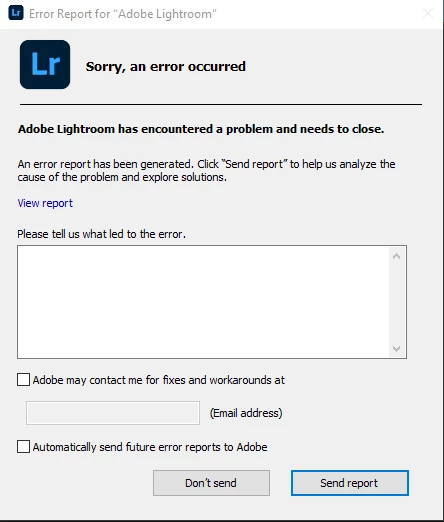
{Thread title edited by moderator}

Whenever I try to launch Lightroom, I get 'Sorry, an error occured.' message. Then it closes.
Any help would be appreciated.
{Thread title edited by moderator}
Already have an account? Login
No account yet? Create an account
Enter your E-mail address. We'll send you an e-mail with instructions to reset your password.


 AdChoices