
Question
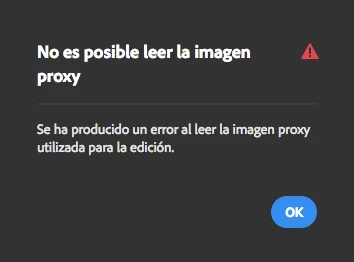
Unable to read proxy image
On lightroom web, whenever I try to open the editing options for an image, I get a message saying "unable to read image proxy". I have no clue what this means. The image uploads just fine to lightroom and the cloud (they're all JPG's), but when it comes to opening the editing tools, the message pops up. Any help/tip is appreciated.
PS: The image attached is in spanish, but it translates to "It wasn't possible to read the image proxy. There has been an error when reading the image proxy used for the editing"
 AdChoices