Participant
August 1, 2021
Question

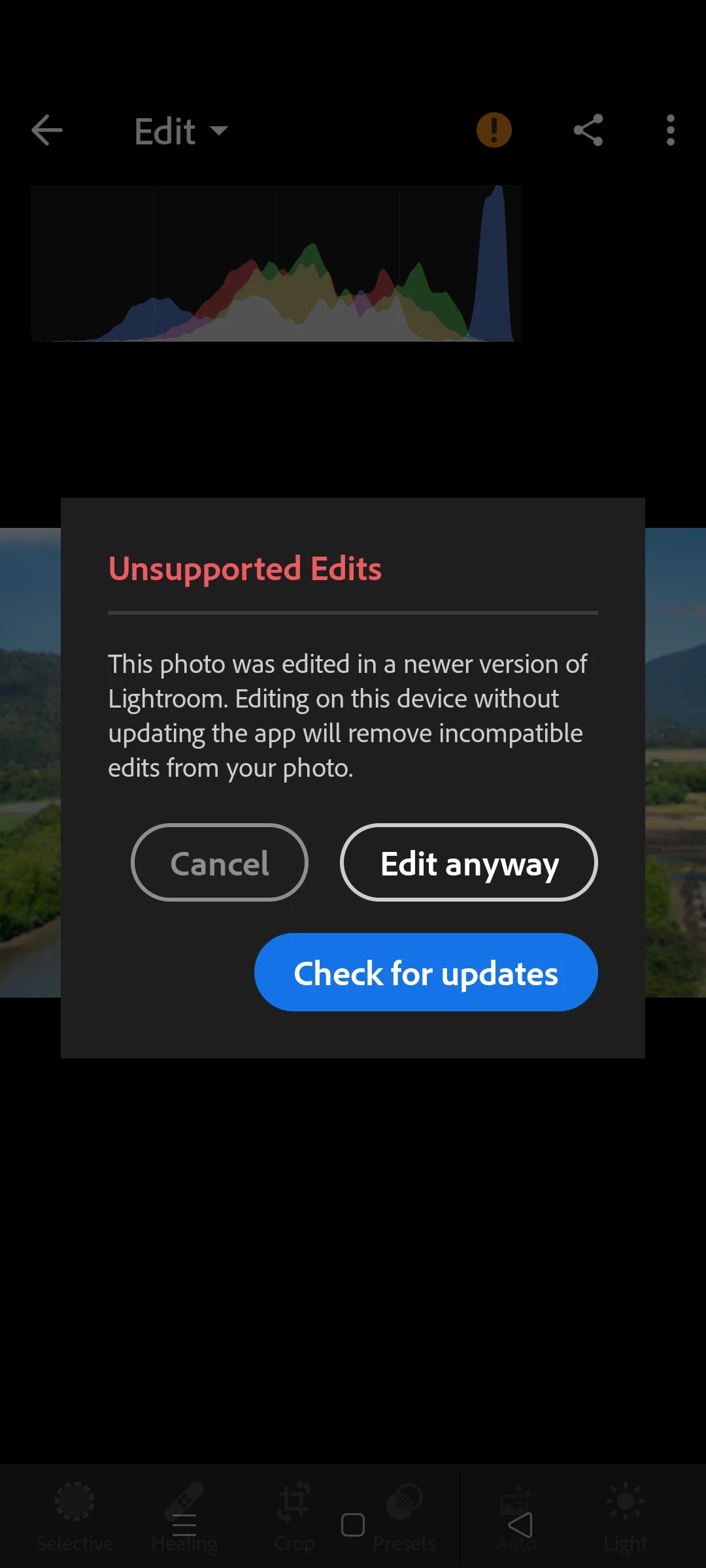
Unsupported Edits message on Mobile
  • August 1, 2021
  • 3 replies
  • 1092 views


 Anyone else constantly getting this pop up on unedited photos? App is up to date. Needs a bug fix.


{Title edited by Moderator for clarity and to aid search queries} 

3 replies

tonyharmer
Community Expert
Community Expert
November 11, 2025

This error seems to be popping up more and more. Even though I post an edit every single day (search "Daily @3236367 Edits) this happens to me too, on occasion. 


The answer is most likely that you have enabled one of the features like "AI Denoise" on the desktop and this is not currently (November 2025) supported on the mobile version. Disable that on the desktop, then when it syncs with the mobile version, Edit Replay should work just fine.

Participant
October 25, 2021

I've also been getting this on ever single photo I preview - highly annoying.


Samsung Galaxy S21 5G

Android 11

App version 6.4.11

Updated 16/8/2021


I sync RAW files from a Canon R6 via the Image.Canon service direct to Lightroom.

Community Manager
October 25, 2021

Hi @Jono the camera man 

I cannot reproduce this with the current build available on my Android phone, 6.4.0

How did you obtain version 6.4.11? 


Is this possibly a prerelease build?  If so, can you please update to a newer prerelease build and try again?  Or install the actual public release build?  


6.4.11 as a version doesn't seeem to relate to the Image.Canon service, so if you can share where this comes from, it might help us understand and explain what you are seeing.

Participant
October 26, 2021
OK so figured this out, hopefully it helps someone else. The version I had
on my phone for some reason was called "Lightroom for Samsung" in the play
store. I could not see any other version available.

Once I uninstalled this, I was then able to see the normal Adobe Lightroom:
Photo Editor (v6.4.0)

The issue is fixed in this 'standard' build which also has additional
features such as the new human detect masking feature etc.

Thanks for getting in contact, wasn't expecting that!
JohanElzenga
Community Expert
Community Expert
August 1, 2021

"App is up to date" tells us nothing. You would not be the first person to say that, only to find it's not true. You may be running a mobile OS version that does not support the latest Lightroom version, for example. In that case the app may be up to date for your device, but still obsolete. Go to 'Settings - About Lightroom' and tell us the version number. Also tell us if it is Android or iOS.


-- Johan W. Elzenga
Participant
August 2, 2021

V6.3.0 on Android 11 on. Google pixel 3xl. I'm having the same issue where as I uploaded a set of pictures via the browser edition on my PC. When I go to edit the photos on my phone I get the unsupported edits message stating that the photos were edited in a newer version of lightroom.