Miajeana
Participant
June 15, 2022
Question

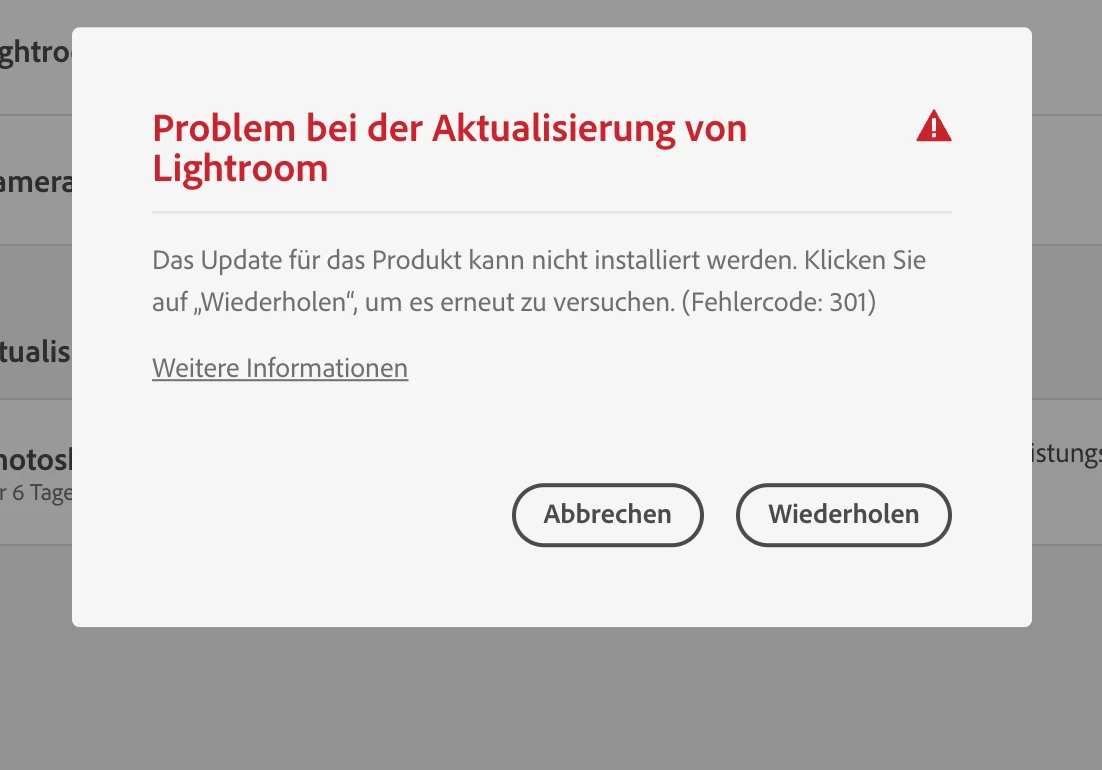
Update Failure, error 301 in Lightroom (macOS)

  • June 15, 2022
  • 1 reply
  • 132 views


{Title edited by Moderator}


This topic has been closed for replies.

1 reply

Ranjisha Sengupta
Legend
June 20, 2022

Hi there,


Sorry about the trouble with Lightroom. We're here to help.

I understand from the screenshot attached that you are getting trouble with update failure. Would you mind sharing your workflow in English?

Have you logged in with the correct user ID? With which version of macOS and Lightroom are you seeing this issue?


Do a fresh reinstall after running the Adobe Cleaner Tool.

https://helpx.adobe.com/creative-cloud/kb/cc-cleaner-tool-installation-problems.html
Also, try these steps: Uninstall every cc app, including preferences, https://helpx.adobe.com/creative-cloud/help/uninstall-remove-app.html, then uninstall the cc desktop app, https://helpx.adobe.com/creative-cloud/help/uninstall-creative-cloud-desktop-app.html clean your computer of cc files per http://www.adobe.com/support/contact/cscleanertool.html
check for, and if available, update your operating system
restart your computer (don't skip this)
reinstall the cc desktop app, https://creative.adobe.com/products/creative-cloud.
If you're unable to install the cc desktop app at this stage, use an administrator account ( https://helpx.adobe.com/creative-cloud/kb/creative-cloud-missing-damaged.html)


Let us know if this helps.


Thanks,

Ranjisha