torkildb53756424
Participant
March 17, 2024
Question

Using GPU acceleration and cropping, results in softer images

  • March 17, 2024
  • 1 reply
  • 169 views

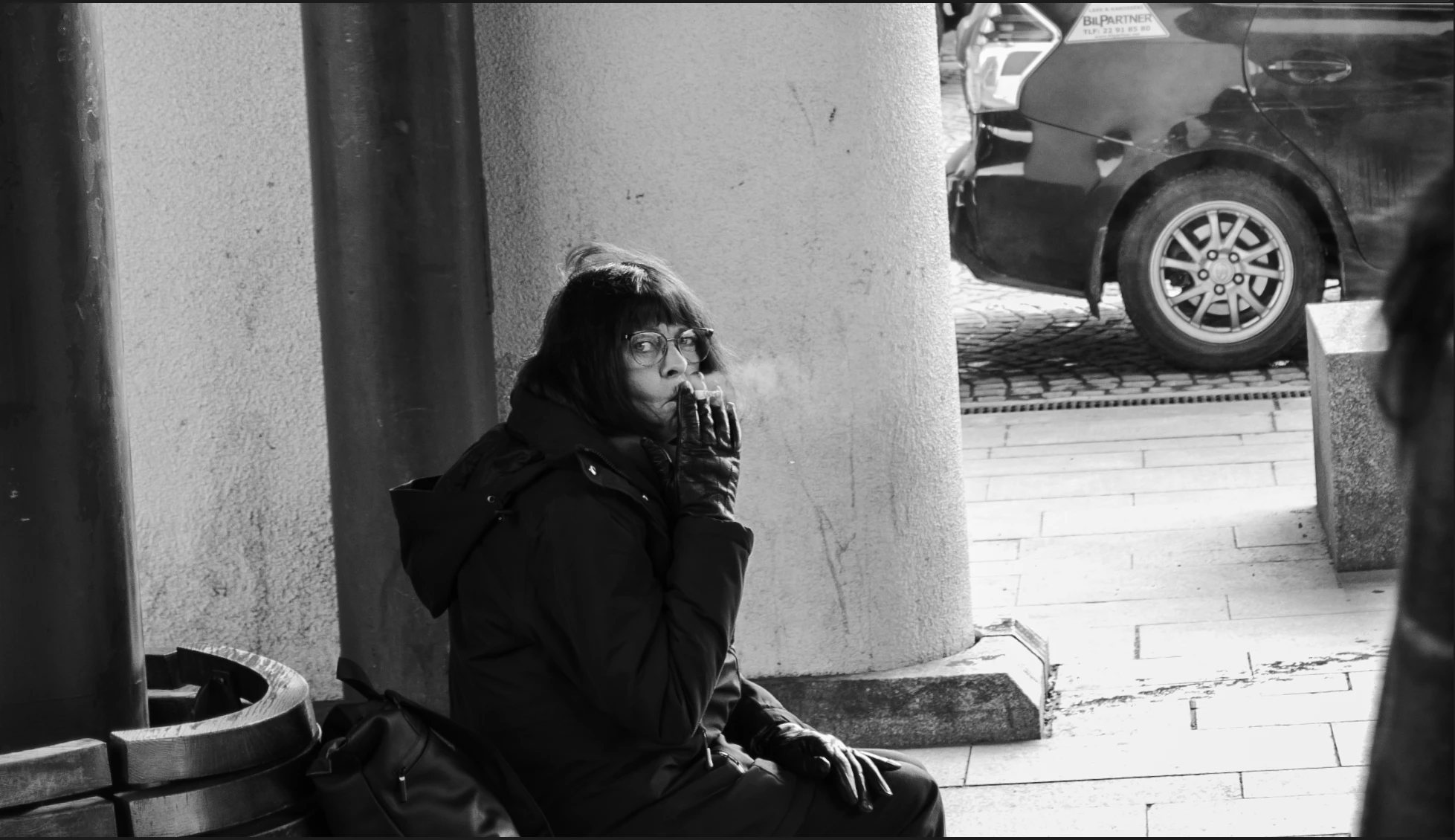
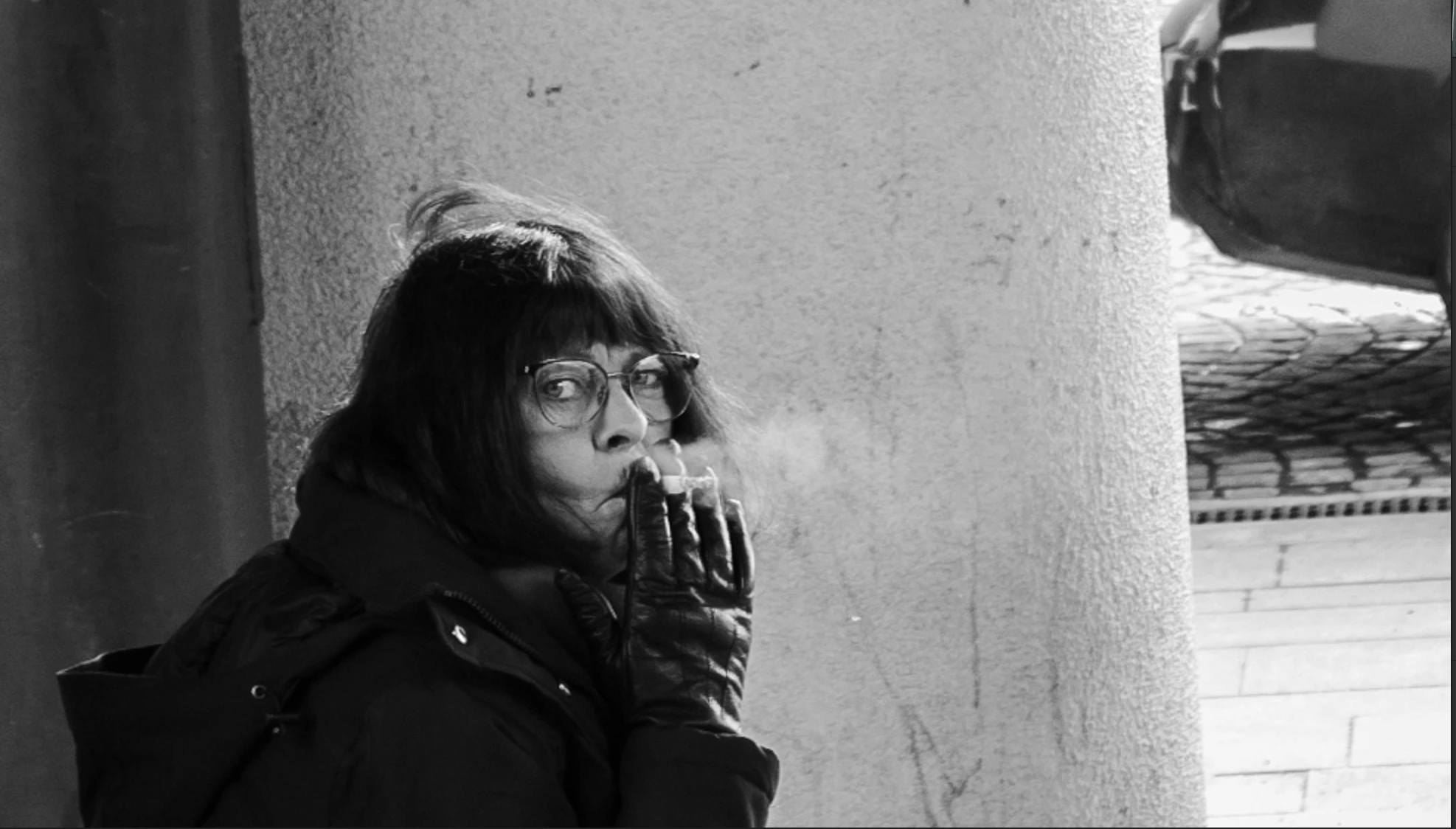
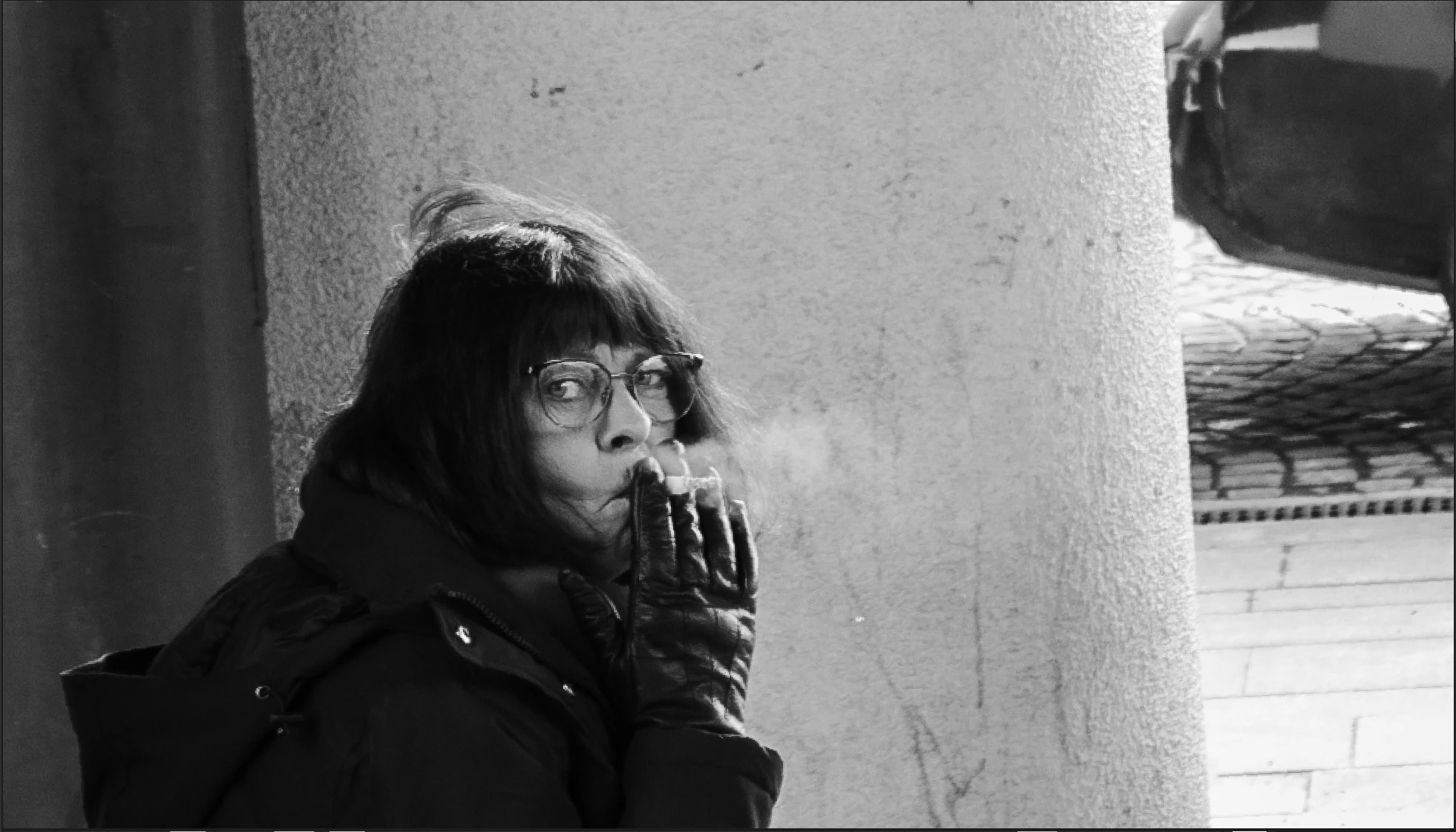
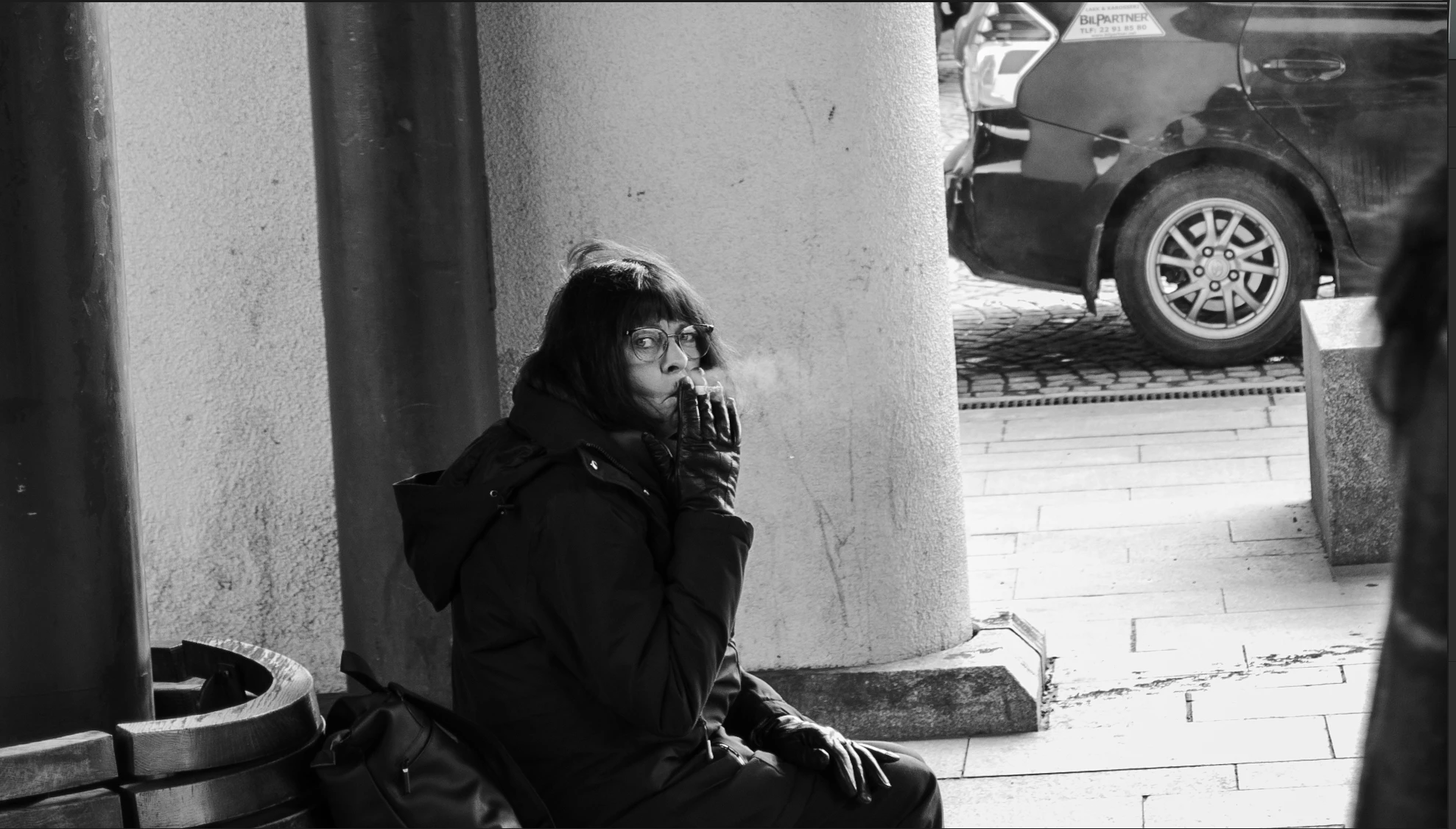
Having GPU accelration softens the images/adding artifacts after I performe any form of crop. 
It can be as simple as using crop tool only for leveling the images to get straight lines. Or just croping to get better compostion .


And YES, I've turned off and disabled everything related to "boosting image quality" in the AMD control panel (so no sharpening, AI improvement or any other thing) 

If im not using GPU accelration, Lightroom  is slow, and crashes anytimes i use any of the healing tools . 


System
CPU: AMD 7800 x3d
GPU: AMD amd 7900 xtx

See examples:


This topic has been closed for replies.

1 reply

yamato713108855
Community Expert
Community Expert
March 21, 2024

Try clearing the cache from Preferences.
I will also try reinstalling the Lightroom app.


If there is no improvement, there may be a problem with the AMD graphics driver.
There was a post in another thread about a problem with recent AMD graphics drivers.
Try installing an earlier version and see what happens.

torkildb53756424
Participant
March 22, 2024

Didnt helped. 
Its only Lightroom/adobe software that are like this. 
Capture One is not affacted at ALL by any changes i do in my AMD adrenalin software. 
So this is adobe.