Participant
February 17, 2025
Answered

Videos being corrupted after exporting (Flickering)

  • February 17, 2025
  • 2 replies
  • 296 views

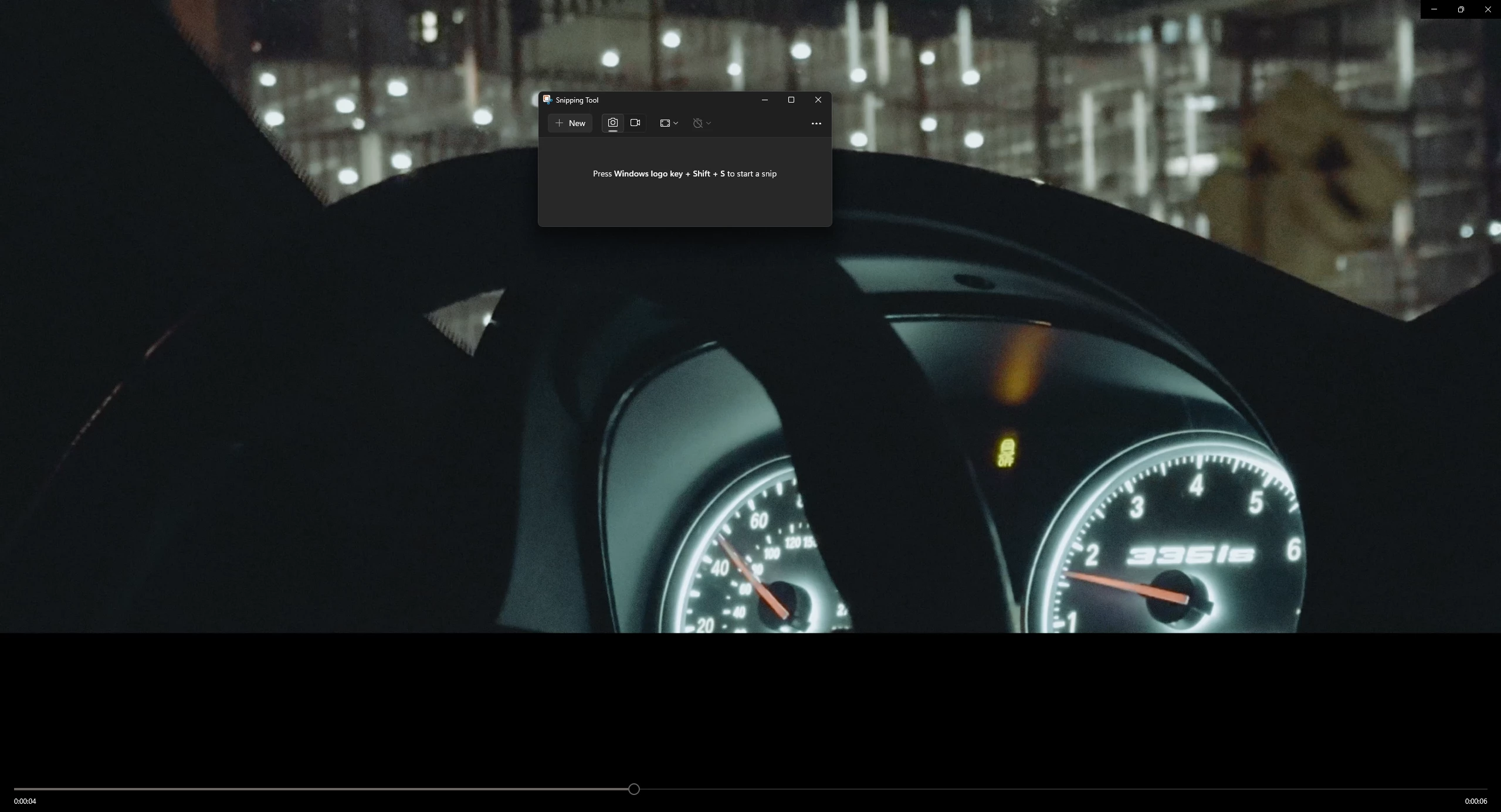
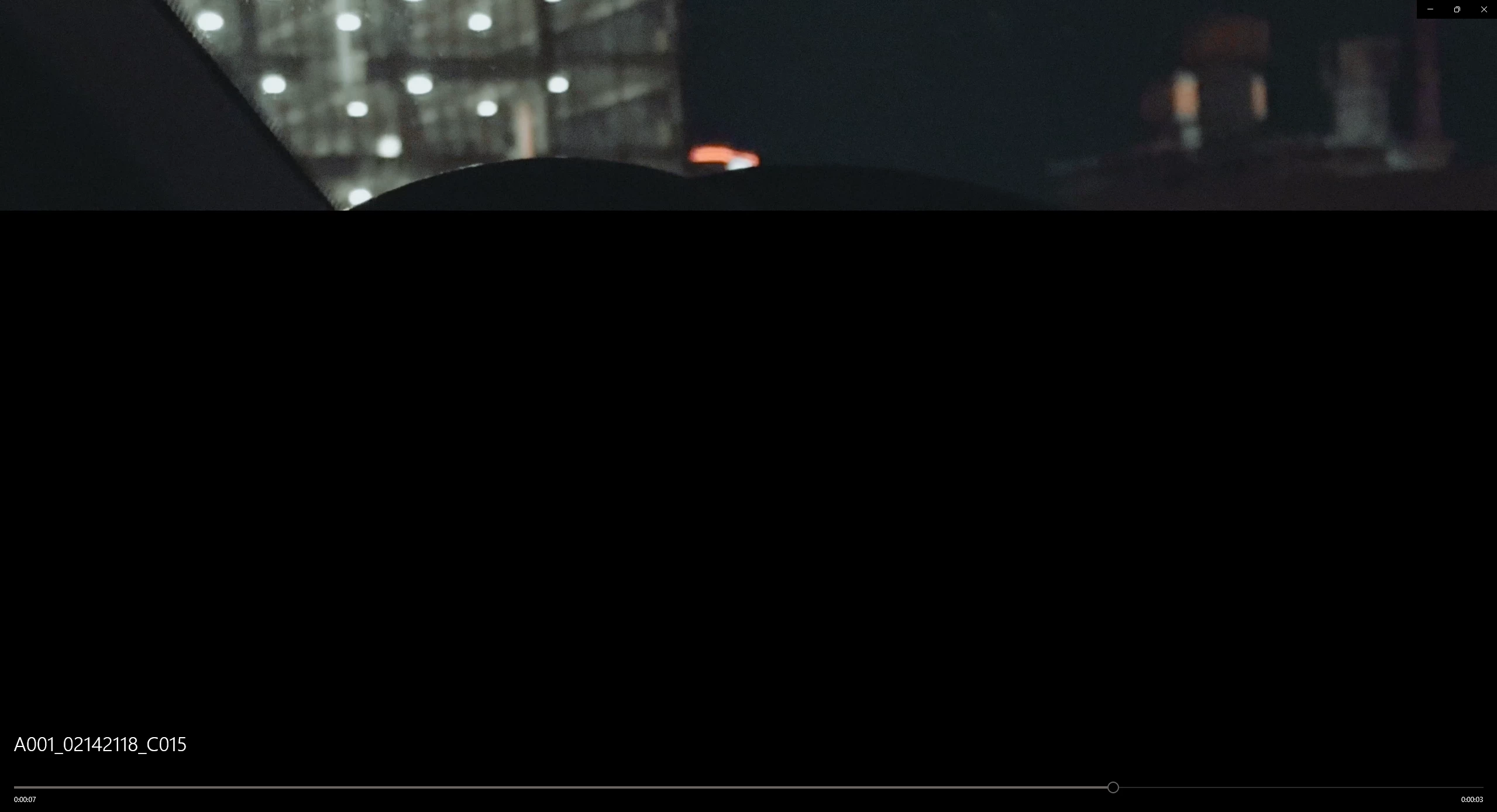
I have tried everything to fix this issue as I really do not want all my hard work to be for nothing, I had uploaded some footage to lightroom to color grade them, and everything was fine in lightroom, viewing the videos, etc. Until I exported them and they happened to look like this on every single video, some flickering black, white, and even green sometimes, Im not sure why lightroom is corrupting these videos on export, but I did it on my phone, edited in lightroom, same videos, and they came out no problem. Not sure what to make of this, if anyone has any clue on how to fix this please lmk. 
Correct answer Sameer K

Hey, @KGTwistt. Welcome to the Lightroom Community. I'll need more info to help you figure this out. 


Your workflow has many variables that make it difficult for me to recreate. If the OS does not support the source video, that is a different issue. You can also use Lightroom Web (https://adobe.ly/4i3DHox) to export video from Lightroom. 


Share more details about the Codec & bit-depth of the original video. There are known limitations with 10-bit videos, as discussed here: https://adobe.ly/4k19uIy


Let me know how it goes. Thanks!
Sameer K

(Type '@' and type my name to mention me when you reply)

2 replies

Sameer K
Community Manager
Sameer KCommunity ManagerCorrect answer
Community Manager
February 18, 2025

Hey, @KGTwistt. Welcome to the Lightroom Community. I'll need more info to help you figure this out. 


Your workflow has many variables that make it difficult for me to recreate. If the OS does not support the source video, that is a different issue. You can also use Lightroom Web (https://adobe.ly/4i3DHox) to export video from Lightroom. 


Share more details about the Codec & bit-depth of the original video. There are known limitations with 10-bit videos, as discussed here: https://adobe.ly/4k19uIy


Let me know how it goes. Thanks!
Sameer K

(Type '@' and type my name to mention me when you reply)

KGTwisttAuthor
Participant
March 2, 2025

Big thanks man, Lightroom Web worked! 

KGTwisttAuthor
Participant
February 17, 2025

One thing id like to add, is I filmed this on a iphone app called BlackMagic Camera, because I wanted to utilize my 2x camera to produce a more cinematic look since the iphone camera app limits you, for some reason my 3-4 second clips were unfazed when exporting, when uploading to my pc, the videos would not open, with a pop up claiming the Video format wasn't supported, or was corrupted, it was a .mov file, so in order to get around this I went to Cloud Convert, and converted the video to .mov again, this time it let me open the video fine, and add it to lightroom, edited it just fine on lightroom, no issues revewing the footage in the application, until it exported. I can only export as an MP4, Im not sure if this conversion process corrupts it, so I converted a few of the videos from .mov to .mp4 before importing into LR, even after converting to MP4, nothing changed, still flickers.