Participant
September 24, 2022
Question

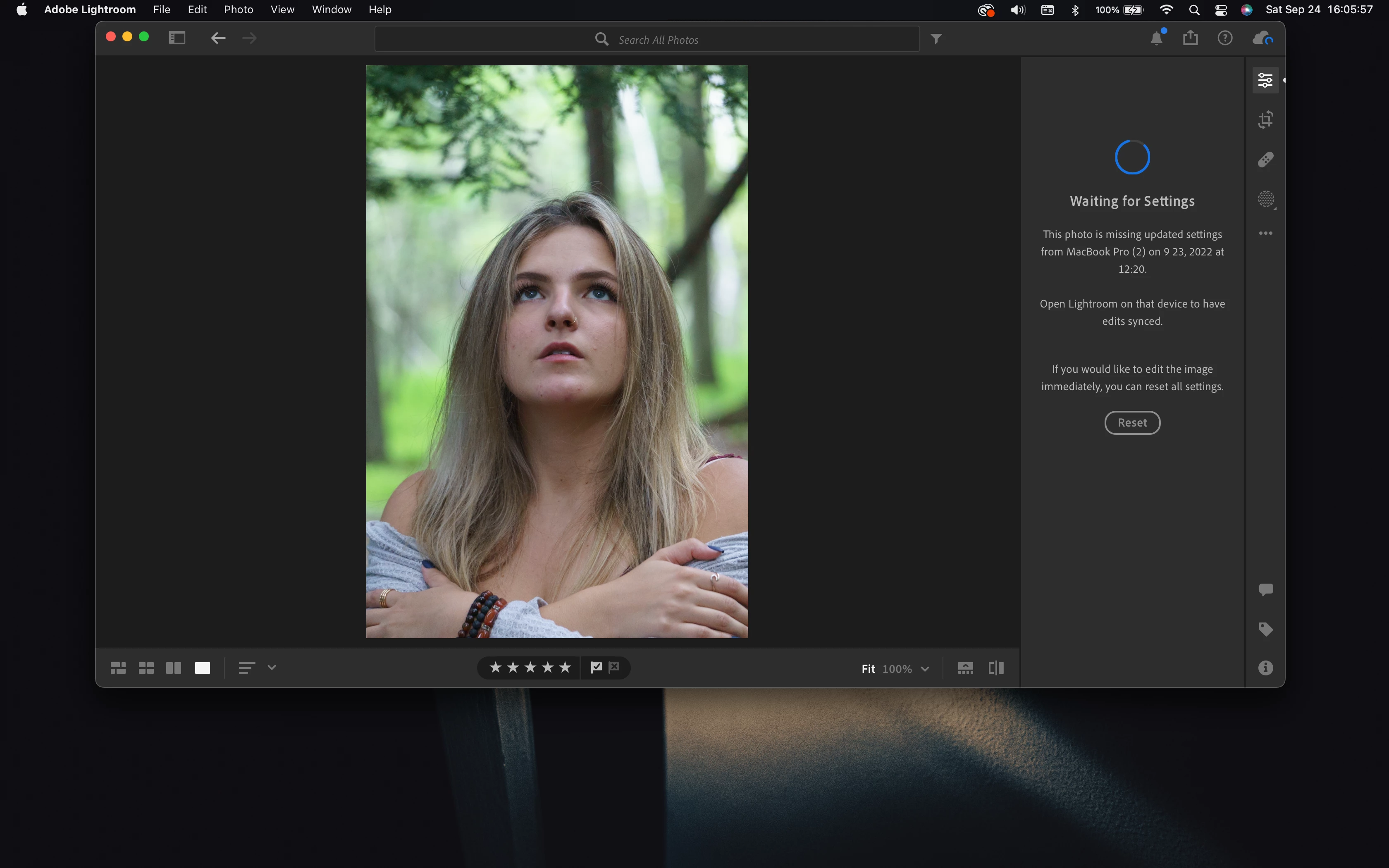
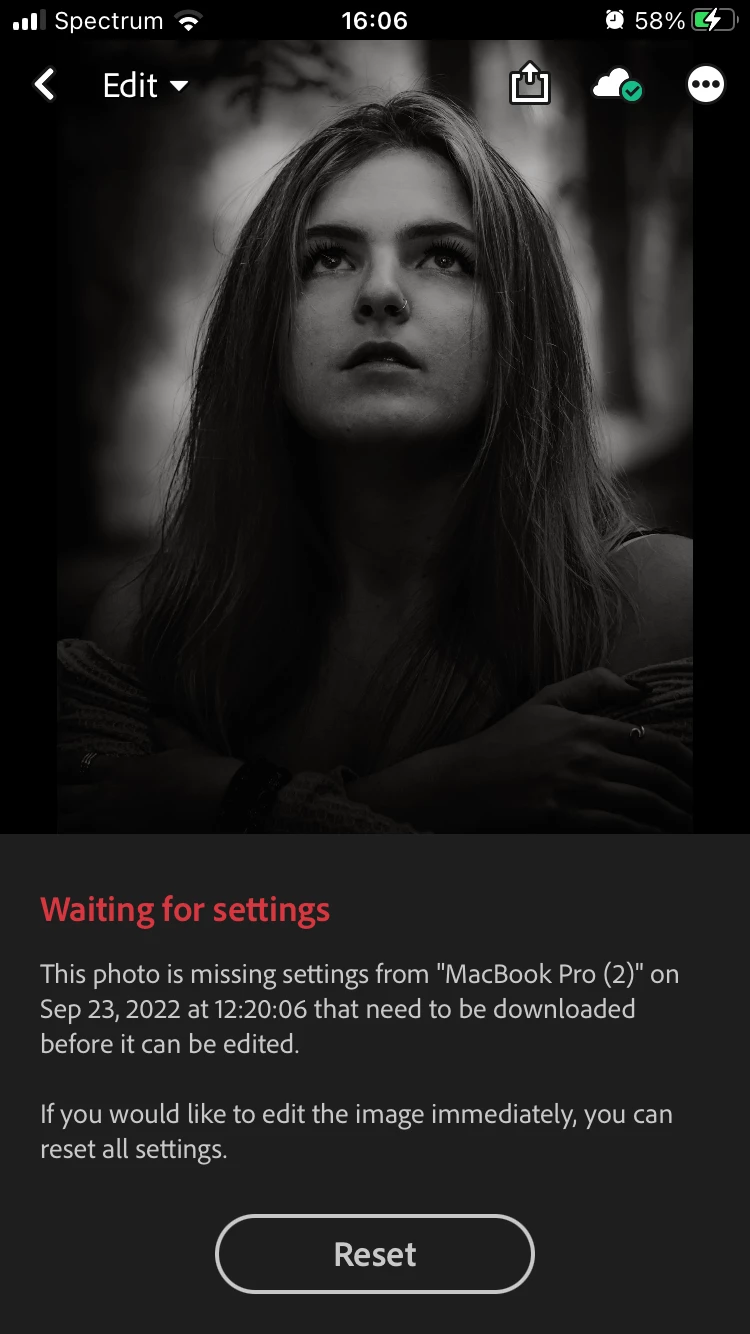
"Waiting for Settings"

  • September 24, 2022
  • 4 replies
  • 4613 views

I have no idea what's going on, but for some reason, my edits are not syncing with each other on just ONE singular photo. Everything else I do is syncing up. I have closed both of them, and I have waited more than 24 hours. I honestly don't know what to do. I would really rather not reset my edits considering I have spent more than enough time editing them in the first place. I don't get what's going on. Can't tell if this is a bug or something on my end... here's my following information:


1.

LR version 7.5.2 (Mobile)

LR version 5.5 (Mac)


2. 

MacBook Pro (15-inch, 2018)

MacOS Version 12.6


iPhone SE 2020

iOS 16


3. 

No idea how to reproduce the problem. Was working on multiple layers for the edit (about 20) and was finishing up the last touch and all of a sudden the edits were no longer syncing


4. 

Supposed to sync when editing, and it does for every other photo except this one itself
 

This topic has been closed for replies.

4 replies

albertcadabra
Participant
February 25, 2024

Has anyone found a fix for thsi yet. It happens when having used ai masks in lightroom classic then they dont sync and I hget the error. 

jonathanp41403920
Inspiring
November 10, 2023

I have the same problem more than a year later so assume Adobe haven't delivered a fix?

Doing small edits on LR moble isn't the answer for me - there are too many photos

Participant
September 6, 2023

I am getting exactly the same problem with my Dell XPS.. no pattern to it either.. happening to photos I have edited and photos I have not. I'm using Lightroom Classic too

Participant
October 7, 2023

Went searching for this same issue as I'm now experiencing it, came across this thread. Went to revisit some photos in LR Mobile that are synced from LrC on my mac and am now getting the "waiting for settings" message, yet sync is not paused on either device and nothing is in queue. My set up is:


LRC version 8.5.1 (Mobile)

LRC version 12.5 (Mac)


M1 MacBook Pro (16-inch, 2021)

MacOS Ventura 13.6


iPhone 14

iOS 16.7


Curiously this photo (and a few others from this set) are in an album where the majority of the photos are synced and do not produce this error message. About 5 of the 42 images in the album do, however.

Community Manager
September 26, 2022

Hi,

 
do you know which machine that is? Which clients do you use on that machine?
The message means exactly what it's stating, some client used on that machine never finished uploading by some reason.
Could you had done those edits with Classic? What could help us would be a diagnostic log ( Lr Desktop/Preferences/option key pressed), but it needs to be shared with us privately.

thanks,
Ignacio
danielw58122329
Known Participant
November 1, 2022

I'm seeing this exact same error on LR mobile and LR desktop. The message references the machine name which makes me believe it has to do with Lightroom Classic.

I have a strong suspicion that this related to recent upgrades and in PARTICULAR I recently upgraded LrC and it did a catalog update. Ok, my telepathic debugging skills are imperfect but is it possible some state didn't get migrated to the new catalog? Obviously I have right now LrC (with new catalog) running, it's fully synced.

in the attached files you can see that the photo was NEVER edited in Classic, but suspiciously the date that it was imported into classic is the date that mobile is waiting for?? Look a the history in the classic screen shot.

Community Manager
November 2, 2022

It seems like you by some reason had a problem with the upload (or very slow) from your WOODFRAGBOX.
Until the settings have been uploaded all clients will show you this error.

Do you know what kind of edits you have done on this device?

Thanks,
Ignacio