

Participant
January 2, 2020
Question

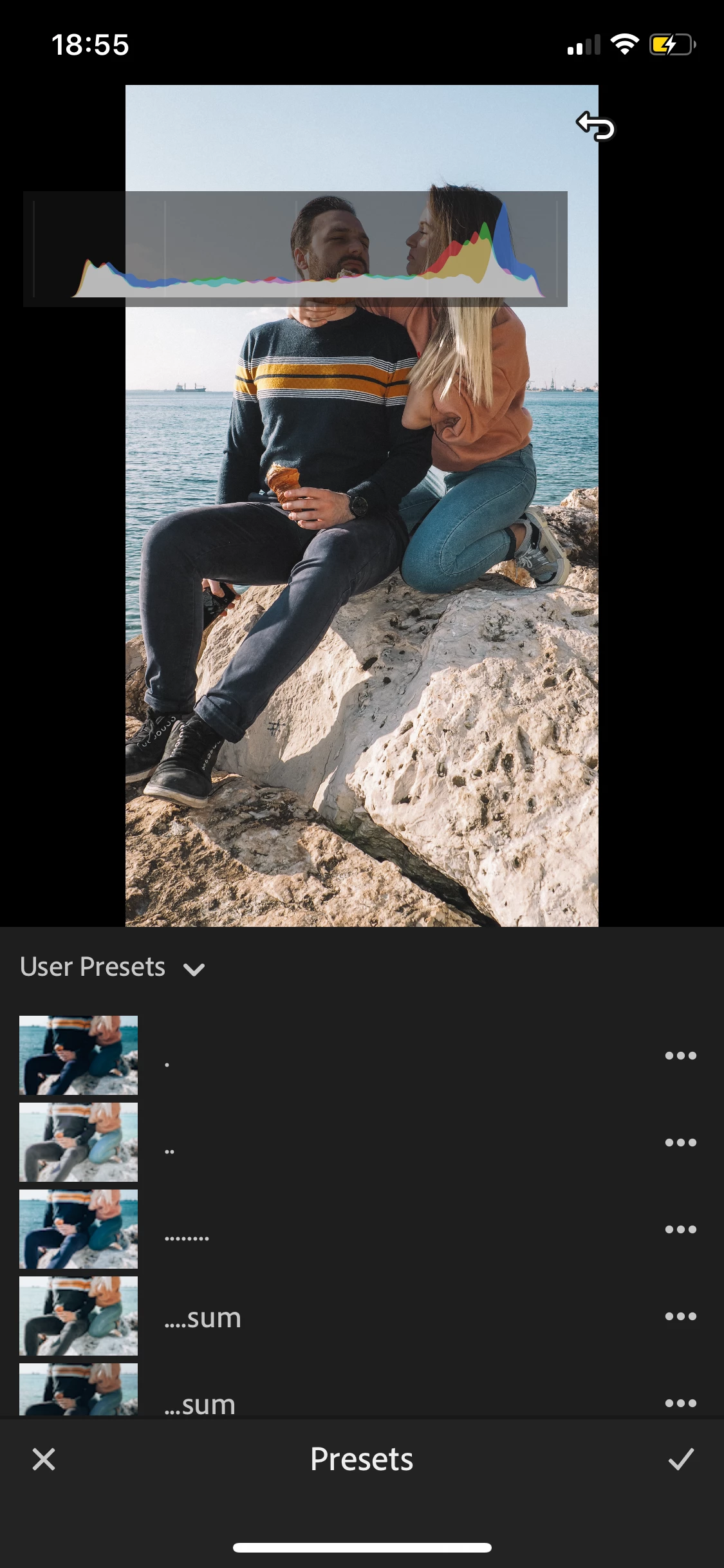
What is that on my photo?

  • January 2, 2020
  • 3 replies
  • 393 views
  1. What is that on photo? I can't edit photo now when it always there. It's a new un useful update or what? Thanks 
 

This topic has been closed for replies.

3 replies

Michael J. Hoffman
Community Expert
Community Expert
January 2, 2020

You can toggle through the info overlays by two-finger tapping on the image. It will cycle through three states:  "no overlay," "info overlay," and "histogram overlay."


It's likely you touched the screen with two fingers to get into this mode in the first place. 

nikunj.m
Legend
January 2, 2020

Hi there,


We are sorry about the experience with Lightroom mobile.


Would you mind sharing the model number of the phone you are using and the operating system version you are using on it?


You can close the preset panel and go back to the image, then tap the 3 dot icon on the top right and toggle the option to Show Histogram off to remove the histogram.


Regards,

Nikunj

JP Hess
Inspiring
January 2, 2020

It's the histogram, but it appears that your display is all messed up.
