



✏️ What’s your favorite way to retouch portraits in Lightroom?
Lightroom keeps getting better for portrait retouching—whether you're just starting out or you've been at it for years. Features like AI masking, Healing, and Point Color have made it way easier to do quick, natural-looking edits, especially when you're working with a whole batch of photos.
 |
Try it in the Desktop App Download the latest version and dive into the new features offered in Adobe Lightroom. |
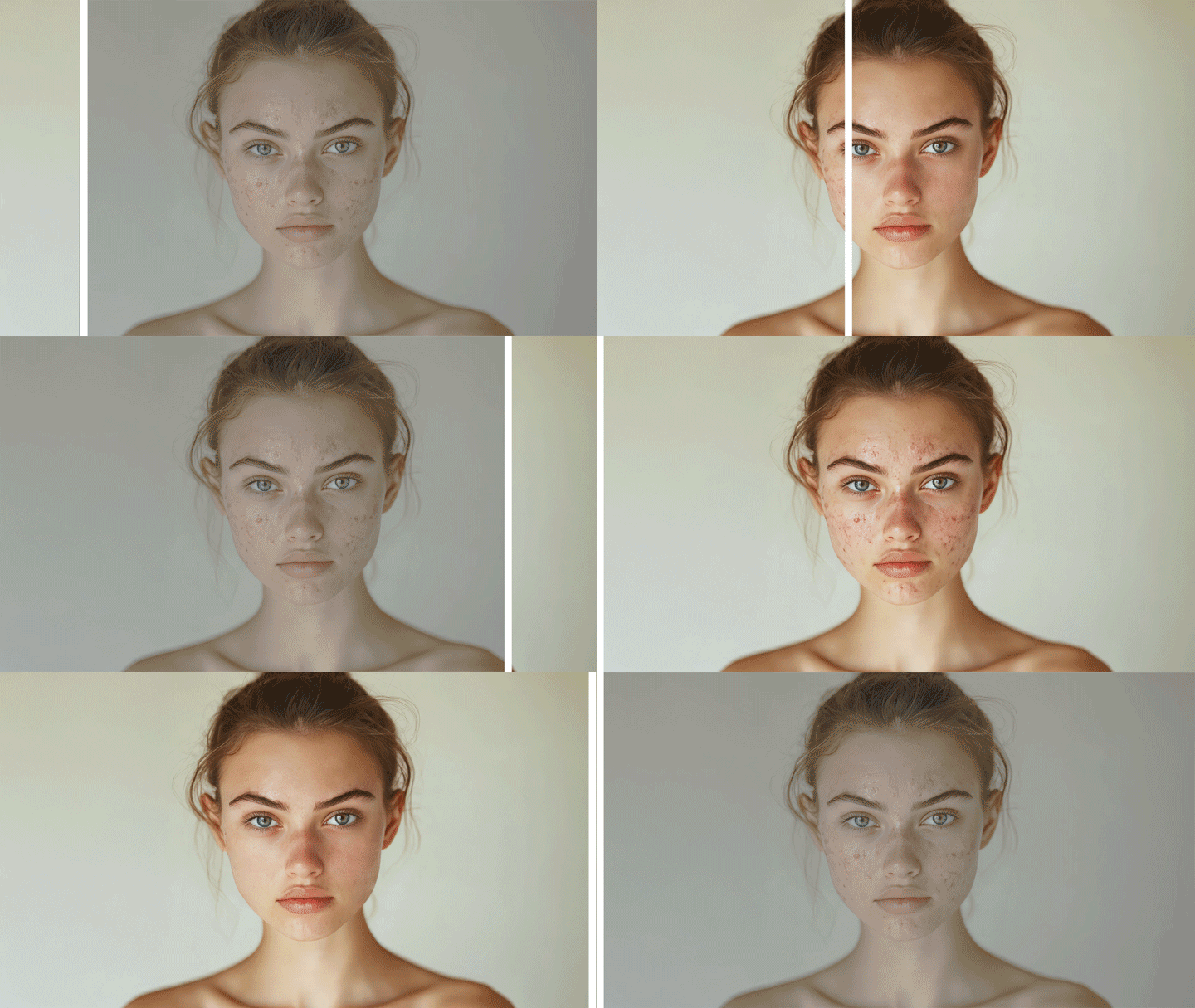
Personally, I like starting with Select Subject to get a quick base, then softening skin just a bit with a mix of clarity and texture. I’ll usually throw in a Radial Gradient or two to brighten up the face and draw some focus to the eyes. Everyone has their own style, and that’s what makes this community so great to learn from!
What about you?
- What’s your go-to approach for portrait retouching in Lightroom?
- Any favorite tricks with local or global adjustments?
- Do you use Lightroom Mobile for this kind of work?
- Tried any of the newer AI tools like Lens Blur or Point Color in creative ways?
If you’ve got examples or screenshots, feel free to share them! This is a great spot to swap techniques and pick up some new ideas.

We’d love to see what you’ve created and hear about your experience or feedback! Click 'Reply' below.
Click 'Follow' below to bookmark this post for easy reference.
For other questions, feel free to start a new post in the community.


 AdChoices