
Participant
Oct 14, 2023 1:02 PM UTC
Question

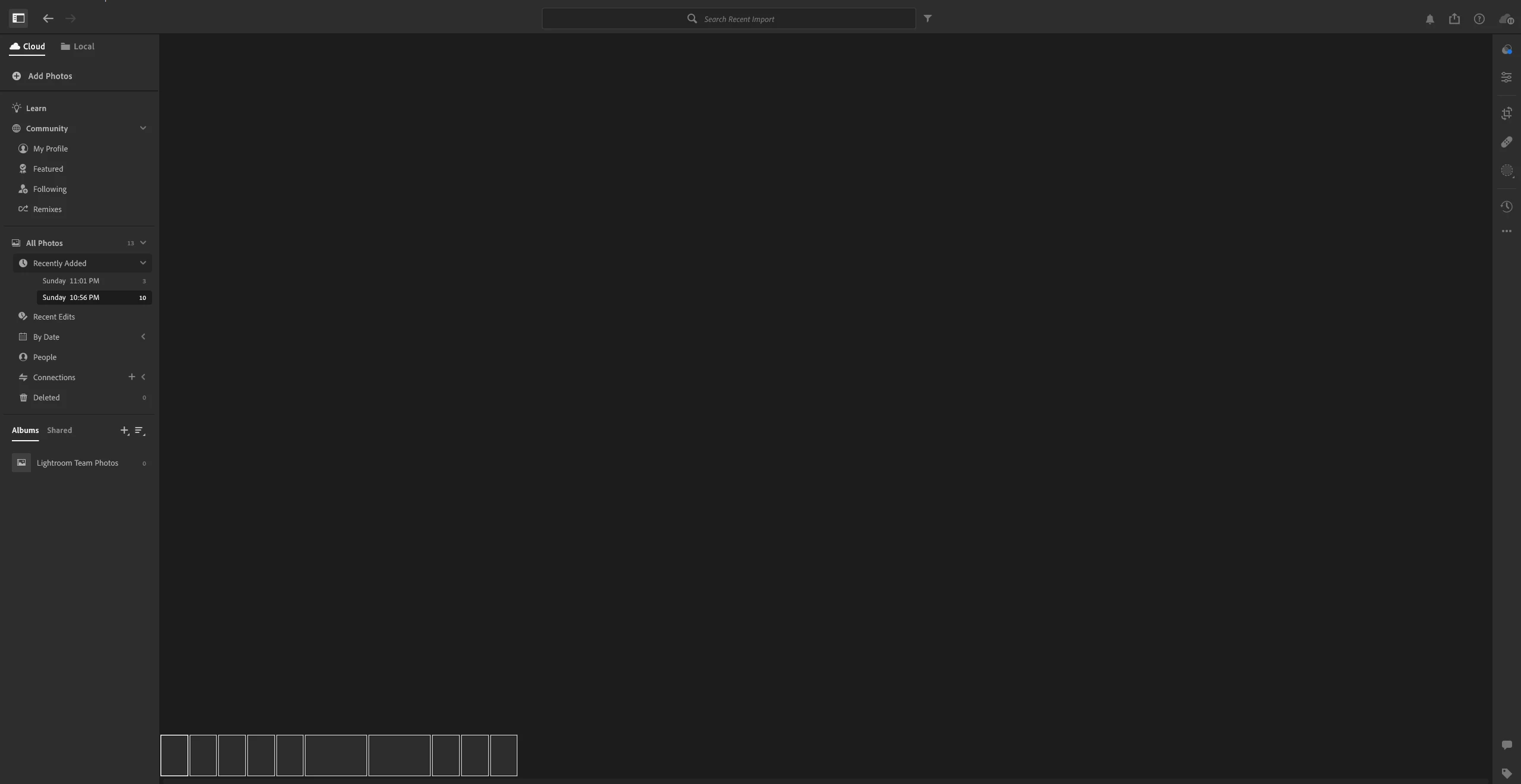
Why can't delete grey out image and it permanently not disappear

I tried to delete the image but I couldn't delete it. I try everything but still cannot delete it. Also, I tried to reinstall but guess what it is still the same. The grey-out image is permanently there.
 

This topic is closed to new replies. Start a new post to keep the conversation going.

7 replies

Rikk Flohr-Retired
Adobe Employee
Oct 14, 2023 3:55 PM UTC

Login at https://lightroom.adobe.com and see if you have a Sync Issues folder like this:

If so, follow the instructions on the thumbnail. 

Translate
Rikk Flohr: Adobe Photography Org
Participant
Oct 14, 2023 4:13 PM UTC

Nope, there's no sync issues


Translate
Rikk Flohr-Retired
Adobe Employee
Oct 14, 2023 4:20 PM UTC

There are also no photos in your screenshot - are you sure you are logged into the same Adobe ID in the Desktop and Web applications?

Translate
Rikk Flohr: Adobe Photography Org