
Inspiring
March 20, 2020
Question

Why does my interface looks different?

  • March 20, 2020
  • 2 replies
  • 471 views

I am just starting to learn Adobe Lightroom.

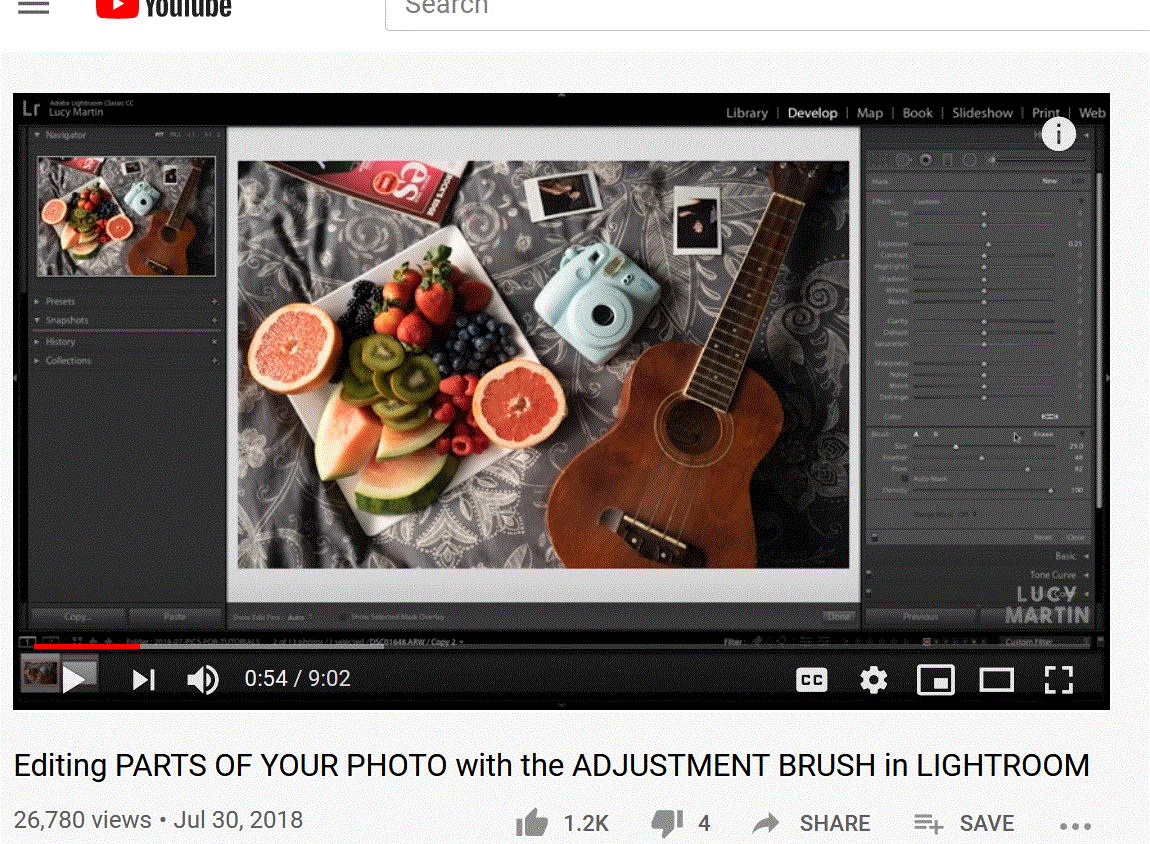
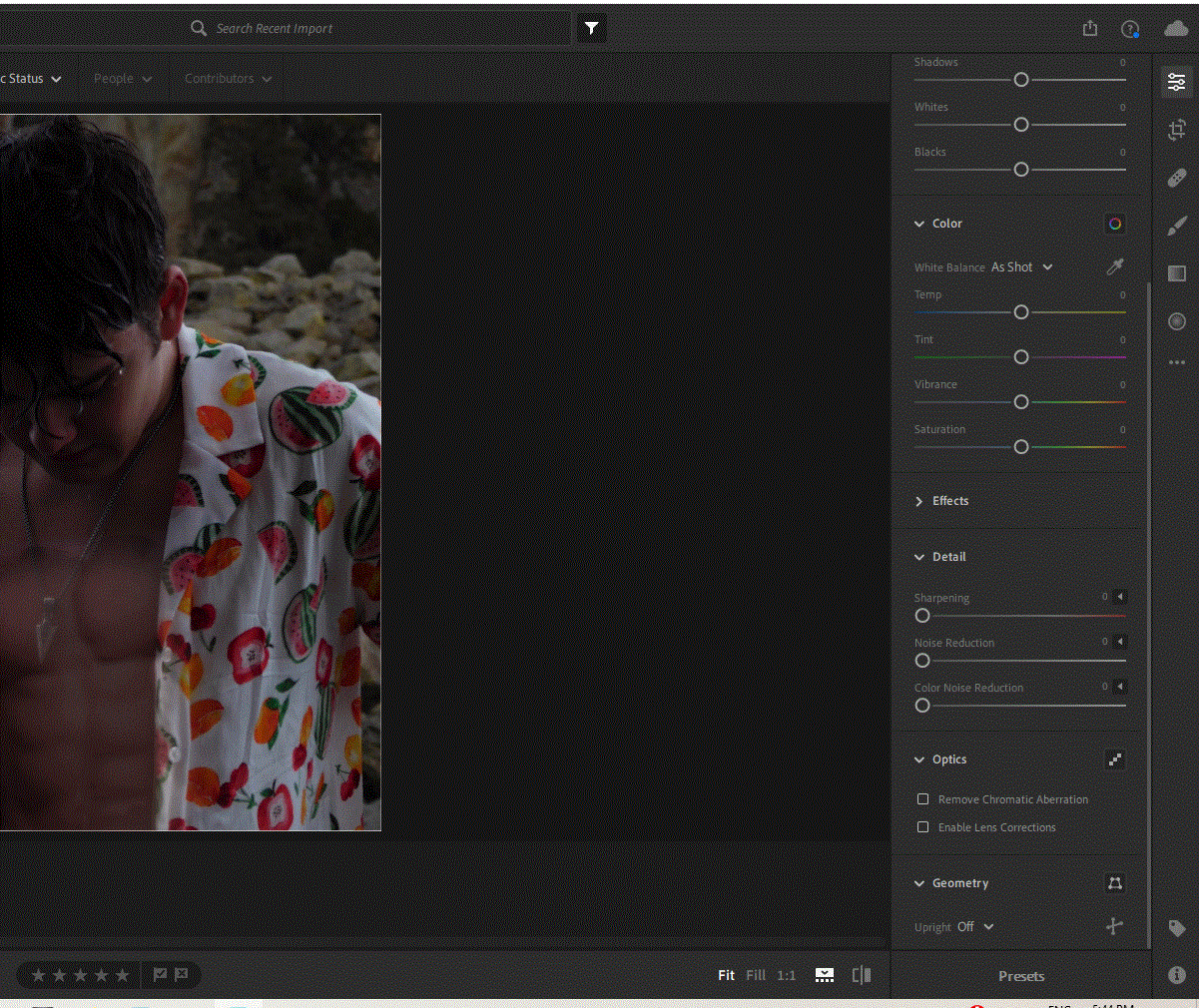
I am trying to follow this persons Youtube tutorial, however my interface looks totally different from hers so I am unable to find the tools she is referring to such as the Adjustment brush.


Could anyone provide any assistance please?


Hers:


Mine:
 

This topic has been closed for replies.

2 replies

99jon
Legend
March 20, 2020

Yes the first image is from Lightroom Classic which uses a desktop catalog rather than storing everything in the cloud.

It depends on your own requirements. The cloud version makes your photos automatically available on all devices.

99jon
Legend
March 20, 2020

There are three selective adjustment tools in the cloud version of Lightroom 3.2

The adjustment brush, gradient filter and radial filter – see image

When brushing, tab with the O key to see the overlay mask on the area you wish to adjust and then use the sliders to affect that area.

Inspiring
March 20, 2020

Thanks @99Jon,


Is the interface from the first photo rather for Lightroom classic instead of cloud then?

If it is, do you consider there are any benefits to buying the classic verson rather than the cloud version?