
Why is Lightroom CC taking up so much space?
I've set Lightroom backup my photos to a local drive named "Stronghold" in addition to being saved in the cloud. I usually import my photos into Lightroom on my laptop and then plug in my hard drive (Stronghold) every few weeks to transfer all of the photos (as the first picture shows).
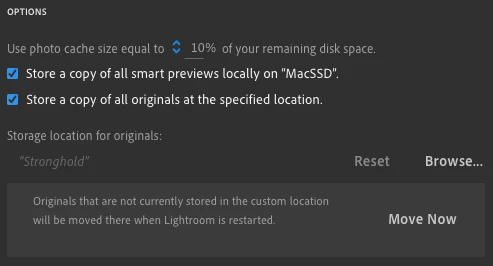
So why is the "Lightroom" folder in my Pictures folder taking up so much space? It's almost as large as my entire Lightroom catalog in the cloud:
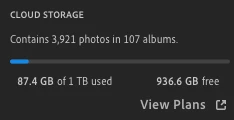

In addition to the Lightroom folder, there is a file named "Lightroom Library.lrlibrary" on my laptop that is significantly smaller:

Here's what the folder looked like on Stronghold before opening Lightroom and transferring everything over:

Don't worry about the modification date, it doesn't change if a folder inside has been modified. Here it is transferring after I plugged in Stronghold:
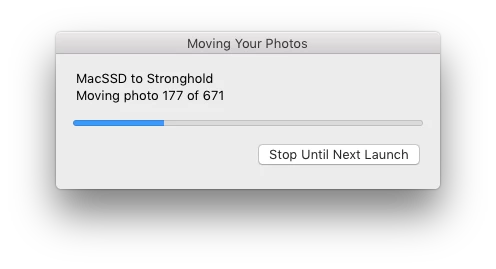
Here's the Lightroom CC folder on Stronghold after:

The Lightroom folder on my laptop stayed the same size.
How can I get rid of the folder on my laptop and make sure that it always moves everything to my hard drive (Stronghold)? Also, why is the folder on my hard drive so large compared to my cloud library? When I delete things, are they not removed from local storage?


 AdChoices