tracey@ktrmanagers.com.au
Participant
Oct 23, 2022 6:37 AM UTC
Answered

Why won't Lightroom save my edits when I export them?

Hi,

I am new to Lightroom and am unsure what I am doing wrong.

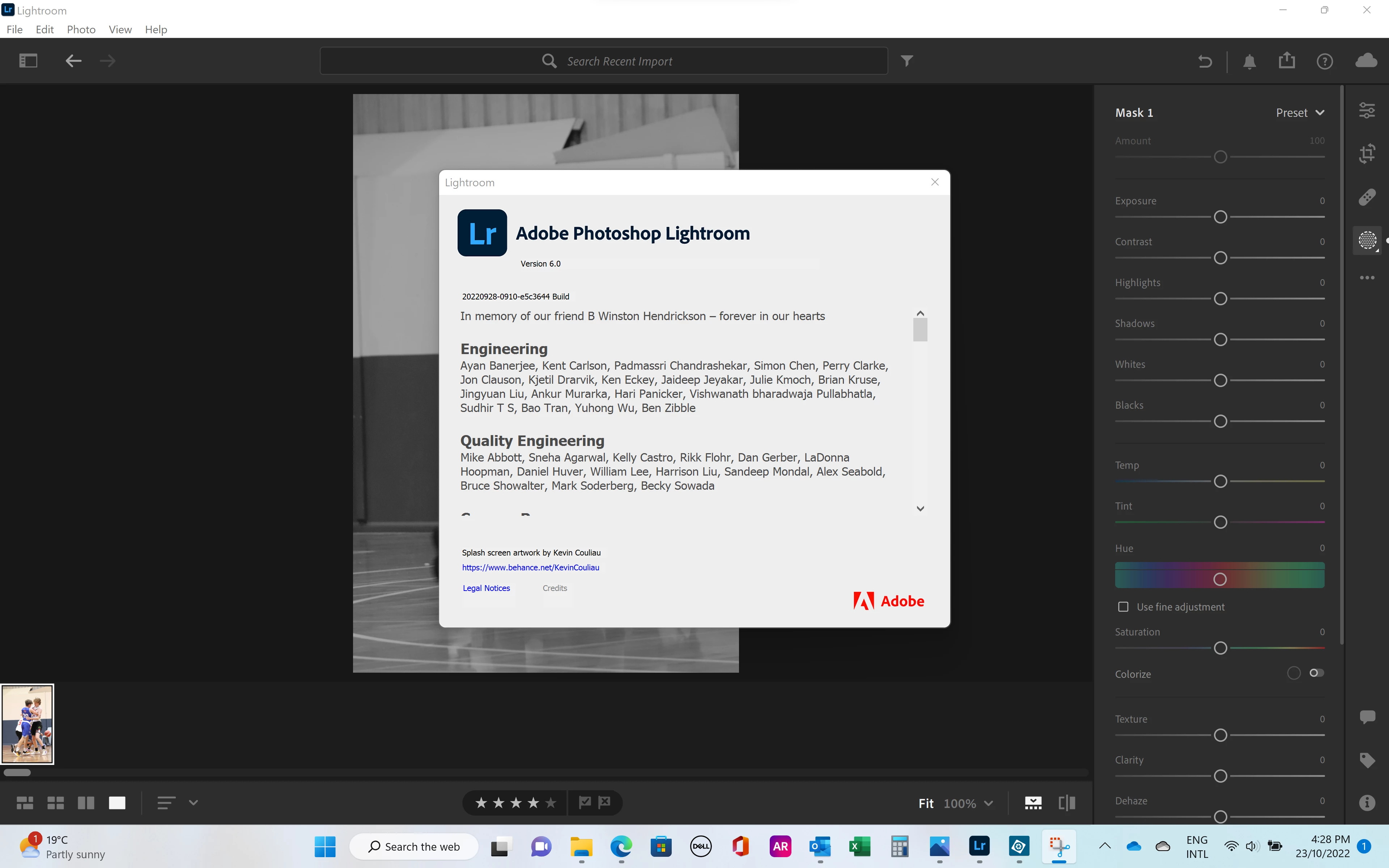
I am using Adobe Photoshop Lightroom V6, Windows 11 Home
 

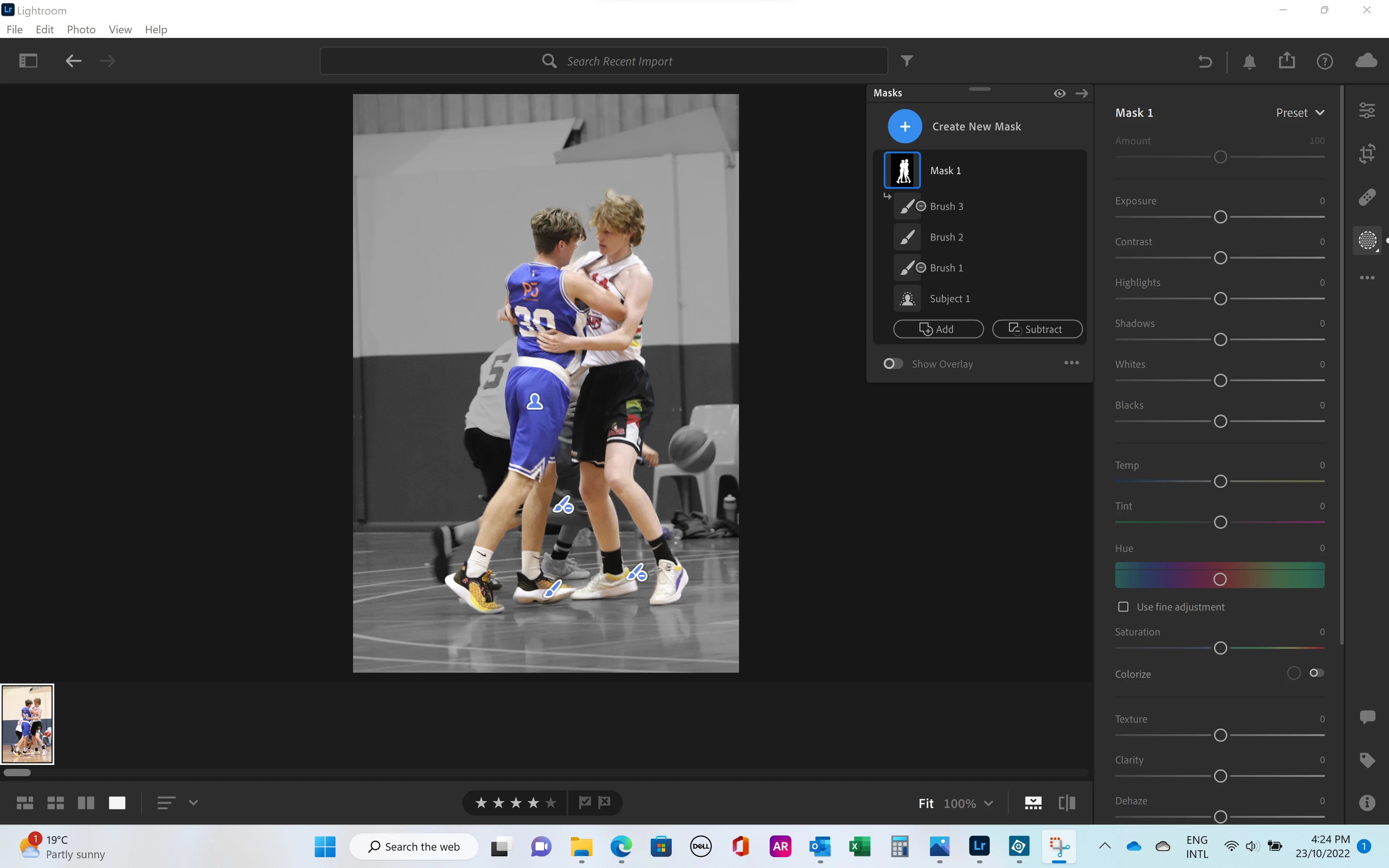
I have edited a photo to have a black and white background and colour people using a mask, below.


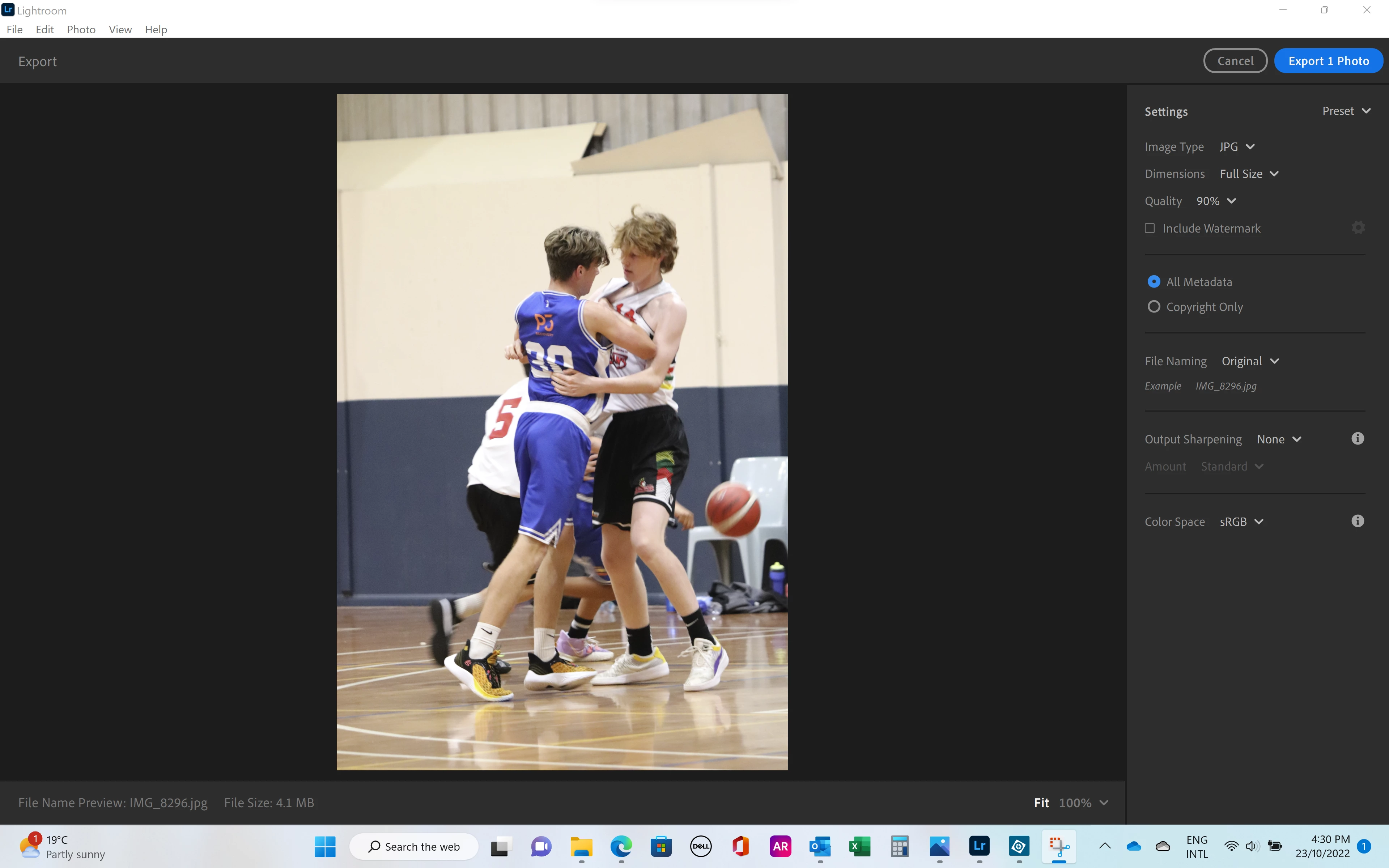
When I try to export it reverts to a full colour photo. Am I missing a step?
 

Thank you very much in advance for your help  🙂


[moved to the correct forum - Mod.]

JohanElzenga
JohanElzengaCorrect answer
Community Expert
Oct 23, 2022 9:29 AM UTC

@Jim Wilde is correct. If you look at the sliders in your second screenshot, then you'll see that they are all still at zero. That means that you have created the mask, but you haven't made any adjustments to that masked area yet. You are looking at the mask overlay, not at the result. This is a common misunderstanding. Here's what to do: First you need to invert the mask, so the background is masked. Right now the subject is. Then set the Saturation slider to -100. Now the background will really be B&W and stay that way if you export the image.


-- Johan W. Elzenga

20 replies

Jim Wilde
Community Expert
Community Expert
Oct 23, 2022 8:57 AM UTC

How did you turn the background to B&W? Looking at the image in the filmstrip of the masking screenshot, the background is still in colour, which implies that you haven't yet converted the background. Are you by chance using the mask overlay style of "Image on B&W", which is in fact merely a visual overlay aid and not an actual adjustment to the image.

Translate
JohanElzenga
Community Expert
JohanElzengaCommunity ExpertCorrect answer
Community Expert
Oct 23, 2022 9:29 AM UTC

@Jim Wilde is correct. If you look at the sliders in your second screenshot, then you'll see that they are all still at zero. That means that you have created the mask, but you haven't made any adjustments to that masked area yet. You are looking at the mask overlay, not at the result. This is a common misunderstanding. Here's what to do: First you need to invert the mask, so the background is masked. Right now the subject is. Then set the Saturation slider to -100. Now the background will really be B&W and stay that way if you export the image.


Translate
-- Johan W. Elzenga
tracey@ktrmanagers.com.au
Participant
Oct 24, 2022 1:36 AM UTC

Thank you both very much, that is exactly the problem. I didn't realise it wasn't actually making the edit. It is now working perfectly, thank you!! 🙂

Translate