
Participant
August 29, 2022
Question

(Win11) ERROR: Lightroom v.5.5 unable to connect to server. Please try again later.

  • August 29, 2022
  • 1 reply
  • 252 views

Hello,


I am having trouble connecting Lightroom CC to the internet. Adobe Bridge works fine.
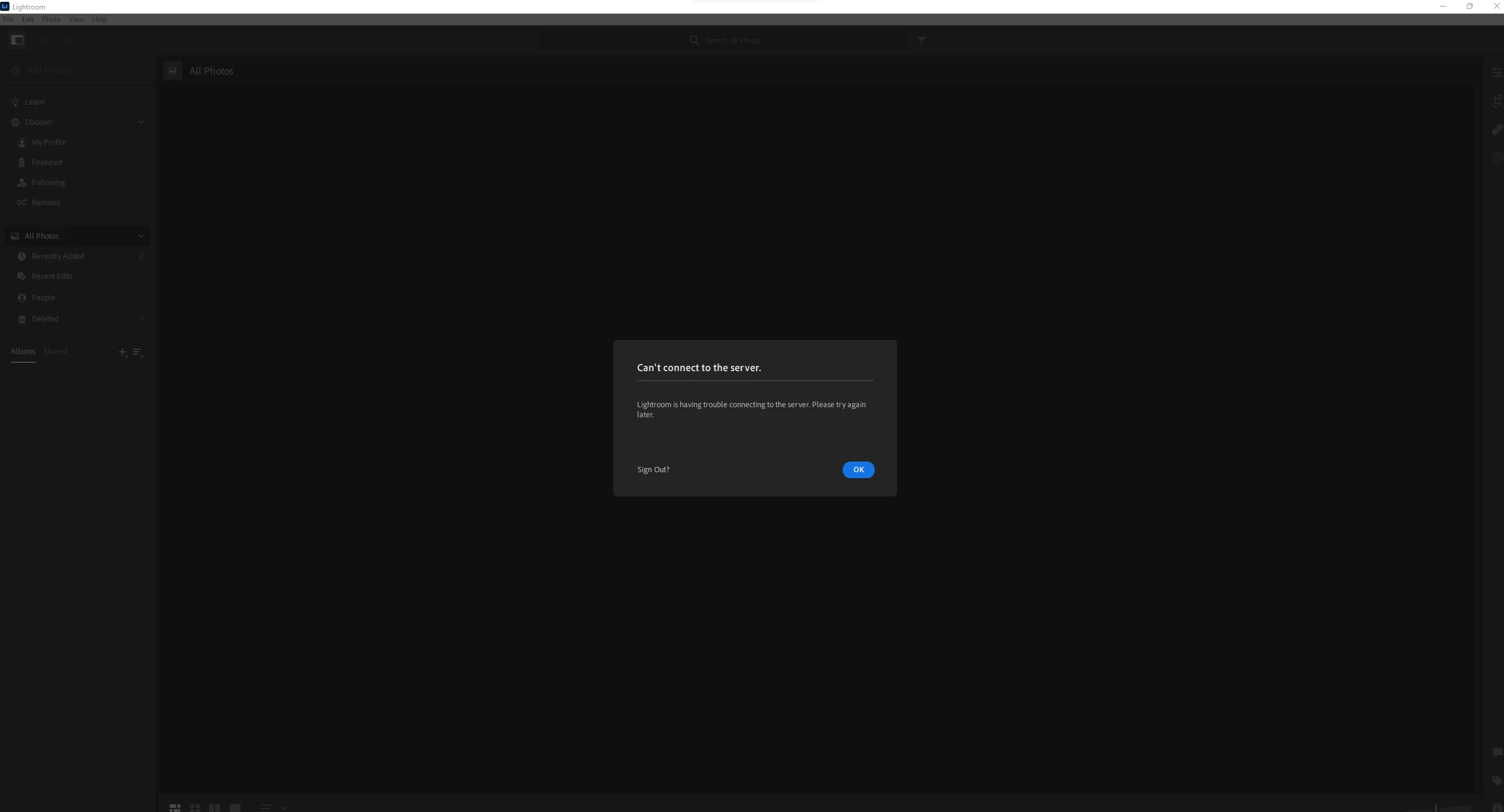
 

I get the error: Can't connect to the server. 


I have also tried the steps in this article: https://helpx.adobe.com/x-productkb/policy-pricing/activation-network-issues.html


Please help me resolve this issue. 


System: Windows 11 Home 

Version of App: 5.5


{Thread title updated by moderator}

This topic has been closed for replies.

1 reply

Sameer K
Community Manager
Community Manager
September 8, 2022

Hi there,


Welcome to the Lightroom Community. Thanks for sharing the details & the steps you have taken. I've got some steps you can try here.


  • In the Creative Cloud app, press CTRL + ALT + T (Win) to launch Creative Cloud Troubleshooter & select 'Close Creative Cloud and related processes' > click on Go.
  • Windows - Press Windows + R to open Run Dialogue > enter %TEMP% > Click on OK > Delete any files or folders with 'NGL' in their names.
  • Restart the computer
  • Sign in to Creative Cloud again and open Lightroom.


Let me know if this helps,
Thanks!

Sameer K