


Inspiring
September 25, 2023
Answered

Make it Tile?

  • September 25, 2023
  • 1 reply
  • 870 views

I am trying the awesome "Make It Tile" Layer.
No matter what I tried so far, I am not able to make this texture map seamless and tileable. 
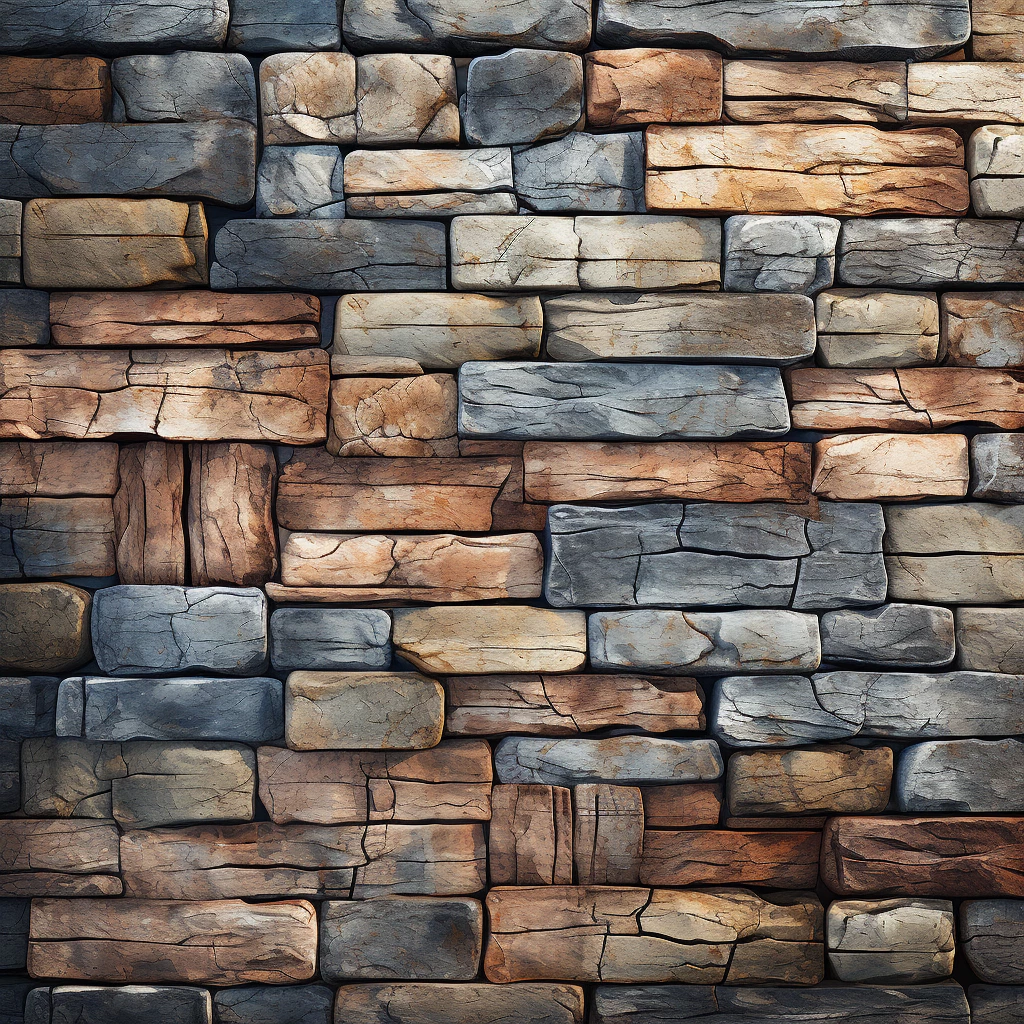
Any help and suggestions to get this done is highly appreciated.

Would love to see if Substance Sampler. can actually handle that.



This topic has been closed for replies.
Correct answer Cyril Dellenbach

Hi @PixelFun,


Making sure these types of pattern are seamless is always a complicated task. I advise you to check this tutorial which will give you an interesting workflow through clone patch.


Best regards,


1 reply

Cyril Dellenbach
Community Manager
Cyril DellenbachCommunity ManagerCorrect answer
Community Manager
September 25, 2023

Hi @PixelFun,


Making sure these types of pattern are seamless is always a complicated task. I advise you to check this tutorial which will give you an interesting workflow through clone patch.


Best regards,


Cyril Dellenbach (Micro) | QA Support Artist | Adobe
PixelFunAuthor
Inspiring
October 2, 2023

I was now investigating the Make it Tile Feature plus the Image to Material.
There is one substantial bug when using Image to Material with AI.

When you import a perfect seamless texture and use it with Image to Material (AI powered), that feature creates a visible seam. Very noticeable. 

I tried it with multiple seamless textures. Perfectly seamless when using Photoshop.
But when using the perfectly seamless texture with Substance Sampler and the Image to Material (AI powered).
It creates a seam.


Sooo.. that's a real problem.
Any seamless texture you create let's say with Photoshop, and you use that feature inside Sampler, you'll get a very noticeable seam.

I am assuming there is a bug in the code that creates the tiling.


PixelFunAuthor
Inspiring
October 2, 2023

I provided a project example with all supporting files in this blog post:
https://community.adobe.com/t5/substance-3d-sampler-bugs/image-to-material-bug/idc-p/14124239#M263