


Participating Frequently
August 31, 2022
Question

Blender Add On - How To Export As FBX For Game Engine

  • August 31, 2022
  • 1 reply
  • 138 views

Hello All,


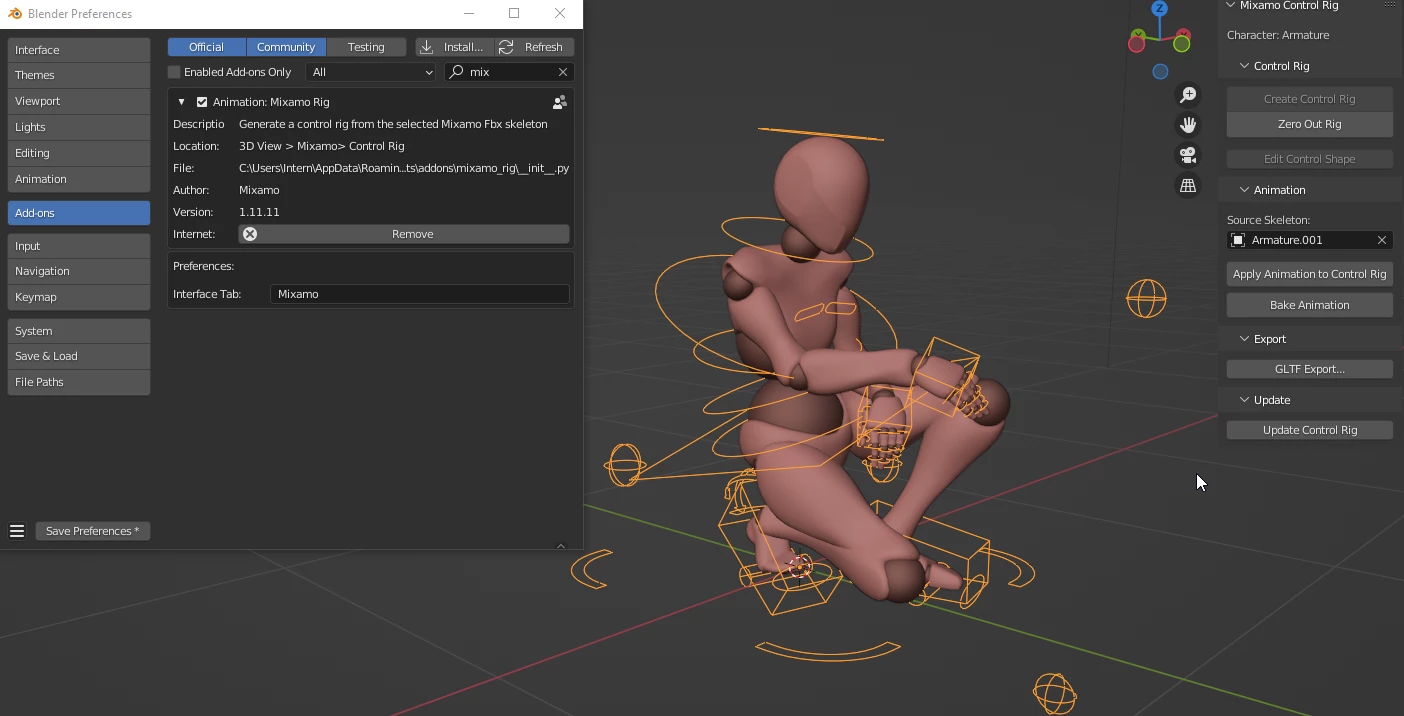
Are there docs for the proper process of exporting an edited animation from Blender to an FBX? I used the Blender Add On to import and edit an animation using the control rig but can't figure out how to export it in a usfual file formate. I'd like to have only the animation exported as an FBX but everthing I've tried comes out mangled (including multiple skeletons). 


Using Blender 3.2.2 and Blender Add On verion 1.11.11
This topic has been closed for replies.

1 reply

Ussnorway7605025
Legend
September 2, 2022

this is a Blender question that doesn't have much to do with Mixamo however exporting Fbx is easy + you decide if you just want the base model or to include textures \ animations etc in the extras settings at that time

the real issue is Fbx isn't a true standard... its owned by Autodesk as part of Maya and they change it whenever the Gods of random roll a 1 so how a Fbx model looks \ acts in different software boils down to which convertion workflow you picked and the exact same model will rendor different in Unreal, Unity, Iclone, Dimension or even just default Microsoft 3D viewer that comes with Windows 8 or above