


Participating Frequently
May 23, 2022
Question

Can not seem to upload a clothed figure from DAZ

  • May 23, 2022
  • 3 replies
  • 593 views

I have been successful in ploading a naked figure but when I attempt to upload a clothed one, I get the following message:
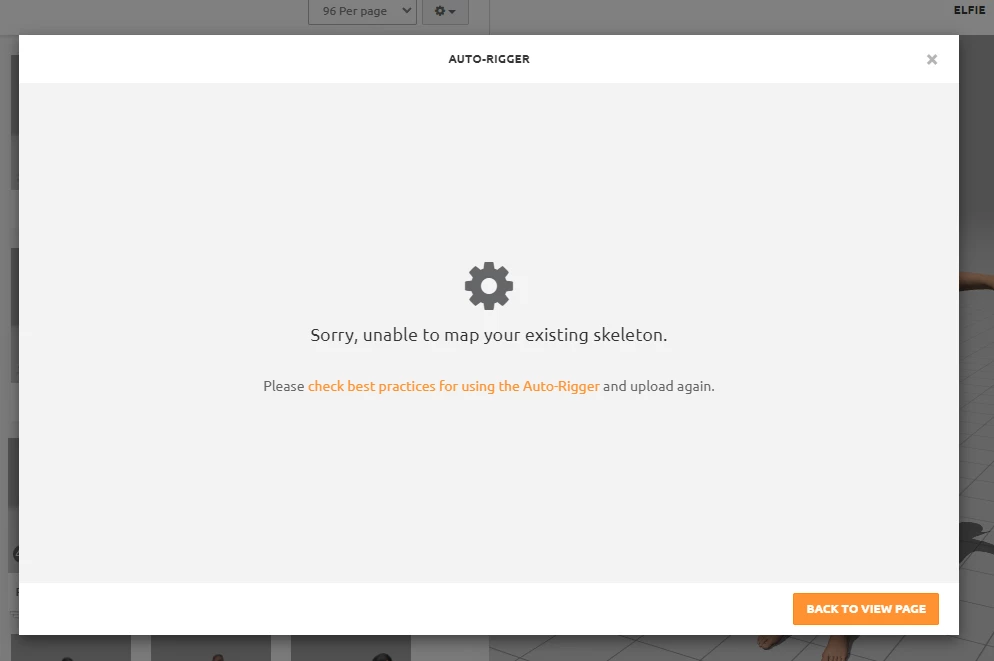

What am I doing wrong?  I've added the FBX file for review, if that helps. 


This topic has been closed for replies.

3 replies

RLKIIIAuthor
Participating Frequently
May 30, 2022

Same issue, different model.  Now, I've removed all bones that I can see in Blender and ensures there was no rig - I thought, perhaps, the Daz rig wasn't compatible with Mixamo so I used a human-shaped rig in Blender and tweaked it to fit my figure, but still no luck.  I'm sunning out of ideas and getting ready to throw in the towel... frustrated.   If anyone can help with identifying what I'm doing wrong and how to fix, I'd greatly appreciate it. 

As you can see by the first image, this is how the figure appears in Blender. On the right you cna see, no bones.

The second image is how she is appararently appearing in Microsoft's 3D viewer.  Not sure what's going on with the materials, to be honest. 

Ussnorway7605025
Legend
June 2, 2022

the meshes in your first image don't have bones is true but they all have "modifiers" and that is Daz adding bones and colours without following the standard... Blender can see the files but can't really read it because its not a standard and not sure what to do


this is why people stopped using Daz but thats another story... my advice is to see if daz has a plugin for Blender to read their file types or barring that stop using Daz or share the model and I'll convert it back into a standard before uploading [either way] not really a Mixamo issue

Ussnorway7605025
Legend
May 28, 2022

the file you gave me didn't have any texture for the eyes but yes in Blender you have to change default settings to include textures when you expoort as Fbx

change path mode to copy and then press the icon to turn it blue = textures will be included in the Fbx file created

RLKIIIAuthor
Participating Frequently
May 29, 2022

Thnak you for this.  I followed these steps but am still having the same issue.  Attached is an image of A: the figure as she appear sin Blender, B: Mixamo and C: Unreal 5.  Any more advice?


Ussnorway7605025
Legend
May 23, 2022

so open it in Blender and the reason becomes pretty clear?

steps = remove the old bones and she uploads just fine

RLKIIIAuthor
Participating Frequently
May 24, 2022

I'll give it a shot, thanks.

Should she look so... weird... in Mixamo?

Ussnorway7605025
Legend
May 24, 2022

i included the T pose if you just want to jump to the finish

weird? = the model itself not Mixamo, she has no texture for eyeballs so they are just white and the jacket shares polly space with her clothes under it so if you remove the jacket or make it a little bigger it will improve the look