File Export from Fuse - make sure the New Folder and Pack Textures/UVs checkboxes are selected.
Open the folder you exported to
Select the OBJ file, the .MTL file, and all texture files by Shift clicking
Package all those files into a .zip
Go to Mixamo and upload the .zip file
IMPORTANT - you must include the .MTL file or the auto-rigger won't display the textures
You will be able to apply animations to your character. The only drawback is the 'Enable Blendshapes' feature is missing that allows you to have facial expressions.
Hey! I've been using the solution you detailed above to try and upload the character from steam's version of fuse to Mixamo, yet the website cant map out the character when uploading the zip file, when I include the mtl file. When I don't include the mtl file it works just fine, but then I've got not textures obviously.
It might be the software build on Steam. I've never used that one - just the installer that was on Adobe Cloud several versions ago. I don't know what your workflow or pipeline is. You could use Mixamo's auto-rigger and download the FBX or DAE file after it's rigged. Then relink the materials in the application that you'll be using for final production???
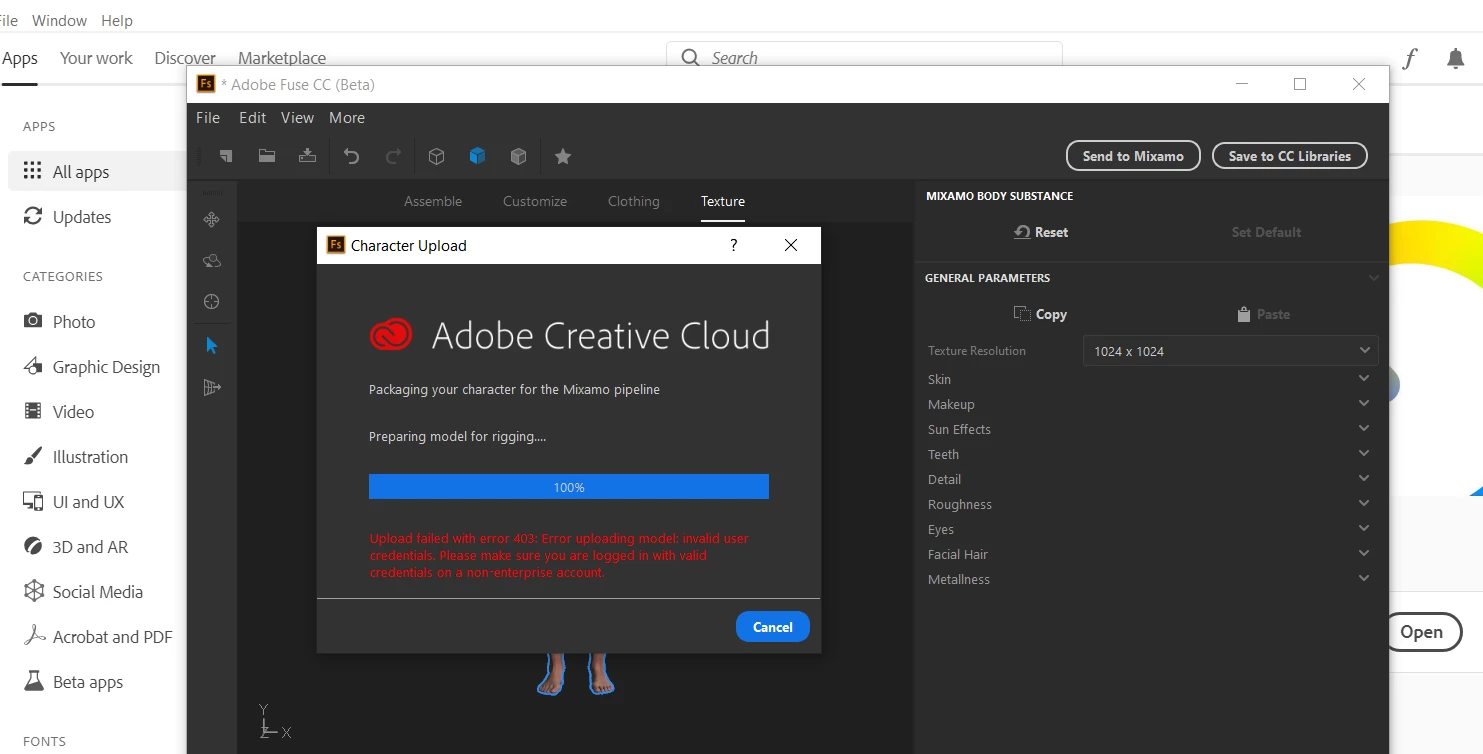
They could at least return a correct error message, like "FUSE no longer supported" or "Server retired" or similar. The error message "Login failed. Please check username/password" is flat out wrong and misleading.
like digging up a dead person to take away their knighthood
p.s, Mixamo can't read a Mtl that uses colour codes so red, blue etc it must actually point to a texture image and Steam Fuse is the same as Adobe Fuse as far as base model goes i.e, it works exactly the same




 AdChoices