Inspiring
April 7, 2022
Answered

How to Reposition Rigged character to fit into my screen

  • April 7, 2022
  • 1 reply
  • 288 views

Hi,

We have exported a character (with dance) from mixamo.

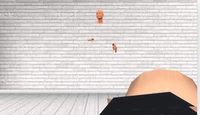
I exported the character(.glb) into blender and tried to set neutral positions X,Y,Z axis but still  it is not fitting into my screen and the 3d mixamo character is completely distorted

Can somebody suggest what best can be done to fix the issue 


Attached glb file

Attached Error Screenshot below


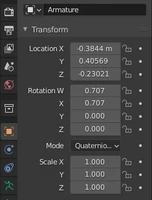
Armature settings screenshot


This topic has been closed for replies.
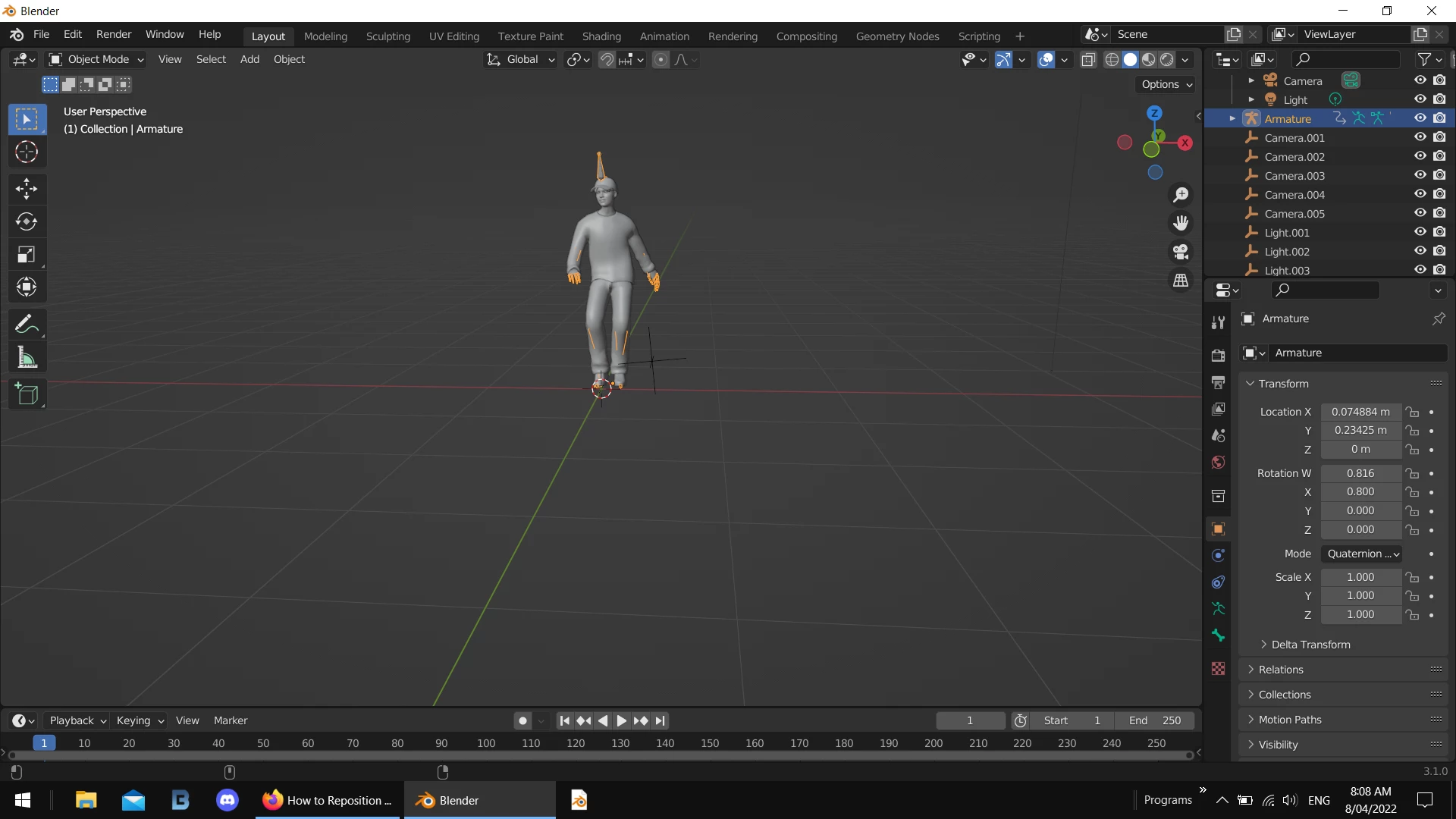
Correct answer Ussnorway7605025
  • import as glf/ gld
  • select character amrmiture
  • adjust Z location to zero
  • adjust X rotation to .8

that will put him in the center of the screen with his feet on the floor but you didn't give me any other assets so I can't help more

tips; your screenshot looks like you didn't have the armiture selected when you started moving things around so the model goes out of wack... also this Gld file is complex so scaling him up will stop the autoplay unless your system has more ram than most


1 reply

Ussnorway7605025
Ussnorway7605025Correct answer
Legend
April 7, 2022
  • import as glf/ gld
  • select character amrmiture
  • adjust Z location to zero
  • adjust X rotation to .8

that will put him in the center of the screen with his feet on the floor but you didn't give me any other assets so I can't help more

tips; your screenshot looks like you didn't have the armiture selected when you started moving things around so the model goes out of wack... also this Gld file is complex so scaling him up will stop the autoplay unless your system has more ram than most