


Participant
September 19, 2023
Answered

mixamo animations import to blender messed up

  • September 19, 2023
  • 1 reply
  • 1127 views

Hi, I'm a newbie in the 3d animation world, and I'm trying to import some animations from mixamo to Blender, but it isn't working well... when imported in Blender the FBX got messed up, like this:
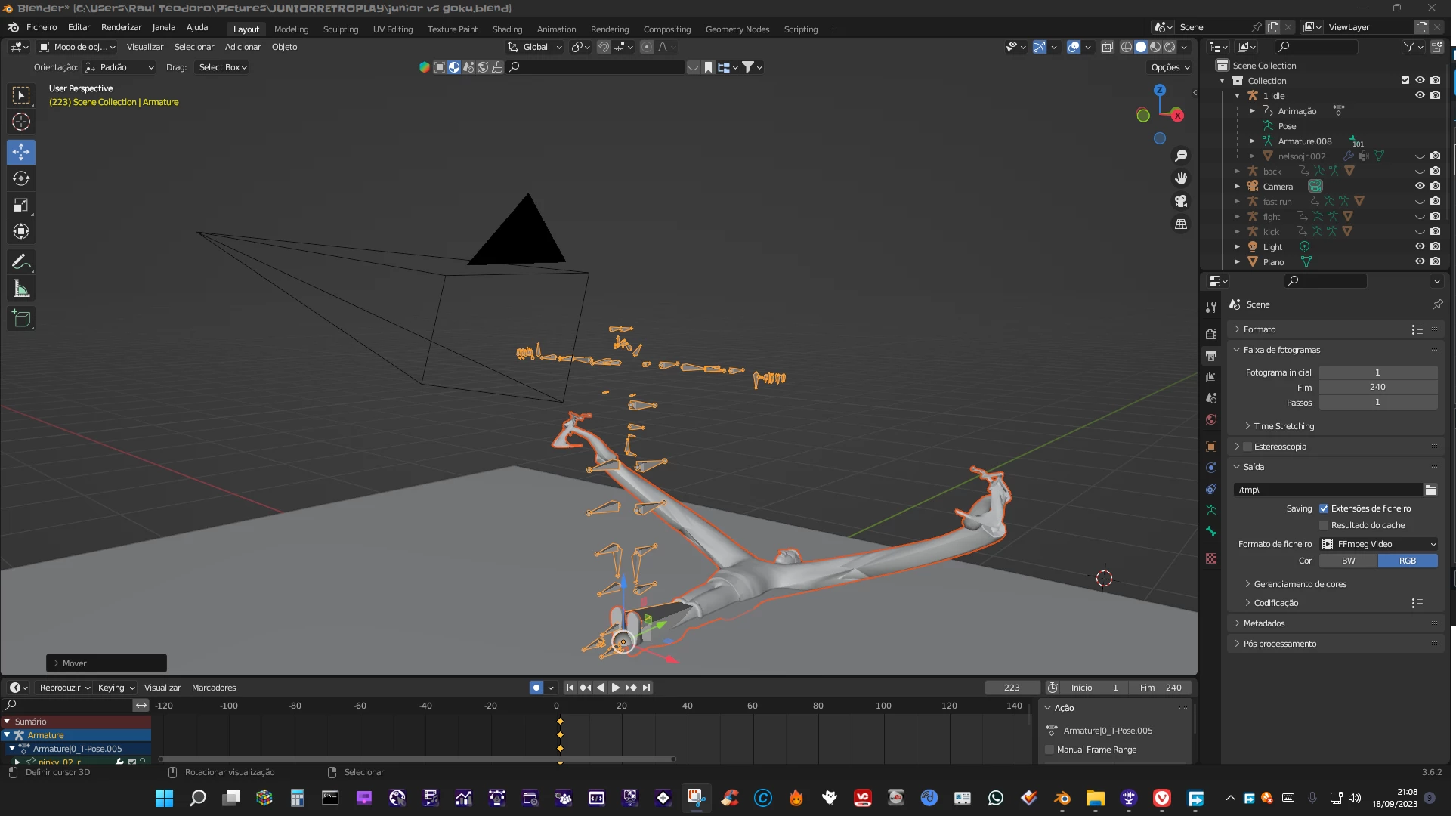


I'll describe here the steps I did:

imported a DAE model to blender;
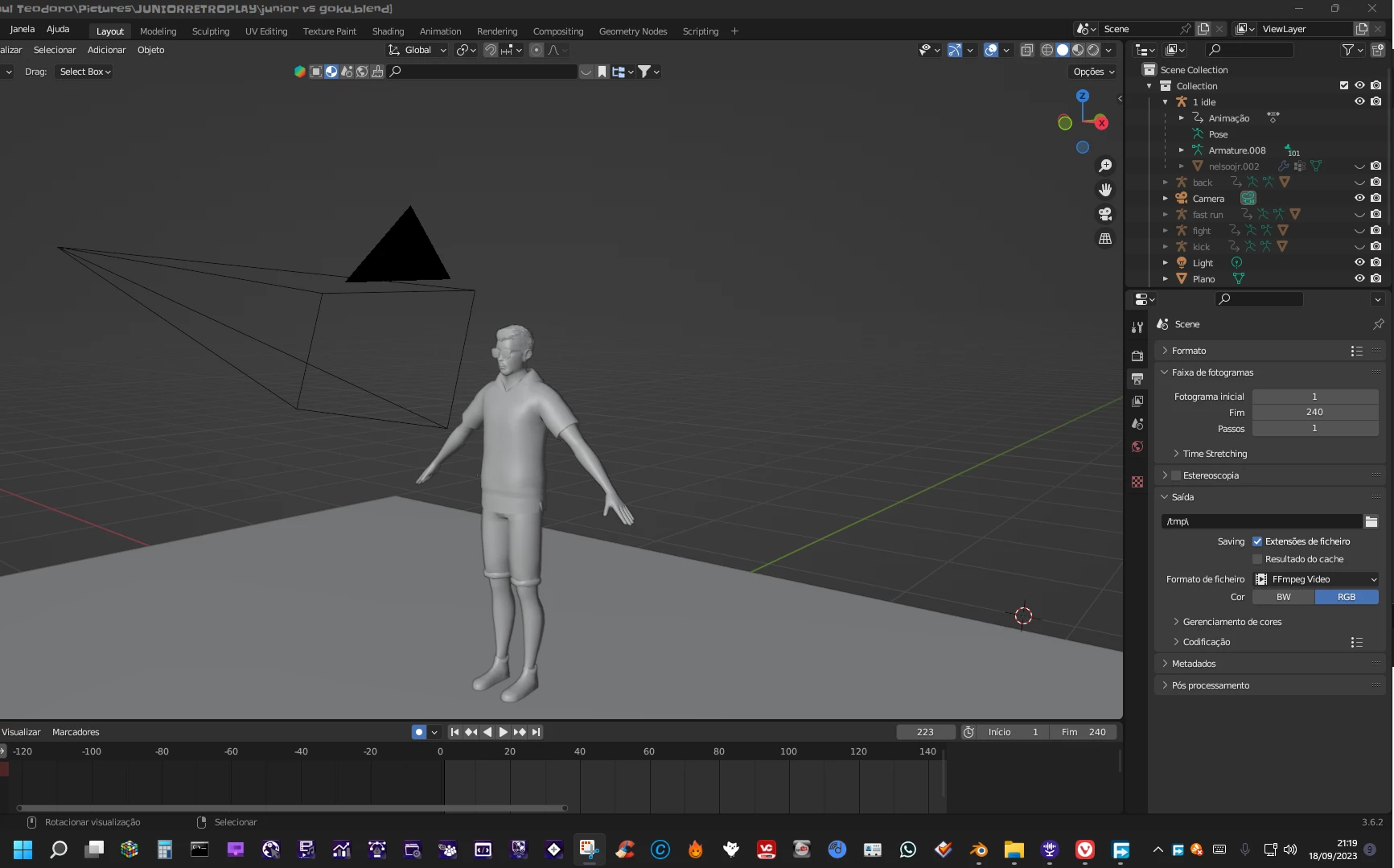
exported DAE as FBX;

imported FBX to mixamo;
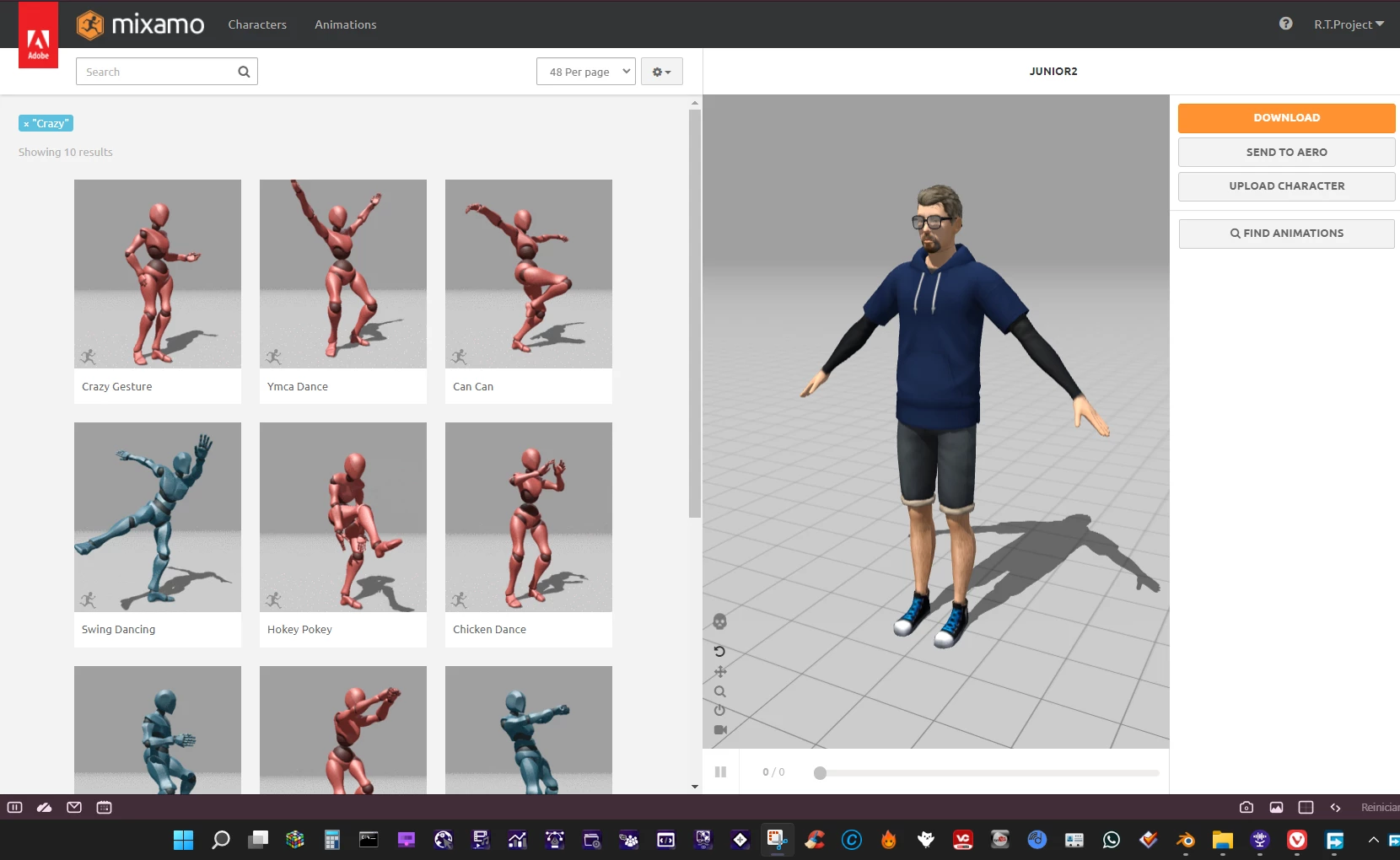
choose animation;

exported FBX(binary) *I've tried to export the animation to FBX for Unity and FBX 7.4 too, it did'n work.

*When exported DAE animation from mixamo it works in some way, but lagging.


I'd like to know what's causing the FBX to be imported all messed up, and how can I fix this, if someone knows, kindly help me.

This topic has been closed for replies.
Correct answer R.T.Project26176240a9e7

You didn't answered my doubts, why is the fbx being imported model messed up?
I found is causing that, there is a step that I didn't mentioned before in the post, this step was used specificaly for the model in the images. I've rigged it on Acurig... so the rigs were kind of in conflict... causing the model to be imported in Blender like it's was hit by a TyranosaurusMonsterTrain.

1 reply

Ussnorway7605025
Legend
September 22, 2023

Fbx is not a standard and it has changed in the last few years which is why Mixamo lets you pick more than one Fbx option

R.T.Project26176240a9e7AuthorCorrect answer
Participant
September 23, 2023

You didn't answered my doubts, why is the fbx being imported model messed up?
I found is causing that, there is a step that I didn't mentioned before in the post, this step was used specificaly for the model in the images. I've rigged it on Acurig... so the rigs were kind of in conflict... causing the model to be imported in Blender like it's was hit by a TyranosaurusMonsterTrain.