


Question
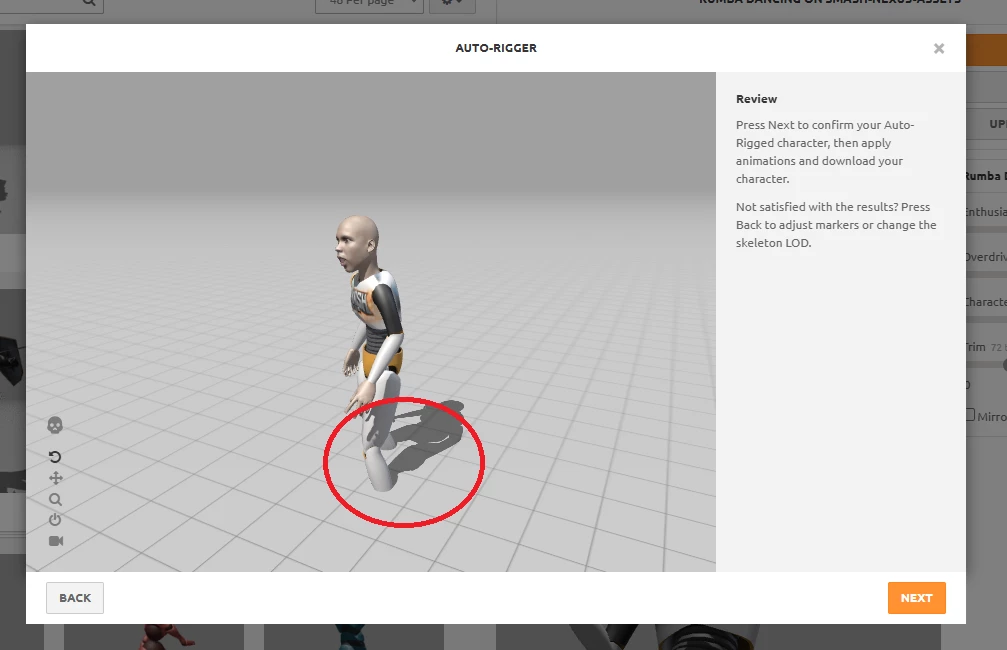
Mixamo loads FBX model below ground level
I exported a model whose origin is correctly placed at the level of the sole of the shoes and between both legs. When I export this FBX and also test it reimport in Blender, it still looks correctly positioned above the +z axis. But when I load the model in Mixamo it is below ground level. How do I tell Mixamo to adjust this? Can the develelopers of Mixamo fix this bug or is there a workaround to this?
 AdChoices