DerFurst
Participant
October 6, 2022
Question

"sorry unable to map your existing skeleton"

  • October 6, 2022
  • 2 replies
  • 475 views

I've seen dozens of other ask for help with this but thus far, none of the solutions anyone has proposed work for me.

I have tried decimating the object.

I have tried importing it into photshop (no longer supported)

I have tried turning it into a .zip file

I have tried making it an FBX, OBJ, DAE, and STL (none work)

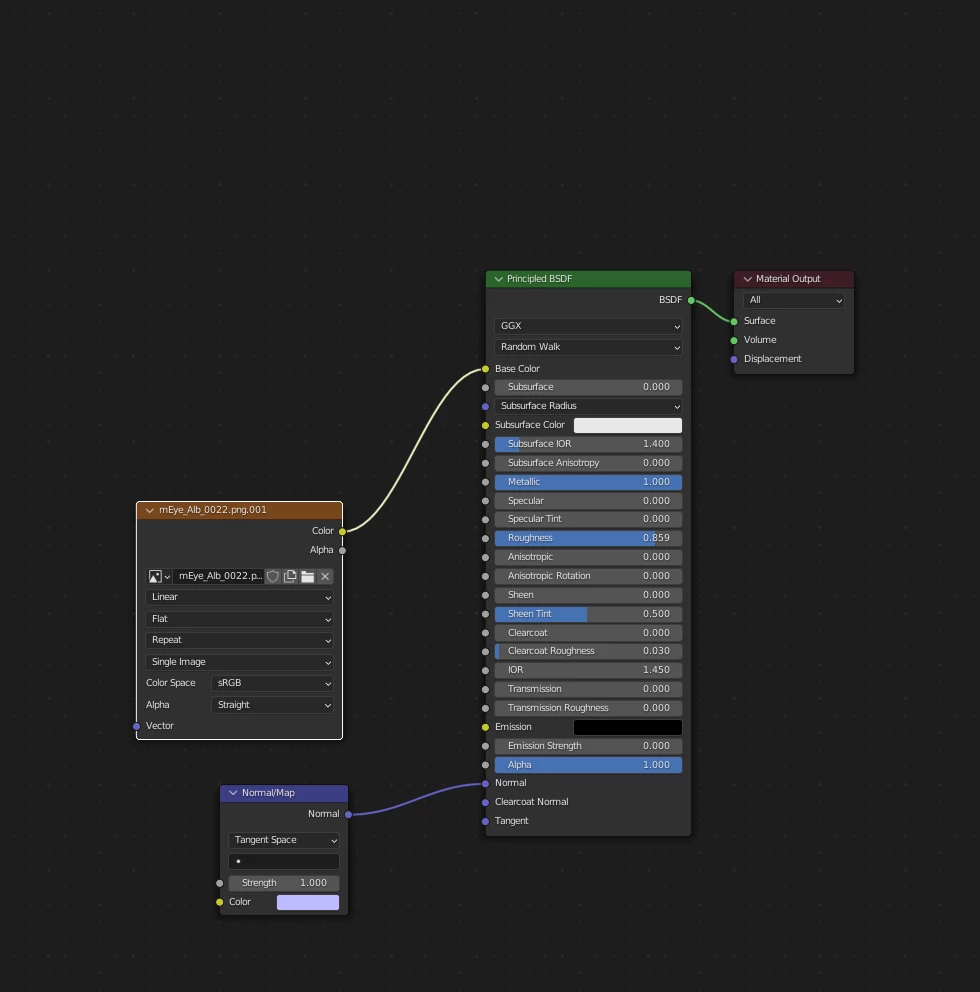
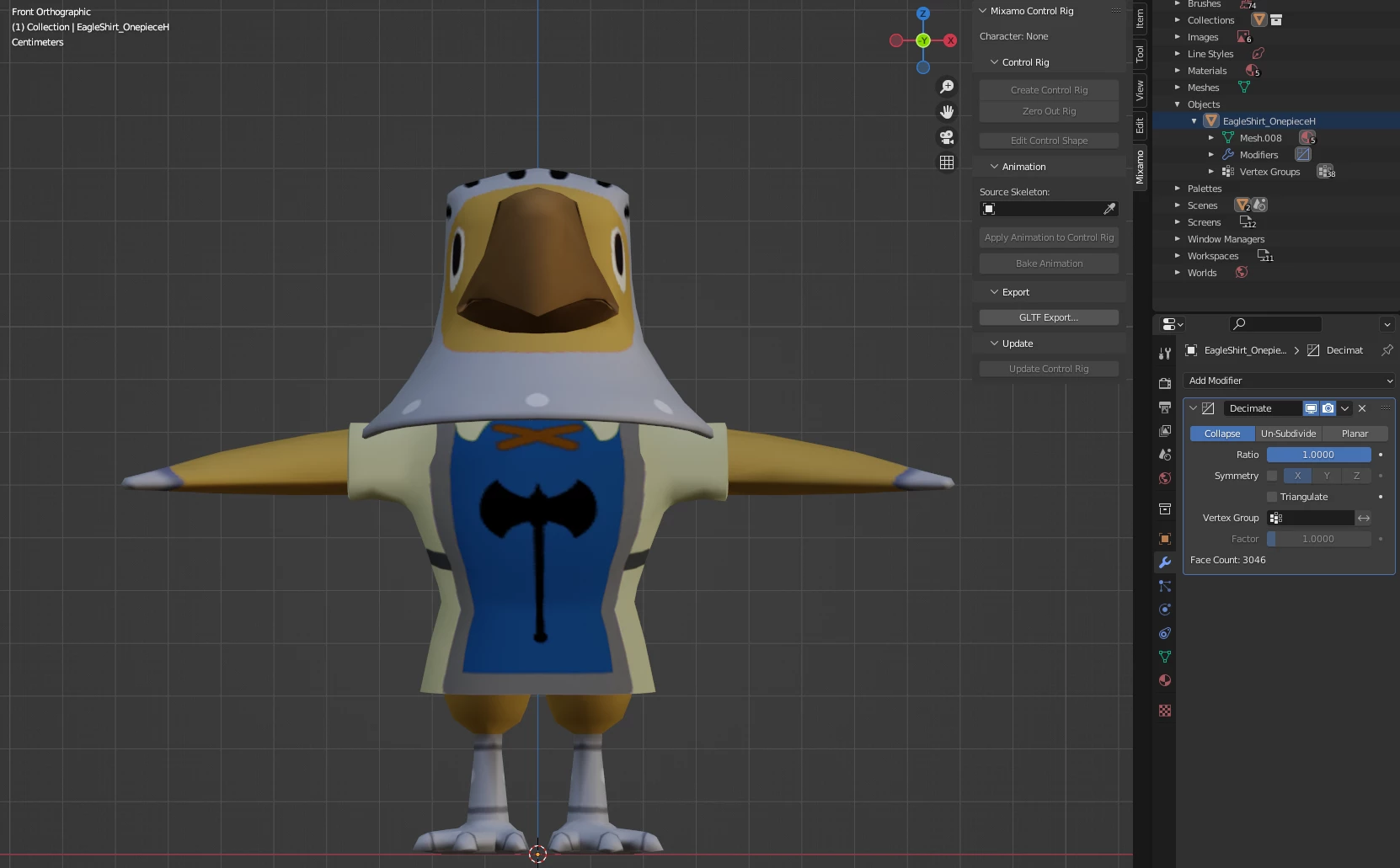
Attached is the file. Here are some screenshots:
This topic has been closed for replies.

2 replies

Ussnorway7605025
Legend
October 7, 2022

how = change to a standard file type with an image

for the easy steps i'd;

  1. open it in Blender to cheack that some kind of texture is there... export as Glb
  2. open the Glb file in Paint 3D [comes free with Windows 8 or above] ... save as a fbx
  3. upload that Fbx to Mixamo and set your markers... now that the Fbx is a Fbx with Nvida standard, you will be fine

Ussnorway7605025
Legend
October 7, 2022

1 the error translates as "something went wrong but we don't know what" ... its just a one size fits all message with lots of possible causes because every model is a little different


2 [in your case here] the issue is you missed the basics, Mixamo is for HUMAN models and as soon as i looked at the screenshot i knew the issue was no neck... well done you posting that it saves time

repair steps =

remove the current colar

add a basic neck

place your markers with no hands

DerFurst
DerFurstAuthor
Participant
October 7, 2022

Actually, the model works fine even without a neck. I relaize now I also missed a key part of the original post:

How can I get the model to upload with an image texture? The plain OBJ or FBX file without textures will laod fine, but no colors are present and i much desire for them to show up.


Thank you.