Participant
March 28, 2021
Question

Texture files missing when dowloading

  • March 28, 2021
  • 2 replies
  • 388 views

Hi everyone! I hope someone can help with this begginer's issue. 
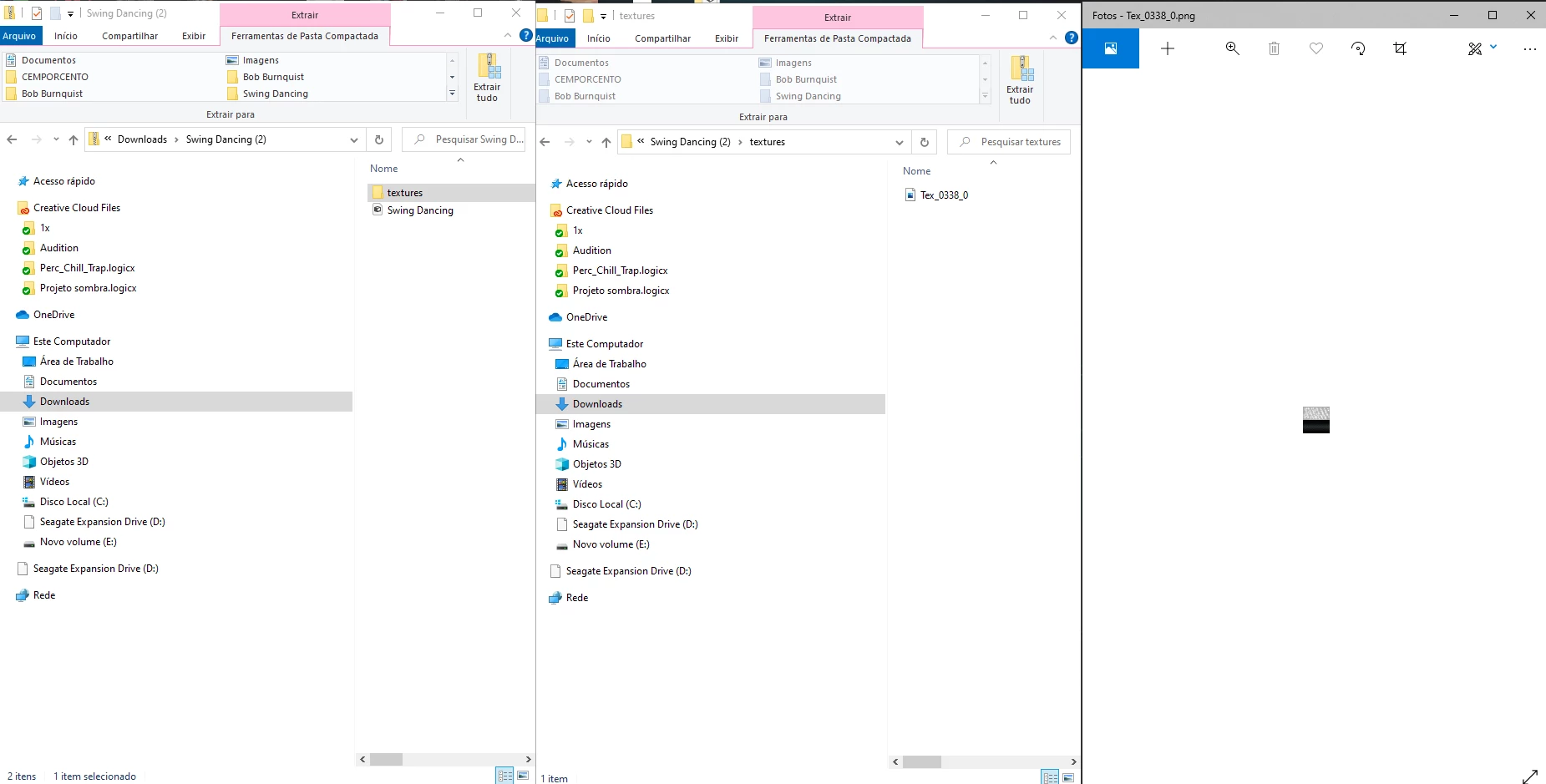
I have this .fbx working fine on mixamo, but when I download it, it comes out with only one texture file and this makes my result go all wrong on photoshop. 
Can you guys help me fix please? ty! 


This topic has been closed for replies.

2 replies

Ko.Maruyama
Community Expert
Community Expert
March 28, 2021

try COLLADA instead (.dae) format which is pretty robust.

You should be able to use the textures with similarly mapped UVs.

Participant
March 30, 2021

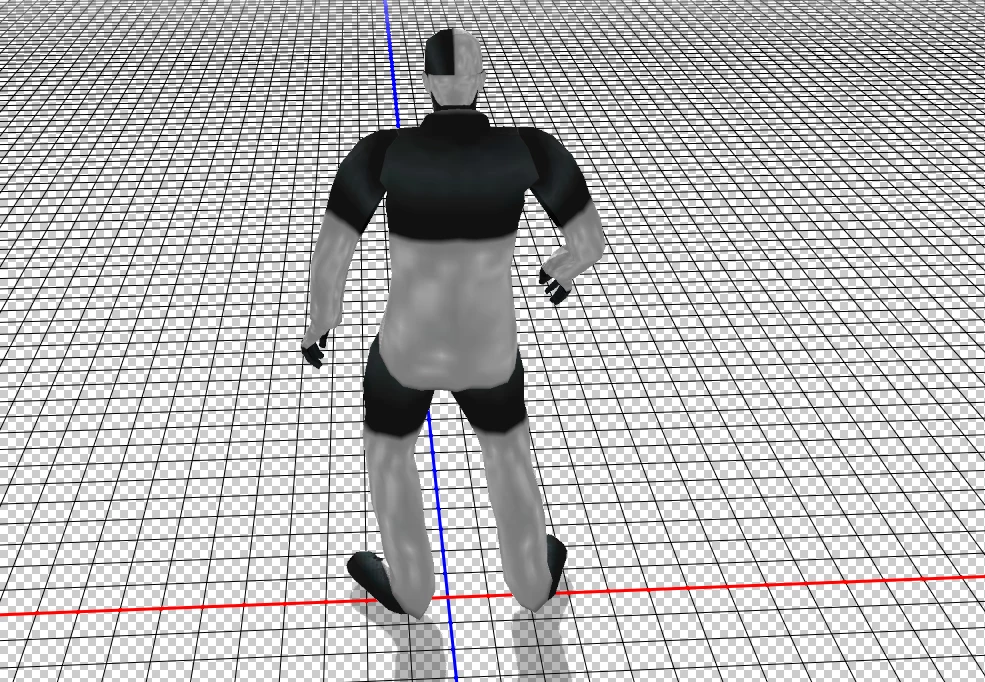
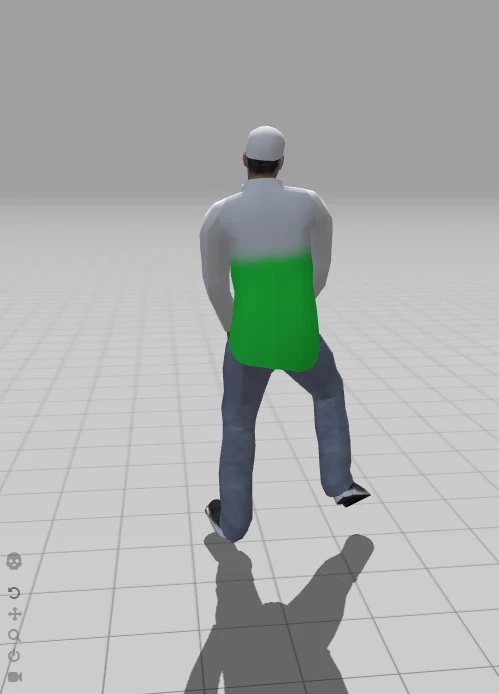
Hi KoMaruyama! I've downloaded this model and it worked nice this way. And I was using collada but then I changed his textures on blender and saved an fbx file. Uploading it on mixamo we see the first image working nice but whenever I download it on COLLADA(.dae) format the result is what we see on the second image. maybe is a bug. Maybe I messed something on blender, but what is weird is that mixamo is reading it fine but it is not rendering what I see when I download. 
Thank you for your attention! 

Ussnorway7605025
Legend
March 28, 2021

an Fbx does not have a textures folder and Photoshop does not load Fbx files

I can't recreate the issue you reported so can only assume the issue was a one off bad download or a corupt file caused by your network set up

Participant
March 30, 2021

Hi Ussnorway! I think I did not explain properly. 
The fbx file is the one I had uploaded on mixamo and you can see it working good on the first picture. But when I download it from mixamo(COLLADA .dae) and open in photoshop, the result is what we see on second picture. Very weird. Hope this gives info you can help. Thanks in advance!