


Inspiring
January 10, 2025
Answered

Uploaded FBX character to mixamo with 6 embedded textures results in 1 randomly picked texture

  • January 10, 2025
  • 2 replies
  • 628 views

I uploaded a character to mixamo https://www.mixamo.com/#/ that has 6 textures embedded into the FBX. The output looks good as seen in the screenshot below but when I click download Collada, it's only downloaded with 1 texture in textures file.
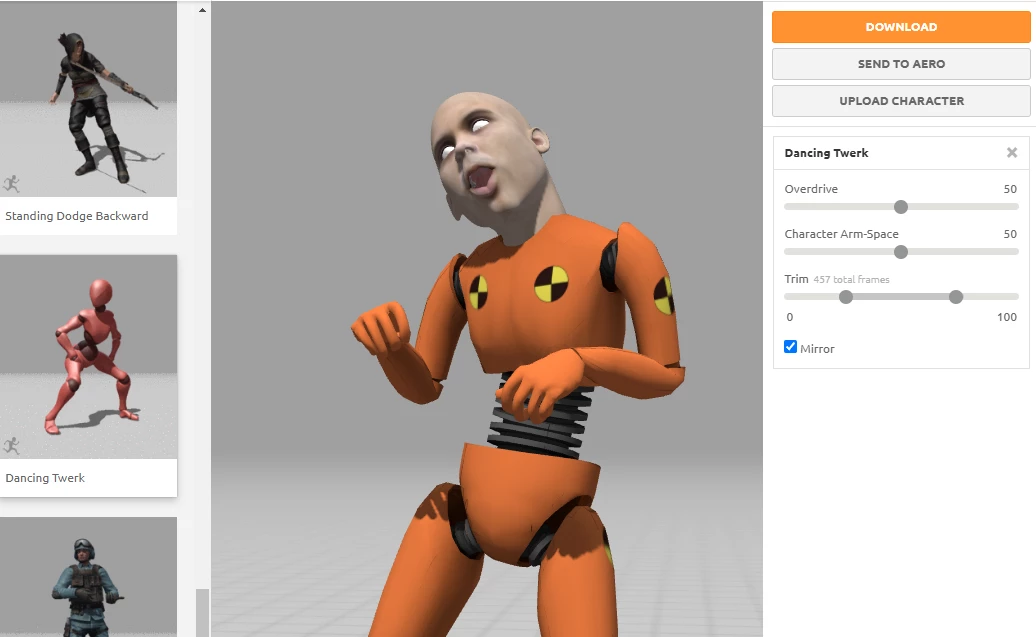
 

Since the texture is that of the tongue, the output in Blender looks like this:
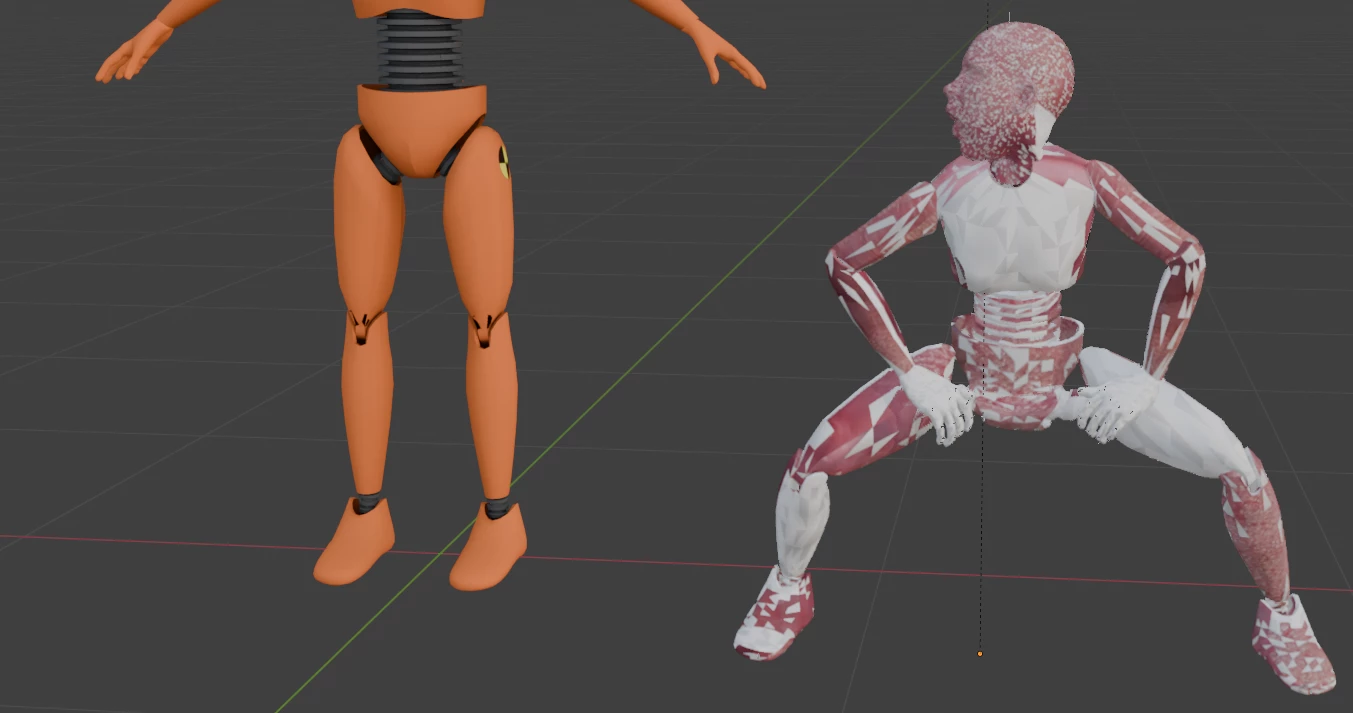
Is this a Mixamo website bug or is there anything I can do to fix this? What is the reasoning for this result? It randomly picked out the tongue texture.

Correct answer Ussnorway7605025

baking the textures will be the fix but the problem was caused by your converting to Collada

Mixamo is a rigging software not a file converter... but as you figgured out baking the textures together works around it

2 replies

Ussnorway7605025
Ussnorway7605025Correct answer
Legend
January 11, 2025

baking the textures will be the fix but the problem was caused by your converting to Collada

Mixamo is a rigging software not a file converter... but as you figgured out baking the textures together works around it

Harry00Author
Inspiring
January 11, 2025

Thank you so much for your answer and shedding light on this issue. So I assume it's the same problem with this flickering issue? When I download the mixamo file as collada and import the asset into BeamNG I get this flickering result. Do you know what could cause this?

Harry00Author
Inspiring
January 12, 2025

ah it's a mixamo bug. when you download as FBX all is fine but when downloaded as Collada, it's putting messed up Custom Split normals on the model. I just cleared the custom split normals.

Harry00Author
Inspiring
January 11, 2025

So I'm assuming multiple texturres is not supported on this site so I ended up baking the textures into one using this method