


Participant
October 13, 2021
Answered

Why does my character not show in Mixamo

  • October 13, 2021
  • 6 replies
  • 13816 views

Hi


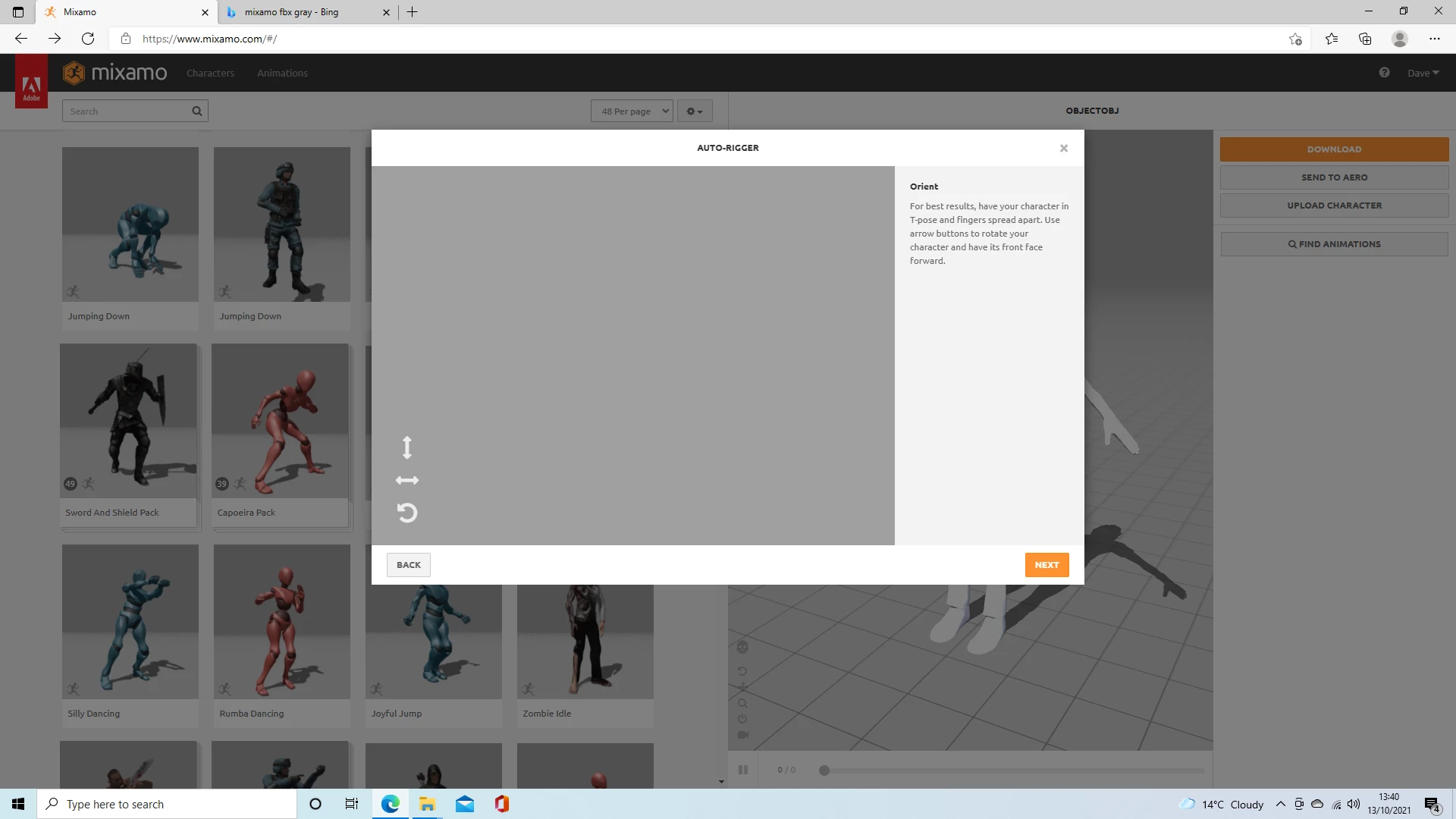
I have been trying to upload an FBX file, however I get a blank (grey) screen once my character has been uploaded. If I upload an OBJ file it works, however later on I seem to have uv texture mapping issues when I try to remap textures. Why will my character not show and what is the best way to get around this?


Kind regards
 

Correct answer Ussnorway7605025

when you exported your model as Fbx from what ever software, did you perhaps only export the bones?

that would be the most common error and the fact Obj works means this isn't a Mixamo issue


best fix would be to go back to your model and try other export settings

6 replies

Participant
April 2, 2024

I have a similar issue; I simply can't see the models on this screen, only the gifs and skeletons (wireframes). I've tried several browsers—Opera, Firefox, Chrome, Brave, Edge—but I still can't see the models to perform the rigging


Participant
January 25, 2024

I had an issue where I had duplicated one of the arms and it was unknowing messing up my Blender Character upload. 

JoeCodeCreations
Participant
January 22, 2024

For me it was because webgl in the browser was having an issue and erroring out. I was using chrome at the time so I switched to Firefox and then it worked for me. Pretty sure I used Chrome previously but this time it didn't work so I switched browsers. 

I tried all the other solutions here before trying that 😞 

Participant
May 14, 2023

move your model to center world scene in blender or another apps. i have the same issues. i check on mixamo and click the arrow to rotate, i can see the character but not full. so i'm trying to move the character to center in world origin in blender. 

Participant
August 5, 2023

Hey, I wish your comment was at the top because I was stuck for a while and cam back to this post and found this comment and it really helped, so thanks!

Participant
April 6, 2023

This grey screen was happening to me also. What I did that worked was I took my character in blender and moved the origin point to his feet where it meets the floor and of course center in front view. Then snap cursor to World Origin… then select character and snap to cursor. I then ctrl+A and apply all transforms. Lastly, I export as fbx making sure the check box: limit to “Selected Objects” was checked. I never had this grey box again by doing this.

Participant
September 12, 2023

Mannnnnnn you saved me bruh, I really appreciate it

Ussnorway7605025
Ussnorway7605025Correct answer
Legend
October 13, 2021

when you exported your model as Fbx from what ever software, did you perhaps only export the bones?

that would be the most common error and the fact Obj works means this isn't a Mixamo issue


best fix would be to go back to your model and try other export settings