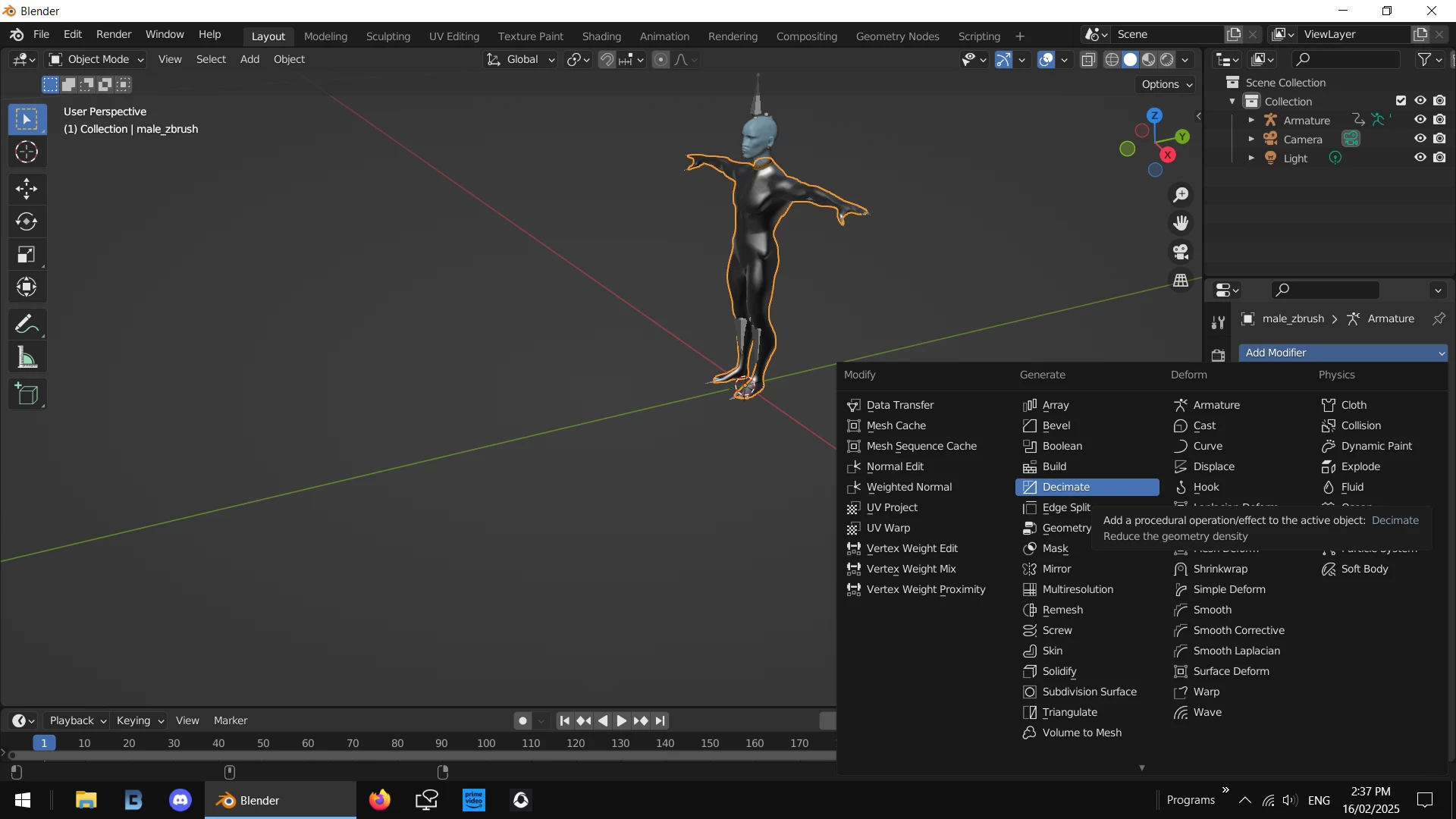
to drop the file size / compexity you have to open it in whatever editor and 'decimate' it a few times
in this case your model is in two parts [body + head] i ran a .50% on the bidy 3 times so 1/2, 1/4 then 1/8 and then i also "decimated" the head .50 once... i did more on the body because i consider the head more important for close ups but if you fine the model distorts while moving around you could 'decimate' the head 3 times instead and the body once
Never run more than a 50% decimate in a single turn... always take lots of small bits instead of trying 80-90% in one big hit
also as we talked about your model was not standing correct on the ground plain ... this appears to be a zbrush issue




 AdChoices