
None of the Sliders/Cubes on Color Panel changes colors with Eyedropper on PS Beta 25.1.0
Hello,
Posting here for the first time cause can't seem to find a relative topic so here's the problem;
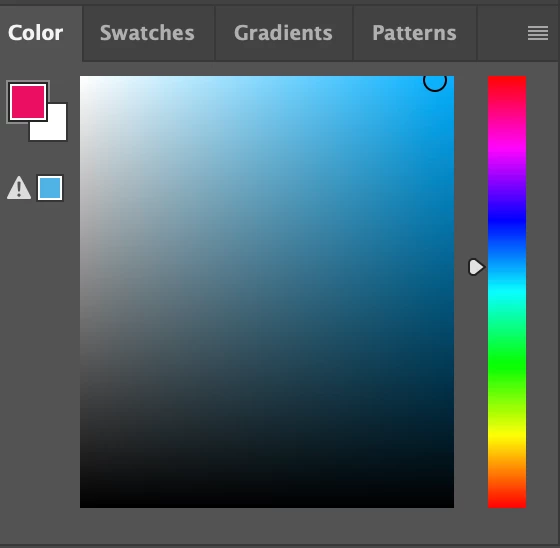
The circle on the Hue Cube that shows what color you are on doesn't move when i pick colors on my canvas with Eyedropper. Eyedropper is already set to sample "All Layers", Both Foreground color and Background Color shows the color Eyedropper picks when selected, but Hue Cube (or any of the other cubes/sliders) doesn't move at all.
I was on the previous version when the problem first occured out of nowhere earlier today, i updated it to 25.1.0 in the meanwhile and i also tried resetting my preferences and uninstalling etc. I also uploaded regular PS and i'm not having the same issue there but i'm using Beta features a lot so i'd rather keep using it if there's an easy solution.
Thank you in advance,



 AdChoices