
AndrewTheGreat
Known Participant
August 8, 2023
Answered

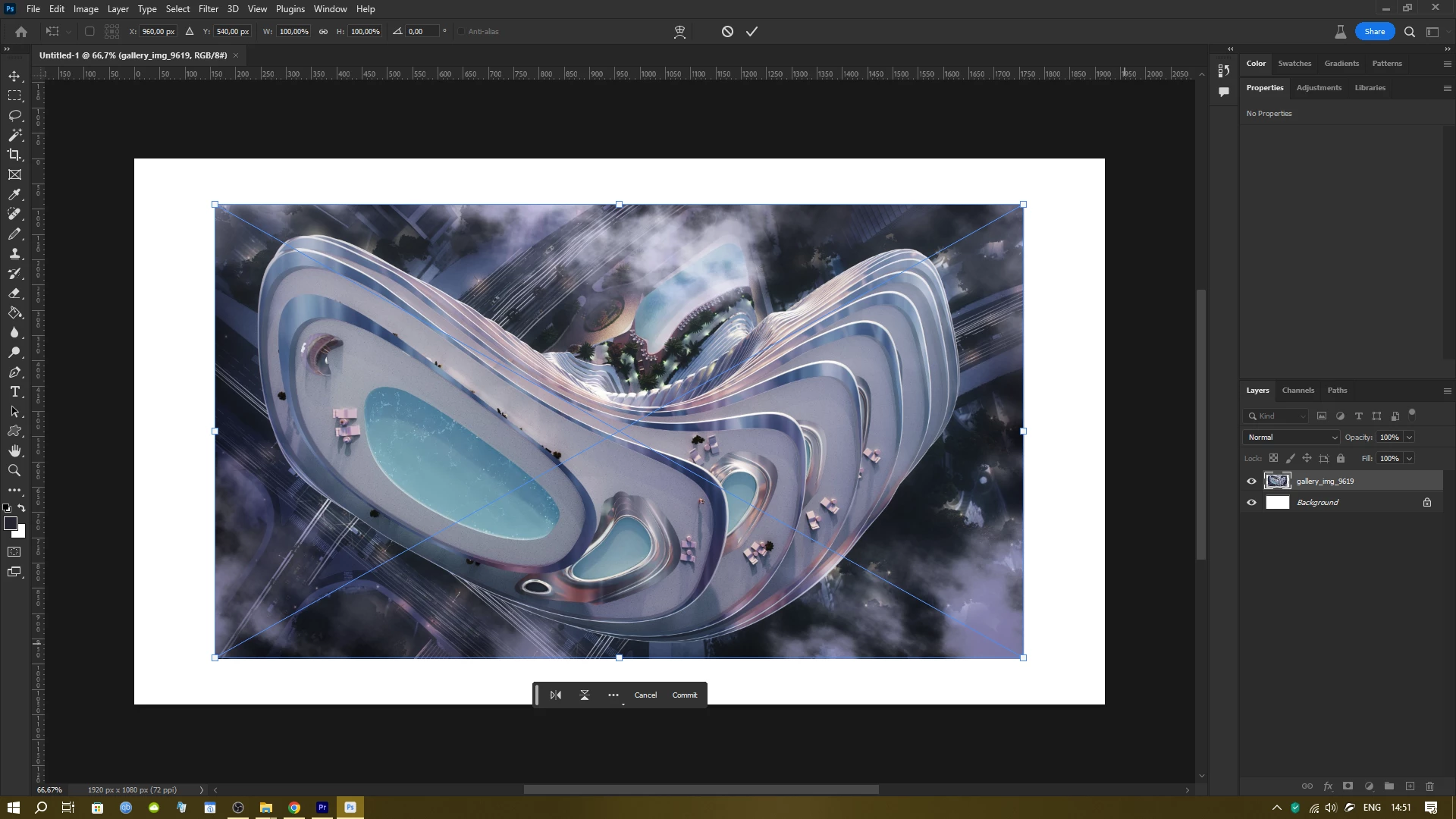
Photoshop 25.0.0 Beta does not Auto fit images into canvas on import

  • August 8, 2023
  • 1 reply
  • 469 views

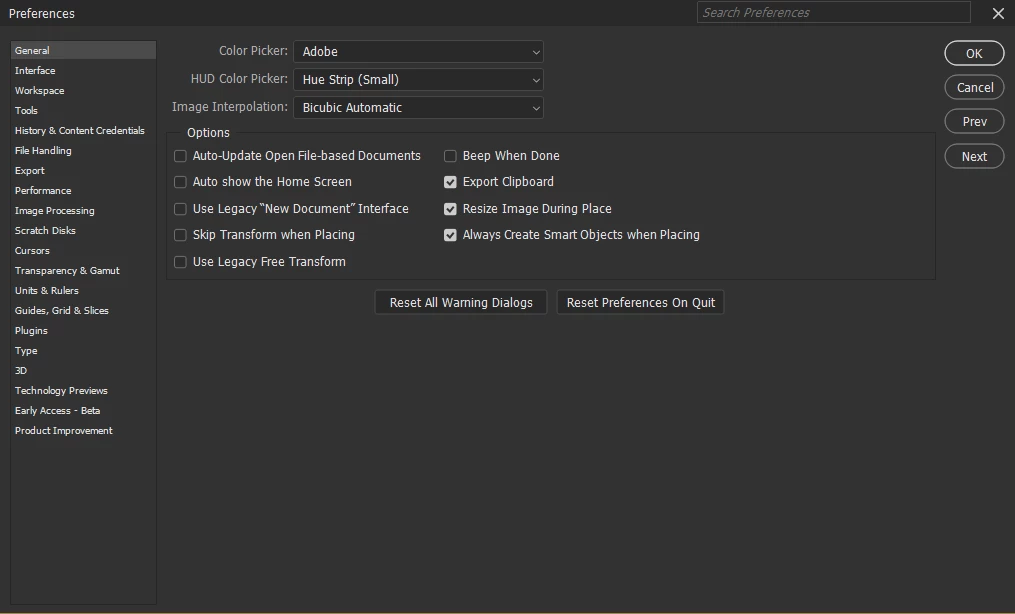
The problem as noted in the title - if I place an image with drag and drop or Place embeded the image retains its original size despite the checkbox in preferences.
 

Correct answer Kevin Stohlmeyer

@AndrewTheGreat It appears the original image is already at 100% when dropped in. My experience is the preference will downsample when dragging in a larger image, but not increase if smaller that would be damaging to the original image.

1 reply

Kevin Stohlmeyer
Community Expert
Kevin StohlmeyerCommunity ExpertCorrect answer
Community Expert
August 8, 2023

@AndrewTheGreat It appears the original image is already at 100% when dropped in. My experience is the preference will downsample when dragging in a larger image, but not increase if smaller that would be damaging to the original image.

AndrewTheGreat
Known Participant
August 8, 2023

Hi, Kevin. As far as I remember Photoshop always sets the scale up to the sides of a canvas, no matter what size a picture is or what size the canvas is. But even if I'm confused, is there a way to make it set the imported images to scale up or down thus filling the canvas, some kind of an auto fill feature? Seems so obvious

Stop trying to edit and EDIT!
Kevin Stohlmeyer
Community Expert
Community Expert
August 8, 2023

I went back as far as CC 2021 and none of my smaller images upscaled to fit the canvas. The preference is pretty vague IMO It just says "Resize Image During Place".

I found another post from 2019 that confirms the Resize only fits an image if it's larger than the target canvas. It does not upsample to fill an area.

https://community.adobe.com/t5/photoshop-ecosystem-discussions/resize-during-image-place-not-working/td-p/10461194
