Try resetting the tools and/or preferences. To restore preferences quickly using a keyboard shortcut:
Press and hold Alt+Control+Shift (Windows) or Option+Command+Shift (Mac OS) as you start Photoshop. You are prompted to delete the current settings. The new preferences files are created the next time you start Photoshop. Note: Using the keyboard shortcut, preference files for custom shortcuts, workspaces, and color settings will also be reset to default.
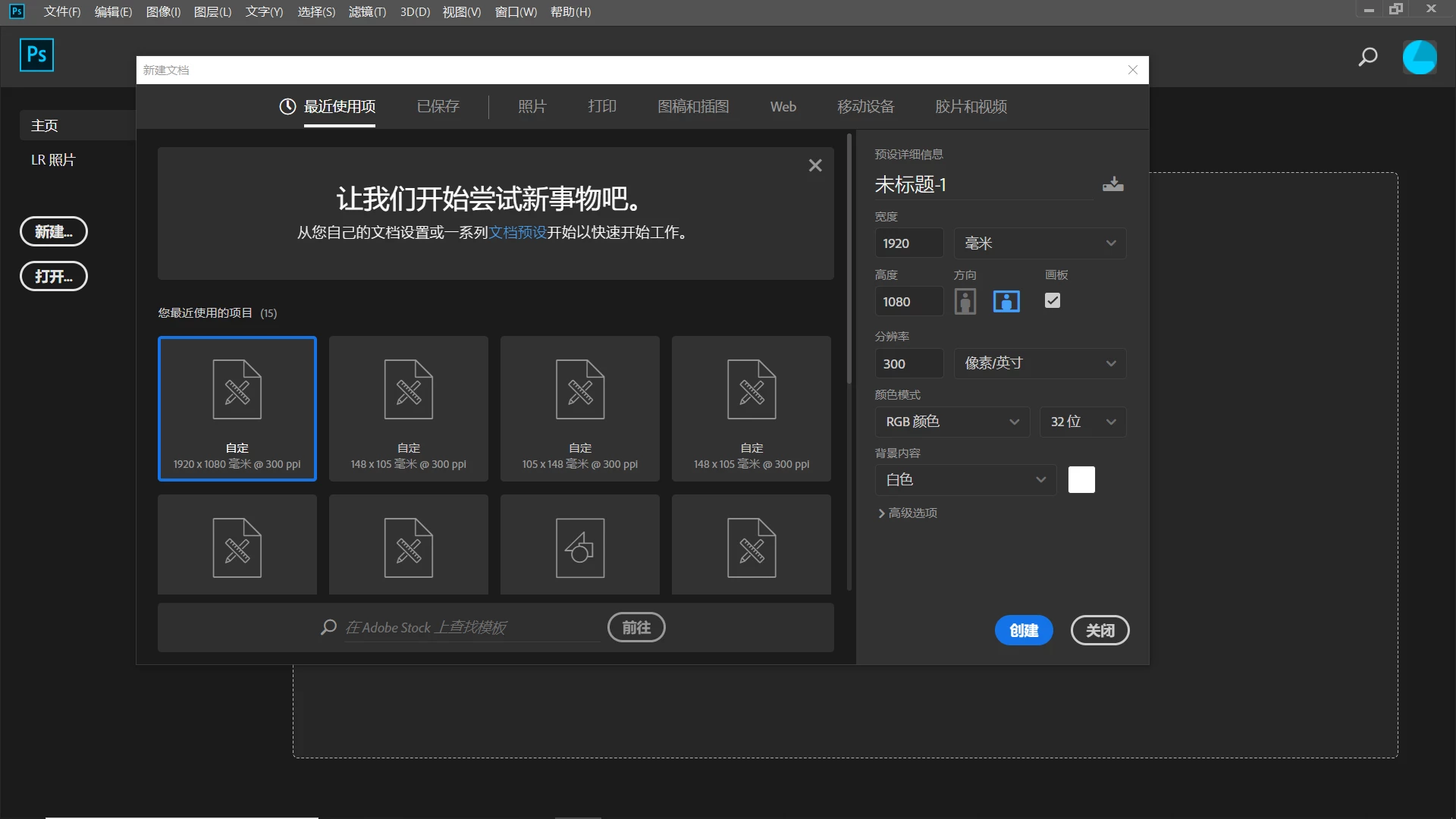 这个怎么删除呢,我找不到相关的文件,通过官方给定的方法也找不到


 AdChoices