Sorry for the delayed response! We hope the issue has been resolved by now. If you're still experiencing the problem, we recommend updating Photoshop to the latest version and checking whether the issue persists.
Before updating, please create a backup of your custom Actions and Preferences.
I’d also suggest updating your Nvidia driver to the latest version available.
Translate
Thanks, Srishti Bali | Community & Engagement Strategist, Digital Imaging | Adobe
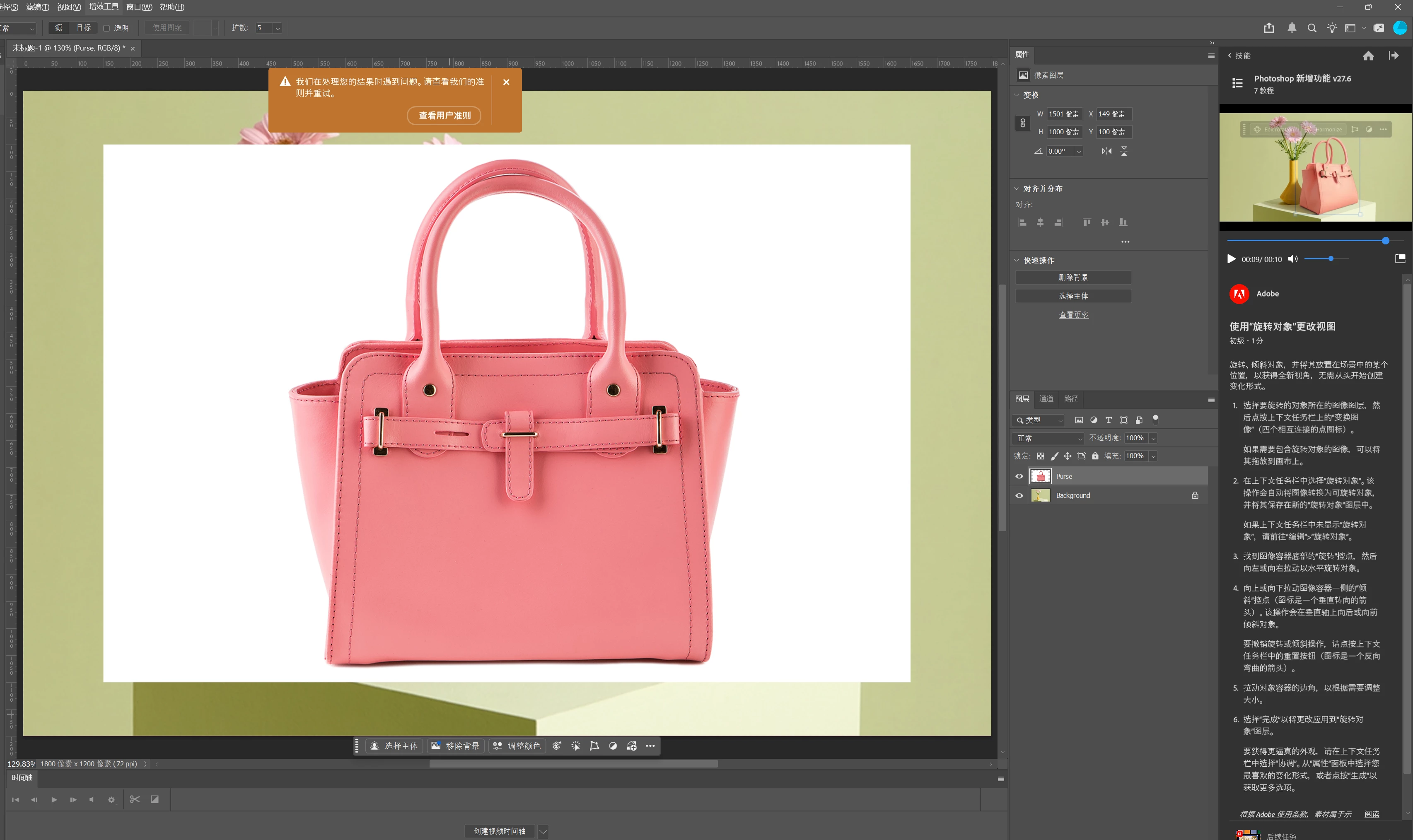
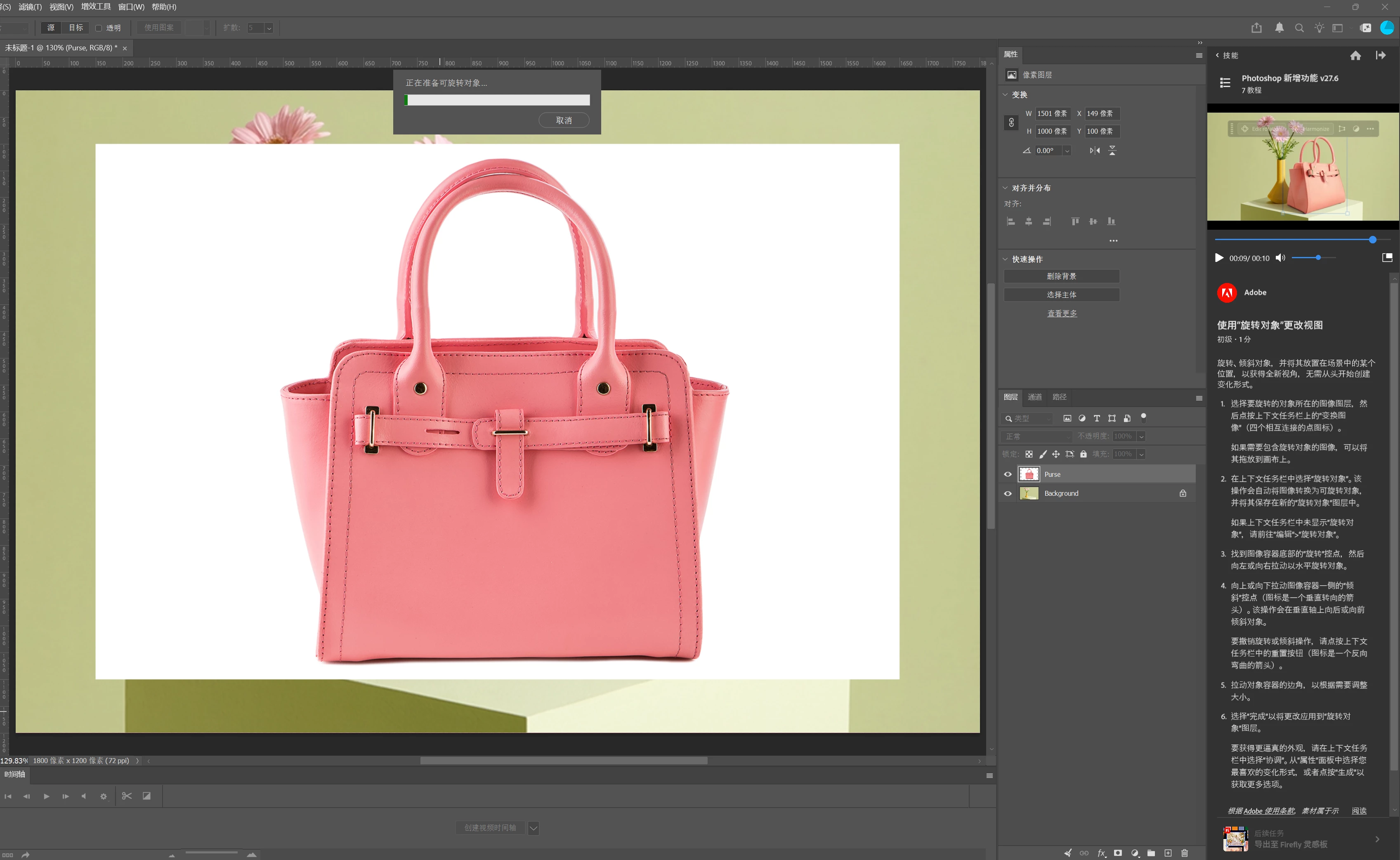
Thanks for reaching out. I'd like to better understand exactly where you're getting stuck. Is Photoshop starting the rotation process but not completing it? Could you also share a few more details?
Is this happening only with this specific file, or with other files as well?
Please go to Help > System Info in Photoshop, copy the information, and paste it here.
For more details on the Rotate Objects, check out this page:
Translate
Thanks, Srishti Bali | Community & Engagement Strategist, Digital Imaging | Adobe



 AdChoices