Participant
Feb 21, 2024 12:09 PM UTC
Question

无法安装 Creative Cloud 应用程序扩展或插件.CCX

双击任何.CCX安装文件系统都没有反应,在.CCX安装文件上用右键选择“UnifiedPluginInstallerAgent“后弹出的一个窗口瞬间闪退也没任何反应,市场里也没有任何成功安装的插件,请帮忙解决,谢谢~


使用系统:中文WIN11

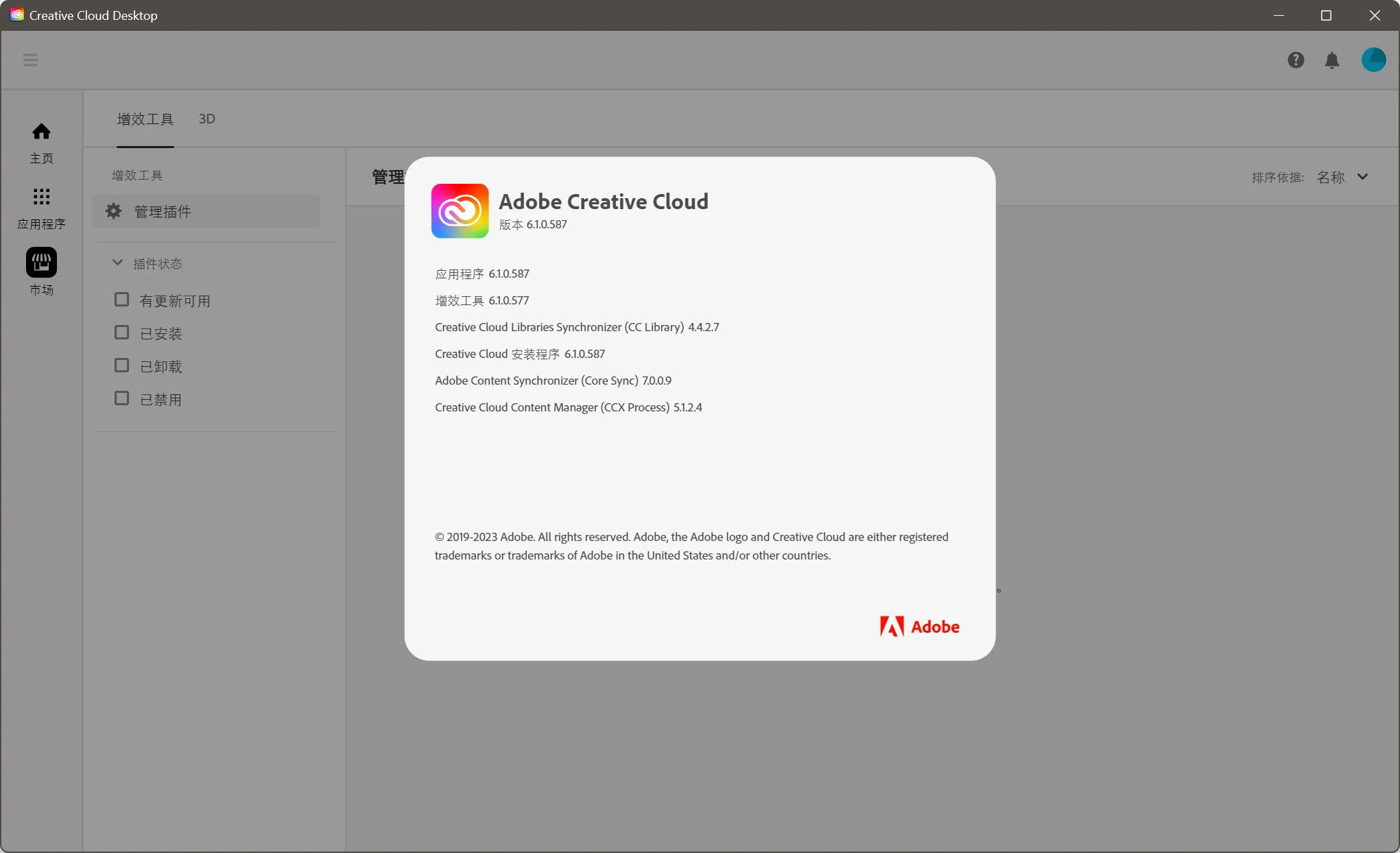
Creative Cloud版本6.1.0.587
 

This topic is closed to new replies. Start a new post to keep the conversation going.

2 replies

Participant
Feb 21, 2024 11:40 PM UTC

Thank you for your reply, but the issue of my firewall being disabled still remains unresolved. I suspect that it may be a problem caused by my using a Chinese username, as many software applications have encountered errors when using Chinese usernames on WIN systems. However, after using the Microsoft Community method to correct the issue with my Chinese username, the Creative Cloud issue still persists. I have also attempted to repair the Creative Cloud using an uninstall program, but unfortunately, this has had no effect.

Translate
Kevin Stohlmeyer
Community Expert
Community Expert
Feb 21, 2024 1:59 PM UTC

Check your firewall settings - there are older posts noting that firewalls could be blocking the ccx from connecting.

Translate